neodark
Left 4cyl @home
Thanks... However, the ford site states that my car is up to date after I enter my VIN, hmmm.
"Your SYNC system (SYNC3 v3.3.19052) is up to date."

Thanks... However, the ford site states that my car is up to date after I enter my VIN, hmmm.

If that doesn't change in the next couple of days I suggest looking into upgrading with the Cyanlabs method. A hell of a lot easier than the official method and you can do both Sync and NAV in on one go. It will take about 50 mins.Thanks... However, the ford site states that my car is up to date after I enter my VIN, hmmm.
"Your SYNC system (SYNC3 v3.3.19052) is up to date."

The most likely reason for this is that you did not upload the xml file to Ford after the last update. Because of this they do not know what you have. Now regardless they should still offer you 3.4 at this point. Anyway if you didn’t upload the file and you still have it, do it now. I would still put in a call to Ford as they can fix this for you.Thanks... However, the ford site states that my car is up to date after I enter my VIN, hmmm.
"Your SYNC system (SYNC3 v3.3.19052) is up to date."
You can just find a used car site with 19’s and use one of those VINs. Just make sure it’s Nav (~1.2GB) or Non-Nav (~2.3GB) depending on what you have. The installers aren’t ESN linked or anything like that.Thanks... However, the ford site states that my car is up to date after I enter my VIN, hmmm.
"Your SYNC system (SYNC3 v3.3.19052) is up to date."

If I can ever download it, where do you access it? Thx.I also love the dark mode in 3.4. It's all I use.
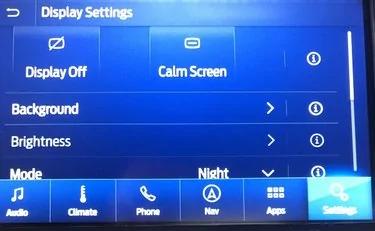
Where is that setting? Thx.Because the display can still be dimmed... in night mode.
Are they 4 on 3.3 or 3.4? And once more, how do you access them? Thx.And only 4 pre-defined backgrounds... really Ford!?
Cyanlabs method is like jailbreaking method for iPhones. Their downloader allows the install /update of Sync and Nav versions bypassing Ford's checking methods. You still downloading official Ford downloads from Ford servers. All is done from one place. This is how Sync3 v3.0 owners can install newer versions like v3.4. Because of their outdated APIM, Ford doesn't allow this. Check out the Cyanlabs community forum...Out of curiosity, what's the deal with that 'cyanlabs' mentioned so much? What's the catch with that site? And do they have now the same exact 3.4 version (forgot the numbers), or is it still an older version? Hope I don't have to use it.
These are found in the display settingsIf I can ever download it, where do you access it? Thx.....Where is that setting? Thx....Are they 4 on 3.3 or 3.4? And once more, how do you access them? Thx.
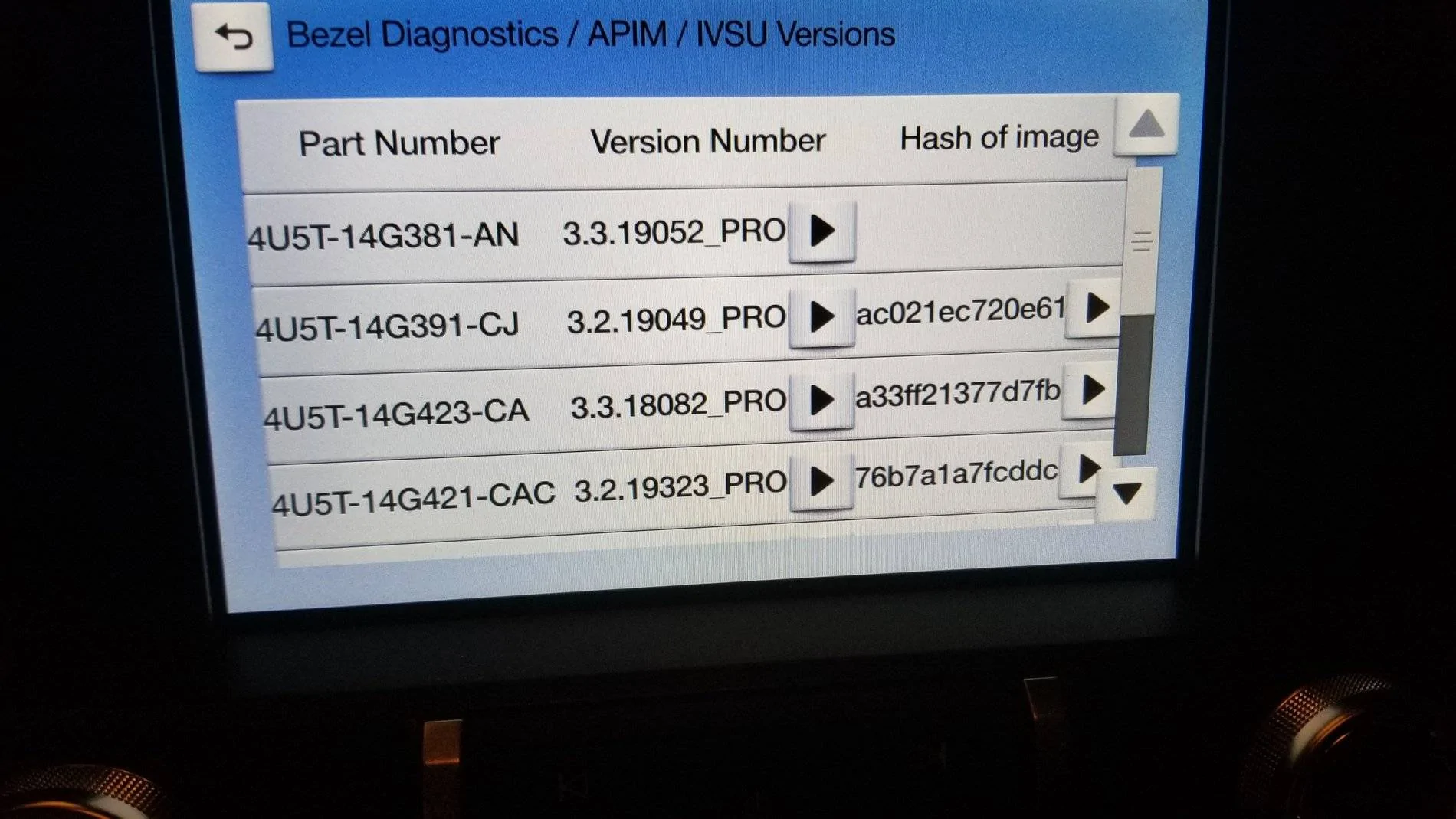
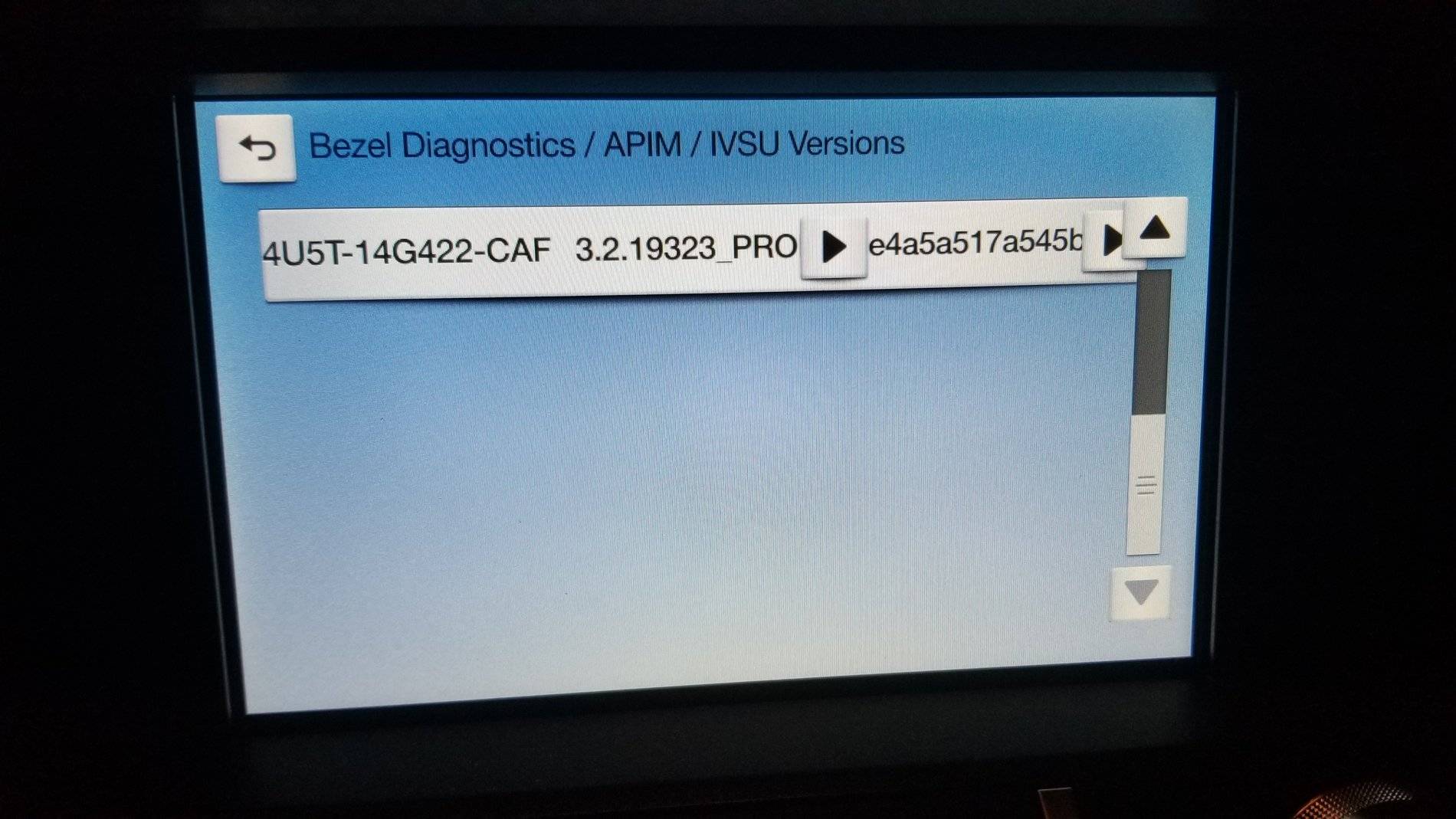
How do you get to this display? I guess this is the APIM diagnostics. I need to check if my NAV 119 installed correctly.I found them on my pc so here they are.
Press n Hold FF and the CD Eject buttons -> Touch "End Speaker Test" -> APIM diagnostic - > IVSU VersionsHow do you get to this display? I guess this is the APIM diagnostics. I need to check if my NAV 119 installed correctly.
How do you do a "master reset" on Sync?
thanks,

there are 2 methodsHow do you get to this display? I guess this is the APIM diagnostics. I need to check if my NAV 119 installed correctly.
How do you do a "master reset" on Sync?
thanks,
2) if you dont have a CD player (like i do) then its "seek up" on the steering wheel and "tune up" button on the FCIM (front control interface module). its the phsyical button on the center console to go to next station, not the digital button.Press n Hold FF and the CD Eject buttons -> Touch "End Speaker Test" -> APIM diagnostic - > IVSU Versions
Thank you for both that link, and for the settings heads-up. Prefer to do it from Ford, in case of any warranty issues. But if I never get the Sync 3.4 there, might try CL. So I guess it's like FORScan, no? Cool.Check out the Cyanlabs community forum
It's in settings. Don't remember exactly where, but it shouldn't take you long to find itHow do you do a "master reset" on Sync?
 . It's on the same menu where you look at the Sync and map versions. I always have to look for it, but doesn't take me long.
Thank you! I don't have the CD player on my 19GT 400A so I'll use Wade's advice for that.Press n Hold FF and the CD Eject buttons -> Touch "End Speaker Test" -> APIM diagnostic - > IVSU Versions
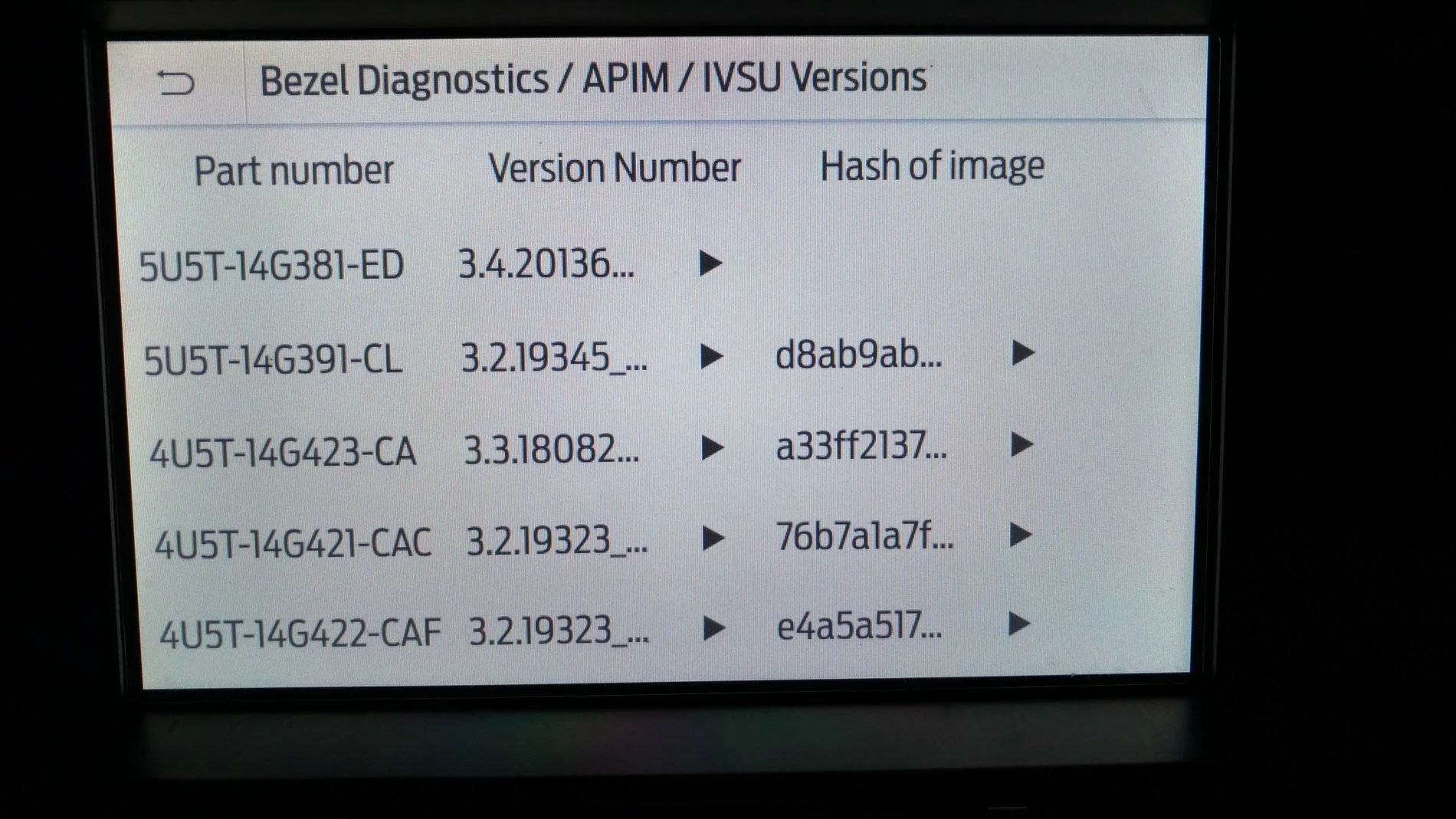
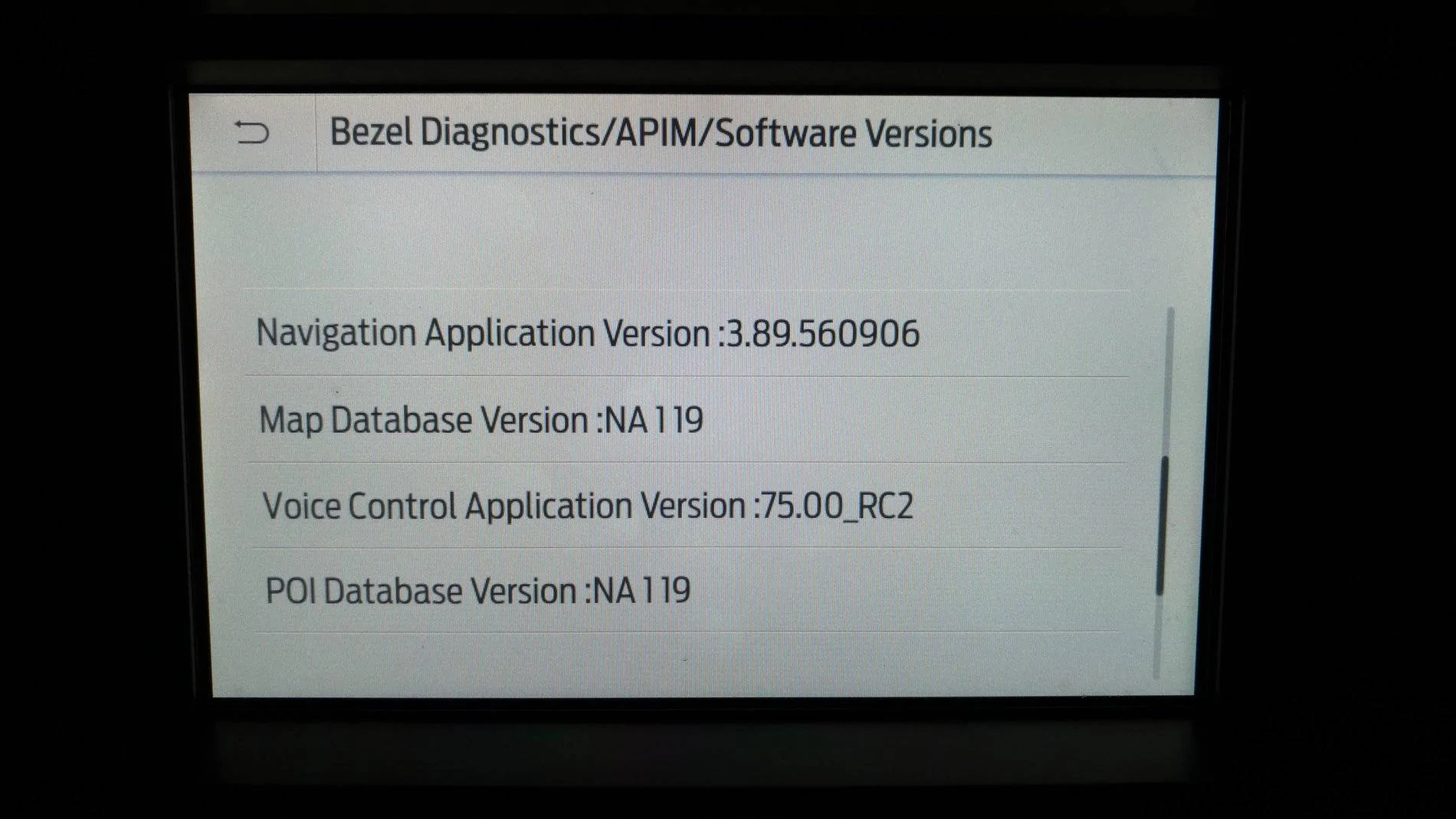
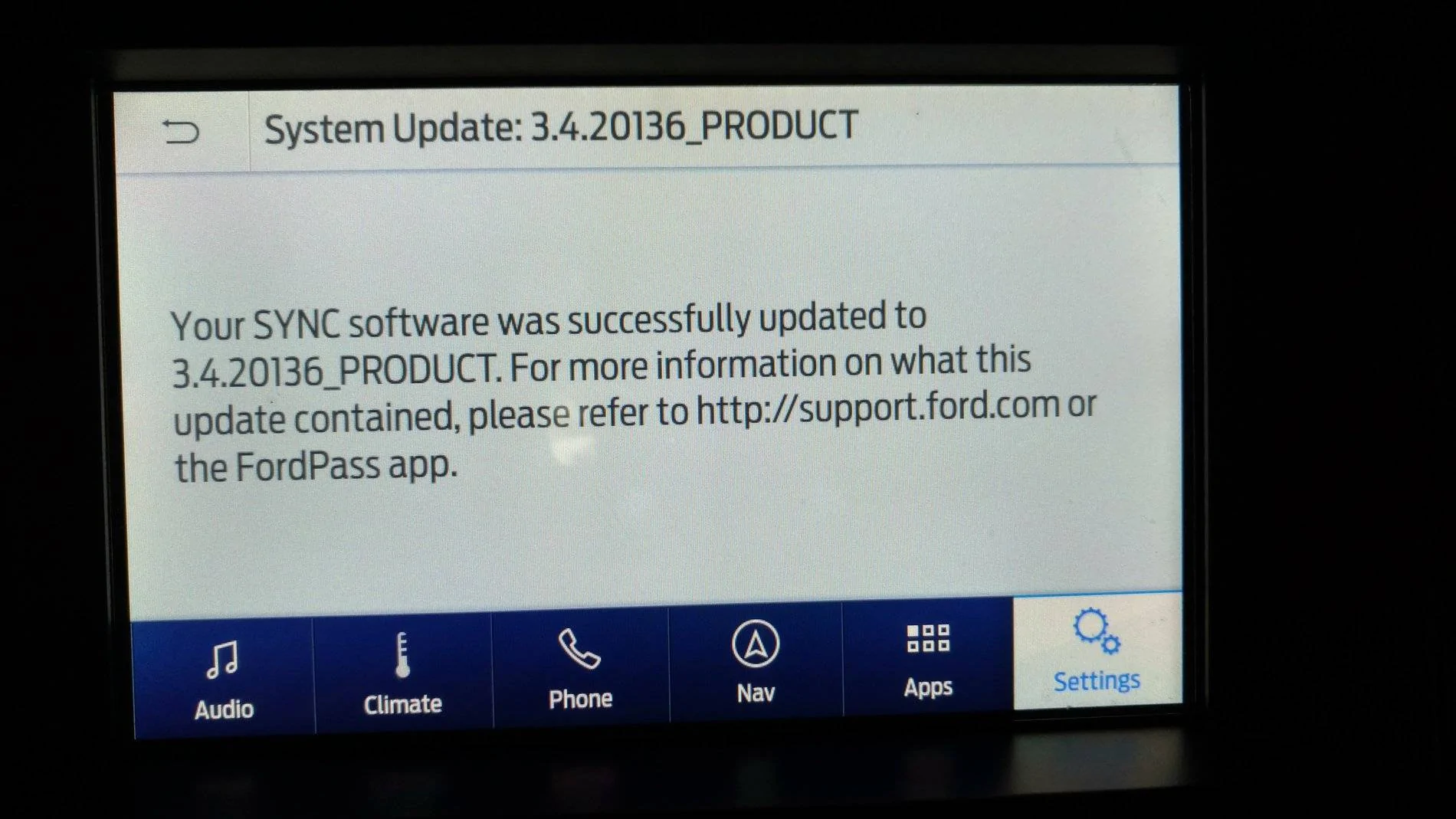
Yep, looks fine. That's a pretty blistering install time for the map.Even though my Nav maps continue to update in 35 minutes (tried twice) it displays Complete and here's what's been loaded. Guess I'm ok.
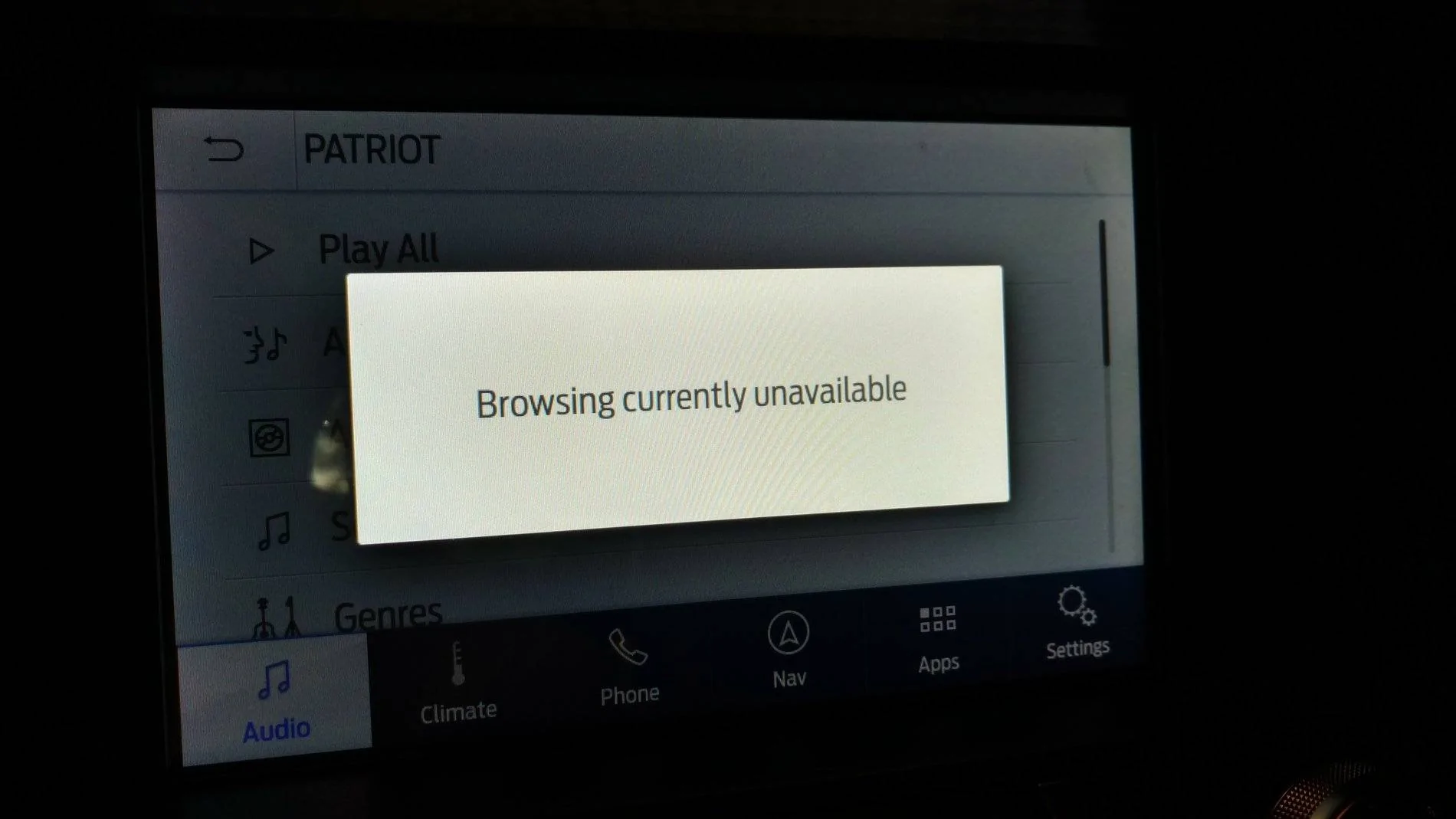
Yep, either a master reset (to re-index) or a forced re-index through media player settings seems to be clearing this up for everyone.As someone else has mentioned, I'm now not able (with Sync 3.4) to Browse my USB stick with all my tunes, even when sitting still or when using the voice commands.[/ATTACH]
UPDATE: System Reset solved this problem.