mejohn50
Intergalactic Snail
- Joined
- Jun 12, 2016
- Threads
- 24
- Messages
- 887
- Reaction score
- 1,087
- Location
- United States
- First Name
- Mitch
- Vehicle(s)
- slow junk
- Thread starter
- #1
For the last few weeks I have been testing out the PCMTEC Custom OS. I have had full access to Multi-Tune, Launch Tune with rolling RPM limiter, User-Selected Power Blending, User-Selected Ethanol Content, and sensor-based CAN bus flex fuel. I have had a chance to test all the Custom OS functions except the sensor-based flex fuel.
Custom OS is a GAME CHANGER. It is worth the cost of entry all on its own. The features that come with Custom OS bring the OEM PCM functionality nearly on par with aftermarket stand-alone engine controllers. In my humble opinion, PCMTEC’s Custom OS is the biggest leap forward on the Coyote platform since the Coyote came out.
Multi-Tune gives you access to 3 tune slots on top of the base tune, plus a configurable launch tune, making 5 total tunes in one calibration. Nearly any tunable parameter available in the editor can be added to these tune slots to make them do whatever you want. You can then tune those parameters to make the different slots function completely differently.
A few configurations I have tested in the tune slots are ghost cam on the fly, enable/disable a “popcorn” tune, selectable power levels, a low power “valet” tune, and switchable 93 and E85 tunes. It works flawlessly and it’s fantastic to have the ability to swap tunes on the fly.
Here is my current favorite configuration to run on my car day-to-day:
Slot 1 (base tune) – lower power tune using LSPI load limits (I have a Whipple car) and reduced spark advance.
Slot 2 – full power tune removing all limiters from slot 1 and adding full timing back.
Slot 3 – same as slot 2 but with exhaust pops and bangs enabled.
Slot 4 – same as slot 2 but with ghost cam enabled.
I also have it set up for user-selected ethanol content so if I feel like putting some ethanol in the tank I can dial in the content and make some more power. Additionally, I have the launch tune set up as a rolling RPM limiter. The rolling RPM limiter lets me select an RPM limit, hold the cruise control off button, floor the gas pedal, then when I am ready to launch just release the cruise off button, and it goes WOT instantly. Great for roll racing events.
The ability to add nearly any tunable parameter to the tune slots means the possibilities are endless. It’s also very easy to take current individual tunes you have, like E85 or race gas tunes, and add them to the tune slots. You can export only changed parameters for your individual tune files and import them with settings into the tune slots making it very quick to build out the tune slots.
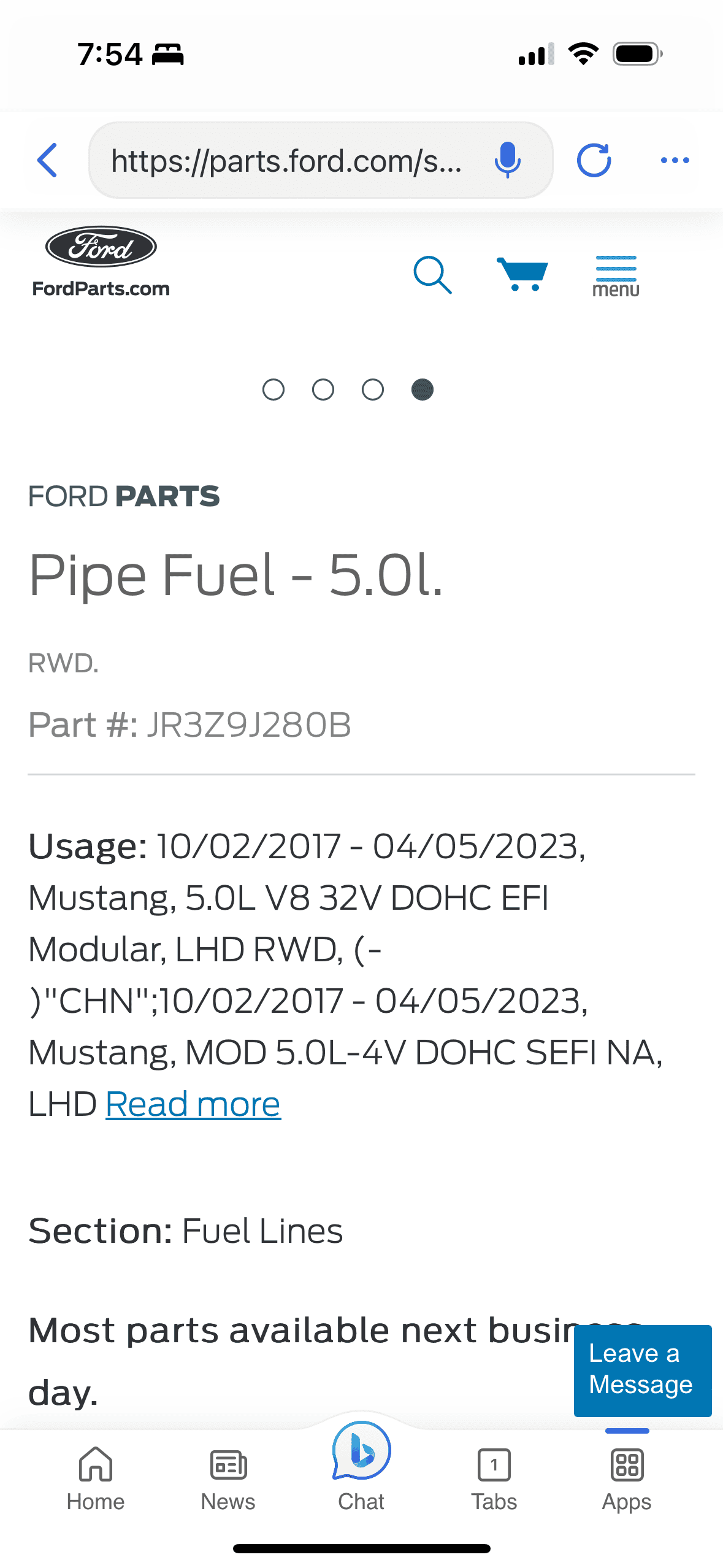
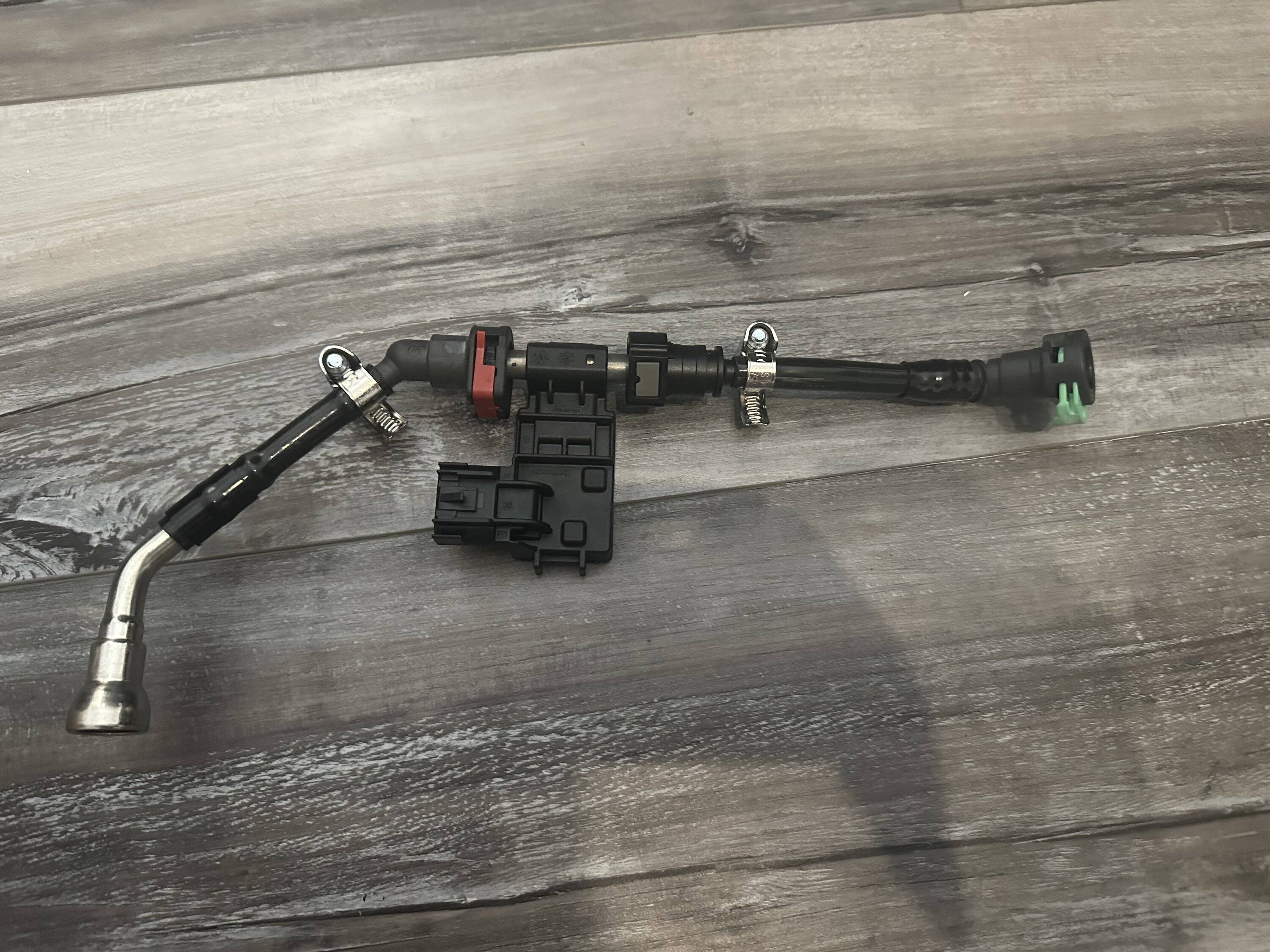
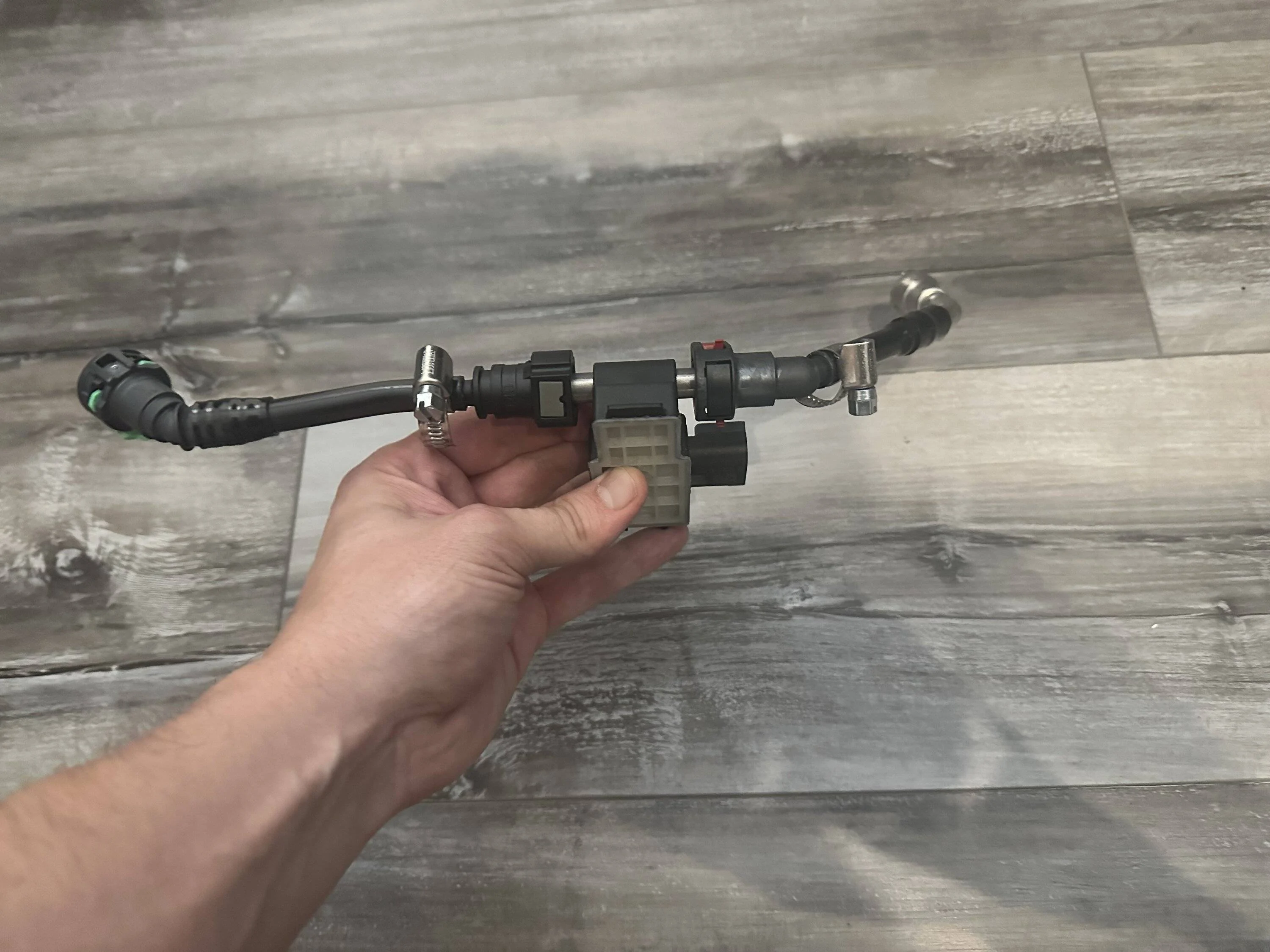
I have only used the user selected ethanol content and it works great, but the CAN bus sensor-based flex fuel works on the same principle while looking for the ethanol sensor. Many of the tables can be blended between the two selected fuels making it easy to set it up to change timing (and nearly anything else you could want) based on the amount of alternative fuel that is in the tank. This flexibility allows you to make it as simple or complex as you need based on your setup. It’s easy to setup if you have functioning pump gas and E85/alternate fuel tunes. Selecting the ethanol content is easy and it’s clear exactly what you have it set at. The ethanol sensor simply automates the ethanol content selection process and does it constantly based on the actual ethanol content in the line. I have started gathering the parts to add the CAN bus ethanol content sensor but I likely won't have it done until next spring.
I am a huge fan of the Custom OS capabilities, and I have only just scratched the surface of what it can do. I am constantly brainstorming new ways I can use this capability. Let me know if you have any questions about what it can do and how it works. I haven’t seen a ton of info on the forums about it yet so I thought I would share my experience.
Custom OS is a GAME CHANGER. It is worth the cost of entry all on its own. The features that come with Custom OS bring the OEM PCM functionality nearly on par with aftermarket stand-alone engine controllers. In my humble opinion, PCMTEC’s Custom OS is the biggest leap forward on the Coyote platform since the Coyote came out.
Multi-Tune gives you access to 3 tune slots on top of the base tune, plus a configurable launch tune, making 5 total tunes in one calibration. Nearly any tunable parameter available in the editor can be added to these tune slots to make them do whatever you want. You can then tune those parameters to make the different slots function completely differently.
A few configurations I have tested in the tune slots are ghost cam on the fly, enable/disable a “popcorn” tune, selectable power levels, a low power “valet” tune, and switchable 93 and E85 tunes. It works flawlessly and it’s fantastic to have the ability to swap tunes on the fly.
Here is my current favorite configuration to run on my car day-to-day:
Slot 1 (base tune) – lower power tune using LSPI load limits (I have a Whipple car) and reduced spark advance.
Slot 2 – full power tune removing all limiters from slot 1 and adding full timing back.
Slot 3 – same as slot 2 but with exhaust pops and bangs enabled.
Slot 4 – same as slot 2 but with ghost cam enabled.
I also have it set up for user-selected ethanol content so if I feel like putting some ethanol in the tank I can dial in the content and make some more power. Additionally, I have the launch tune set up as a rolling RPM limiter. The rolling RPM limiter lets me select an RPM limit, hold the cruise control off button, floor the gas pedal, then when I am ready to launch just release the cruise off button, and it goes WOT instantly. Great for roll racing events.
The ability to add nearly any tunable parameter to the tune slots means the possibilities are endless. It’s also very easy to take current individual tunes you have, like E85 or race gas tunes, and add them to the tune slots. You can export only changed parameters for your individual tune files and import them with settings into the tune slots making it very quick to build out the tune slots.
I have only used the user selected ethanol content and it works great, but the CAN bus sensor-based flex fuel works on the same principle while looking for the ethanol sensor. Many of the tables can be blended between the two selected fuels making it easy to set it up to change timing (and nearly anything else you could want) based on the amount of alternative fuel that is in the tank. This flexibility allows you to make it as simple or complex as you need based on your setup. It’s easy to setup if you have functioning pump gas and E85/alternate fuel tunes. Selecting the ethanol content is easy and it’s clear exactly what you have it set at. The ethanol sensor simply automates the ethanol content selection process and does it constantly based on the actual ethanol content in the line. I have started gathering the parts to add the CAN bus ethanol content sensor but I likely won't have it done until next spring.
I am a huge fan of the Custom OS capabilities, and I have only just scratched the surface of what it can do. I am constantly brainstorming new ways I can use this capability. Let me know if you have any questions about what it can do and how it works. I haven’t seen a ton of info on the forums about it yet so I thought I would share my experience.
Sponsored