Sponsored

2016 No Android Auto

NightmareMoon

Well-Known Member
Joined
Nov 22, 2015
Threads
62
Messages
7,053
Reaction score
6,314
Location
Austin
Vehicle(s)
2016 Mustang GT PP w/ Voodoo
Vehicle Showcase
1
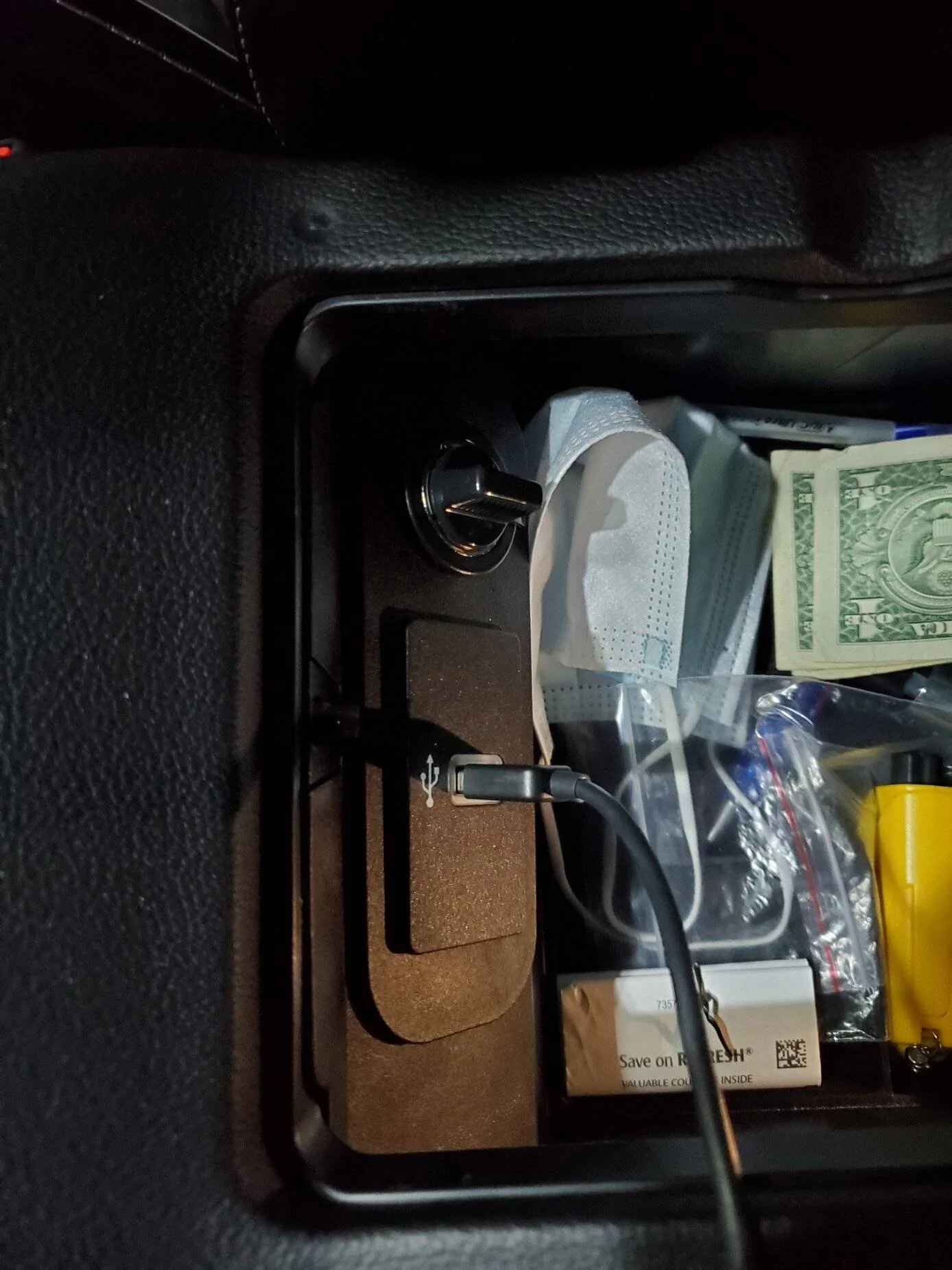
The USB port in the center console has a white-ish clear bezel on the android auto cars and a black bezel on non android auto capable cars
Sponsored

 

Gnatsum21

Well-Known Member
Joined
Oct 31, 2021
Threads
12
Messages
1,078
Reaction score
2,099
Location
Fort Lauderdale FL
Vehicle(s)
Former: GT 21 Roush Twister Orange RIP | ECO 2016
The USB port in the center console has a white-ish clear bezel on the android auto cars and a black bezel on non android auto capable cars
I guess that explains why I couldn't get one USB to work with Android Auto! :giggle:
OP, I think that's your answer, mine (2016 model) was upgraded by either Ford or the pre-owner.
 

Sponsored

Whitest Russian

Well-Known Member
Joined
Dec 27, 2020
Threads
26
Messages
294
Reaction score
206
Location
Colorado
Vehicle(s)
2020 GT Premium
That's weird. You could try resetting your head unit to factory and try plugging in your phone again. Maybe you missed a prompt?

If that doesn't work your best bet might be to take it to a dealership with a good service center.

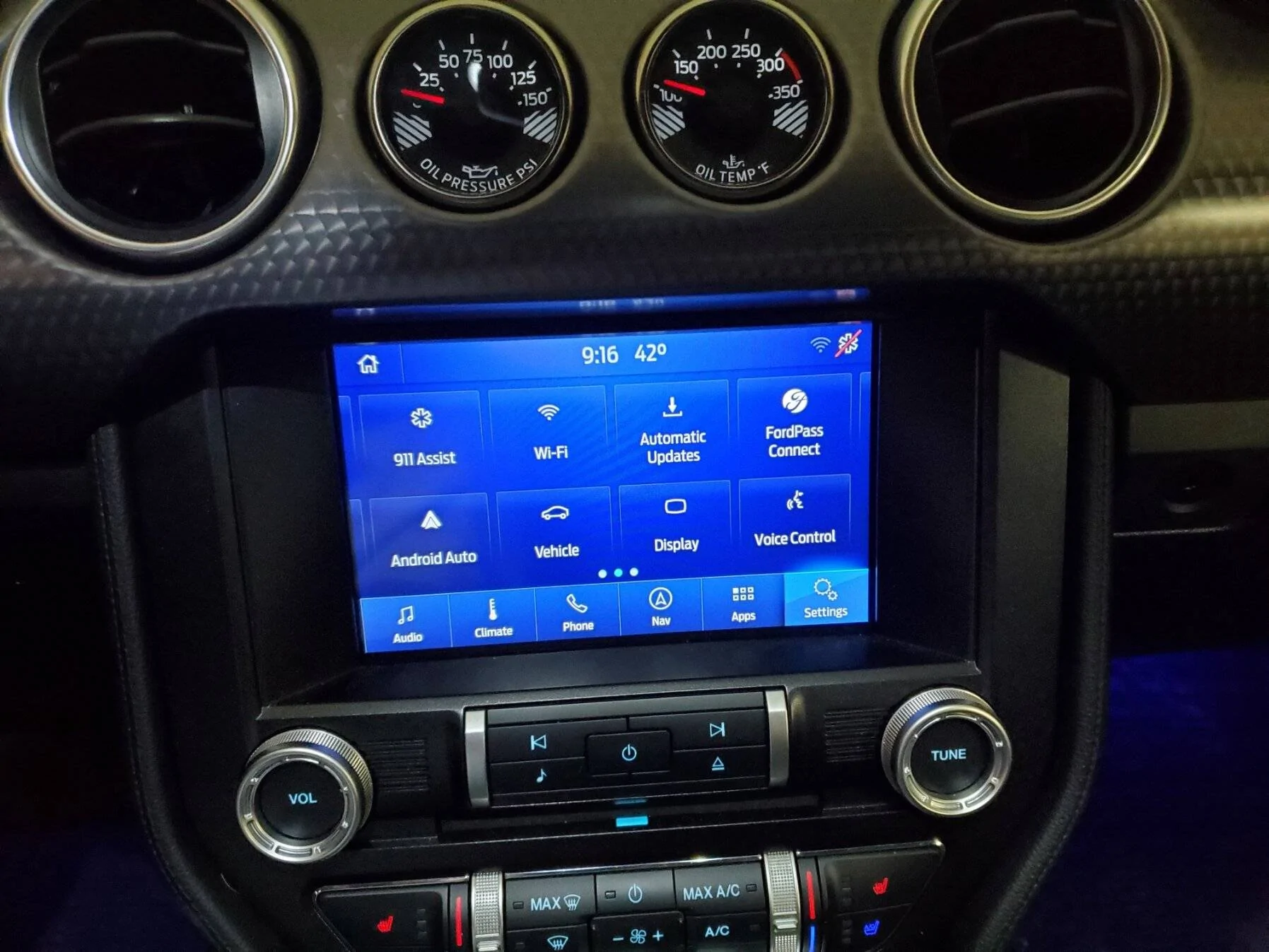
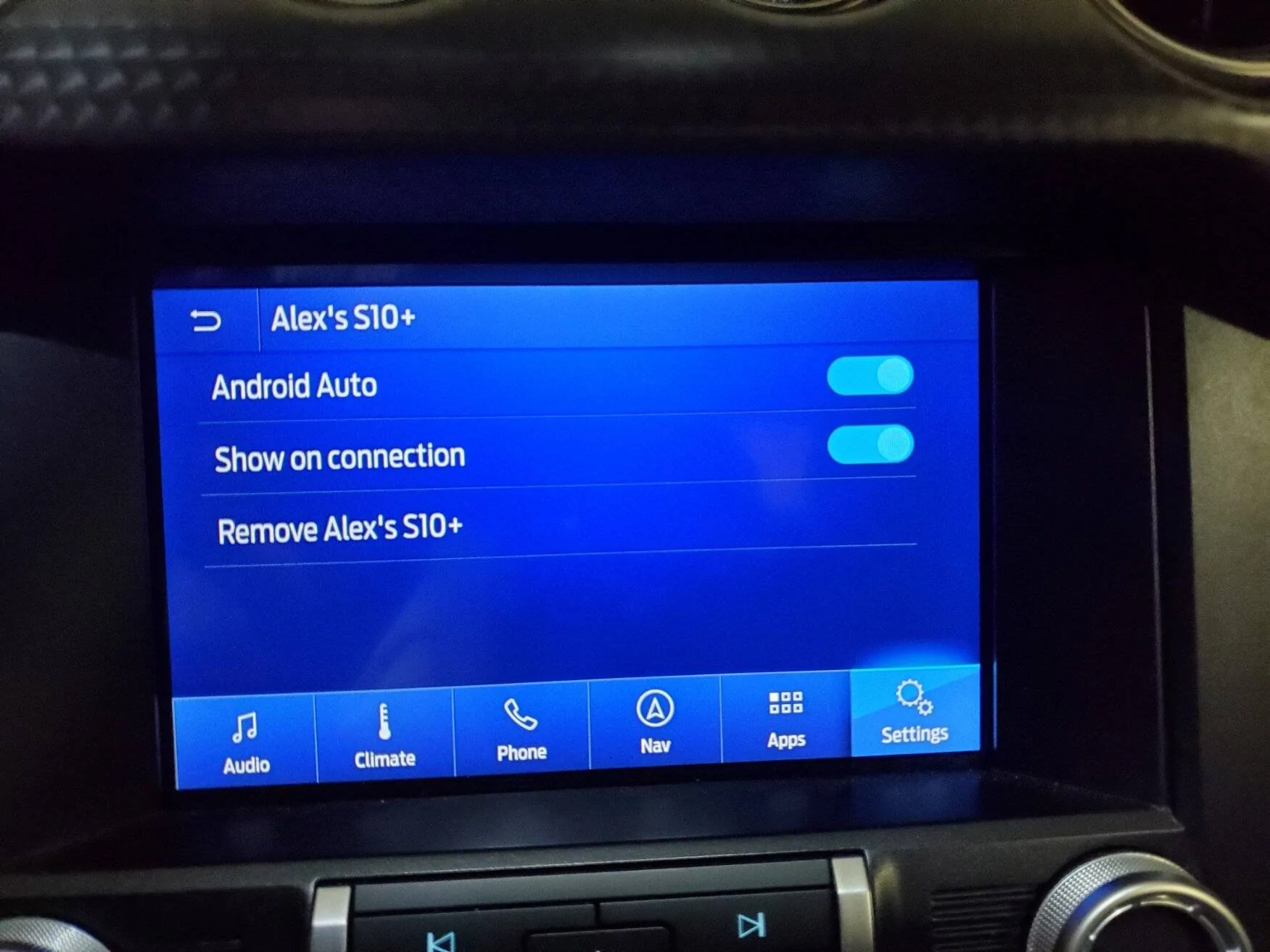
Below is how it is on my car.

USB:
20211214_211618.webp


Settings:
20211214_211646.webp


When I clicked on Android Auto.
20211214_211828.webp
 

StangTime

Well-Known Member
Joined
Apr 16, 2019
Threads
81
Messages
3,594
Reaction score
4,091
Location
Ontario 🇨🇦
First Name
Todd
Vehicle(s)
19' GT PP1 Manual
Your screen-shot is missing some features.
What is your version number exactly?
Go to Settings -> General -> About Sync

Also try unpairing your phone from the car and re-pairing. When you press the phone button can you make a call?

Make sure you are using an actual good USB cable for data and not just a charging cord.
 
Last edited:
OP
OP

cdeleo

Member
Joined
Dec 14, 2021
Threads
1
Messages
11
Reaction score
1
Location
Sewell
First Name
Caden
Vehicle(s)
2016 Mustang GT Premium
That's weird. You could try resetting your head unit to factory and try plugging in your phone again. Maybe you missed a prompt?

If that doesn't work your best bet might be to take it to a dealership with a good service center.

Below is how it is on my car.

USB:
20211214_211618.jpg


Settings:
20211214_211646.jpg


When I clicked on Android Auto.
20211214_211828.jpg
Tried again, mine still looks a little different since it's older but no AA. Cable is good and works for AA in a newer Lexus and Ram
 

Whitest Russian

Well-Known Member
Joined
Dec 27, 2020
Threads
26
Messages
294
Reaction score
206
Location
Colorado
Vehicle(s)
2020 GT Premium
Tried again, mine still looks a little different since it's older but no AA. Cable is good and works for AA in a newer Lexus and Ram
You might need to go to a ford dealer with a good service center to get this fixed. There's always a chance the previous owner did something weird that's messing you up.

Maybe someone with enough Forscan knowledge can help you here but that's not me.
 

Sponsored

StangTime

Well-Known Member
Joined
Apr 16, 2019
Threads
81
Messages
3,594
Reaction score
4,091
Location
Ontario 🇨🇦
First Name
Todd
Vehicle(s)
19' GT PP1 Manual
Is your phone connecting by bluetooth to the car?
 

StangTime

Well-Known Member
Joined
Apr 16, 2019
Threads
81
Messages
3,594
Reaction score
4,091
Location
Ontario 🇨🇦
First Name
Todd
Vehicle(s)
19' GT PP1 Manual
Ok. Try unpairing the phone by deleting it from the list.
Go into Settings -> Bluetooth -> View Devices -> Select your phone and choose delete.
Perform a Sync reset and then re-add your phone.

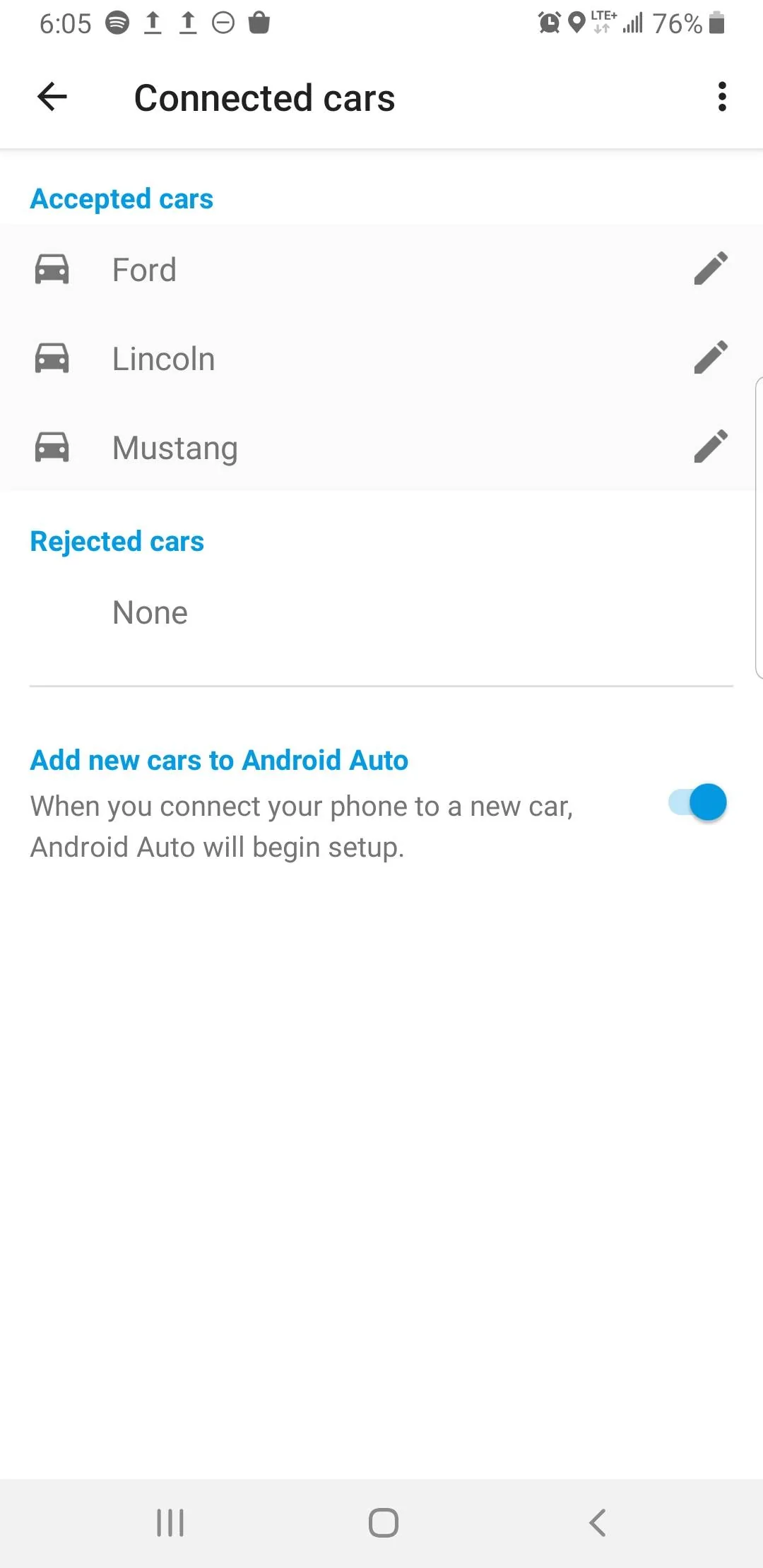
Before connecting the USB cable. Open Android Auto on your phone and go to settings.
The tap on "connected cars".
On this screen make sure "Add new cars" is ON.
Screenshot_20211215-180554_Android Auto.webp


Try plugging in the USB cable to the car.

Android Auto should come up and ask for permission to connect.

If that doesn't work then I have no more ideas.
 

Torinate

Well-Known Member
Joined
Feb 18, 2018
Threads
87
Messages
2,037
Reaction score
943
Location
Ontario
Vehicle(s)
2016 GT Convertible
The 2016 models require a USB hub upgrade for Android Auto and Carplay. You can a new hub from Ford and it installs in your center armrest storage area. Once you have the upgraded USB hub, you'll be good to go from both USB ports. (the one below the dash is connected through the one in the armrest.

+19...

The USB hub is the fix. 5 minute install. Remove the hub in the armrest console and plug in the new one and you’re golden!
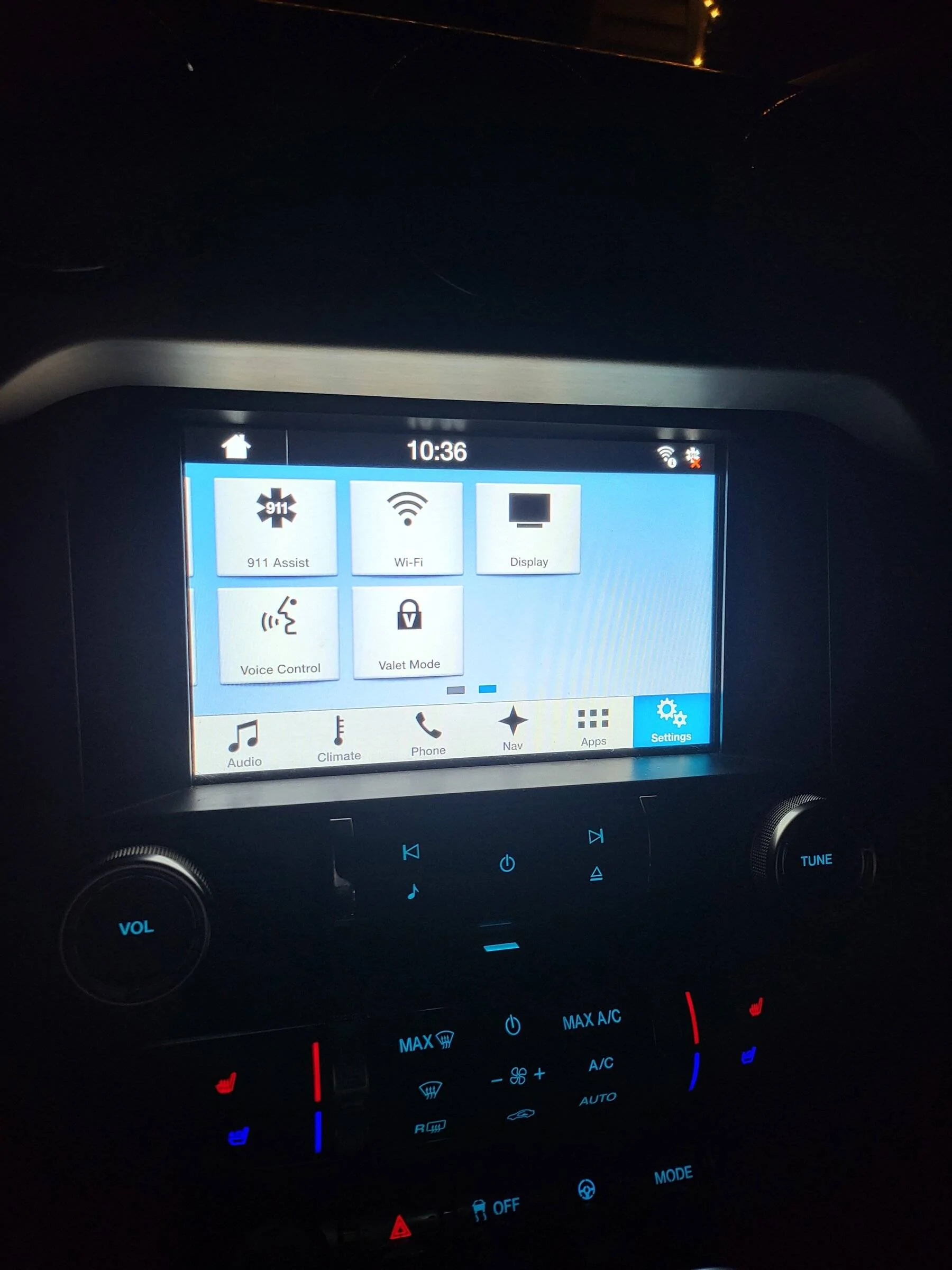
Good luck!
 

Roadway 5.0

Strassejager
Joined
Dec 19, 2016
Threads
57
Messages
1,477
Reaction score
1,782
Location
New York - USA
First Name
Mike
Vehicle(s)
2016GT PP 6MT
Vehicle Showcase
1
The USB hub is the fix. 5 minute install. Remove the hub in the armrest console and plug in the new one and you’re golden!
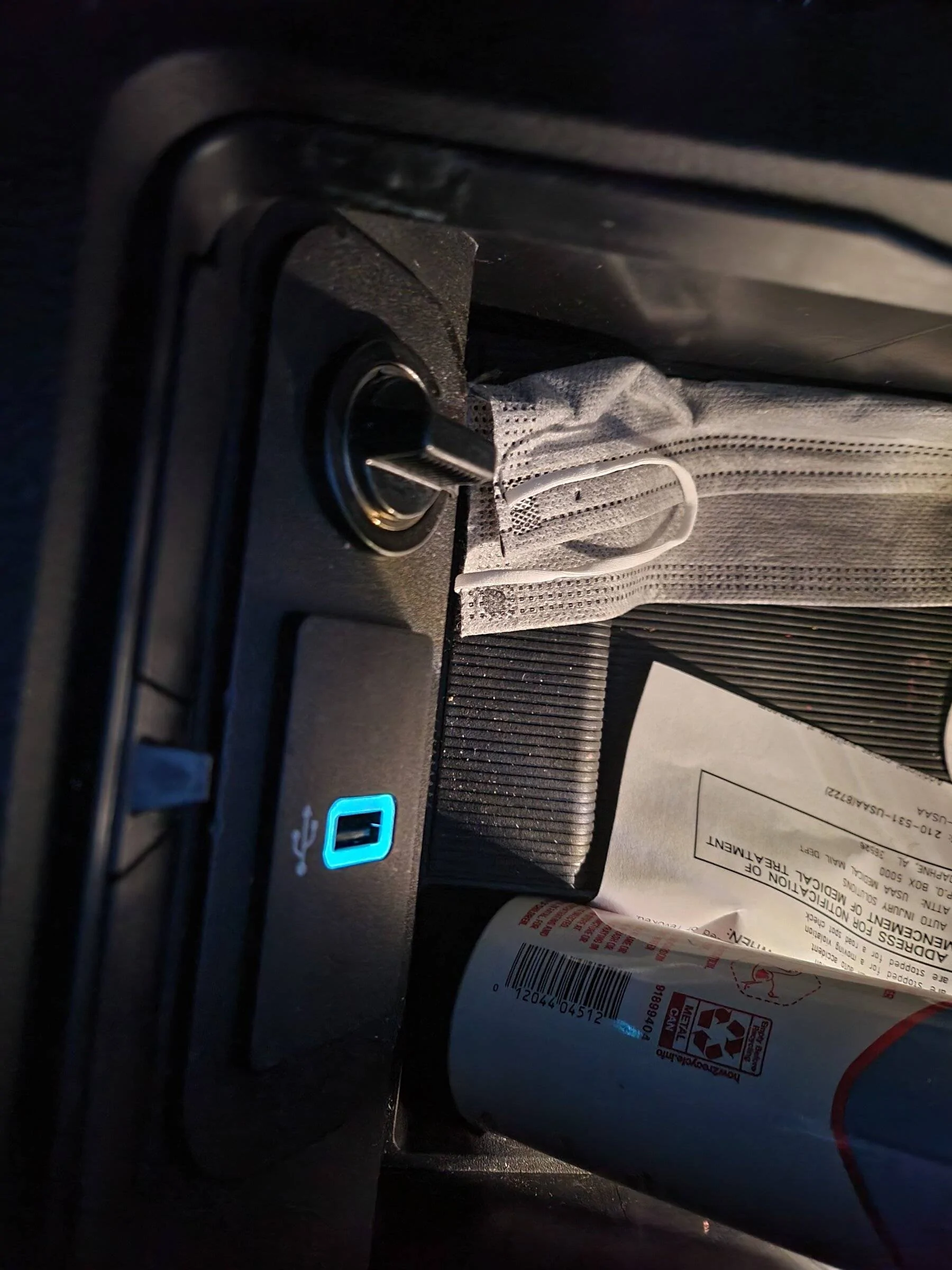
Removing the old USB was the first time I used a butter knife when working on a car. Fantastically effective.

OP, I’m voting with the masses here: scoop the new USB hub and give it a go.

— Mike
Sponsored


Top