Sponsored

TOMTOP 8" Touchscreen Upgrade: Post-Install Issues & Help Thread

strengthrehab

Well-Known Member
Joined
Feb 13, 2015
Threads
74
Messages
1,181
Reaction score
445
Location
Houston
First Name
Ken
Vehicle(s)
2016 DIB Base GT with PP
Hey guys, I got a new unit installed 2 days ago, it's not the one from Tomtop tbh I don't know who the manufacturer is, got it from the local market in UAE, Dubai
Answered already.


Sent from my SAMSUNG-SM-G890A using Tapatalk
 

JStang091

Well-Known Member
Joined
Dec 3, 2015
Threads
1
Messages
88
Reaction score
23
Location
Pittsburgh, PA
Vehicle(s)
2015 Mustang Ecoboost PP
That's then other Chinese unit,'it's been brought up before and there were a couple videos floating around.. It's a little more expensive, and I believe the TomTop is a knock of version of this (knock off of a knock off :clap2:)
 

myjaja

Well-Known Member
Joined
Mar 2, 2016
Threads
59
Messages
446
Reaction score
191
Location
Texas
Vehicle(s)
2018 Mustang 5.0
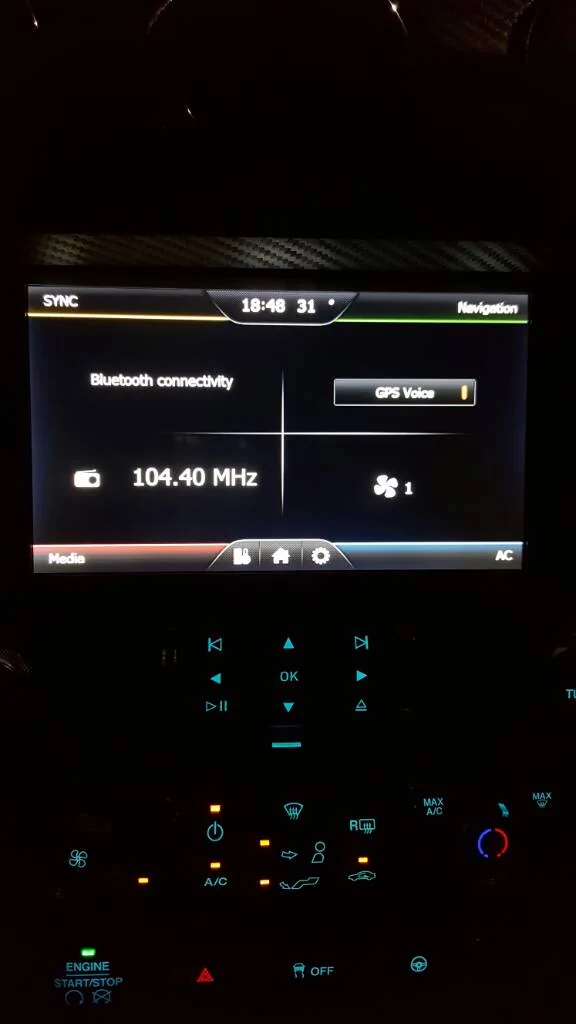
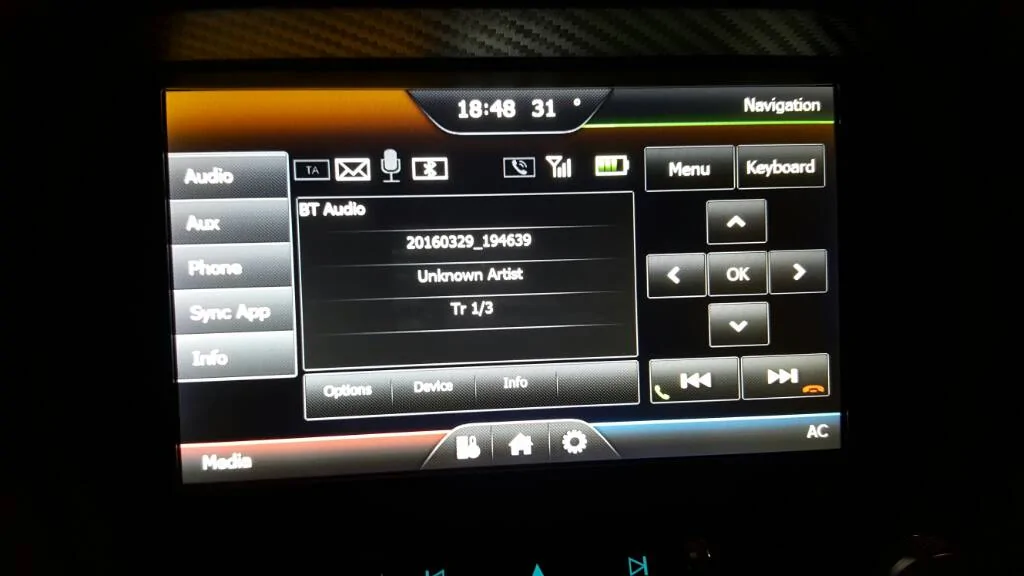
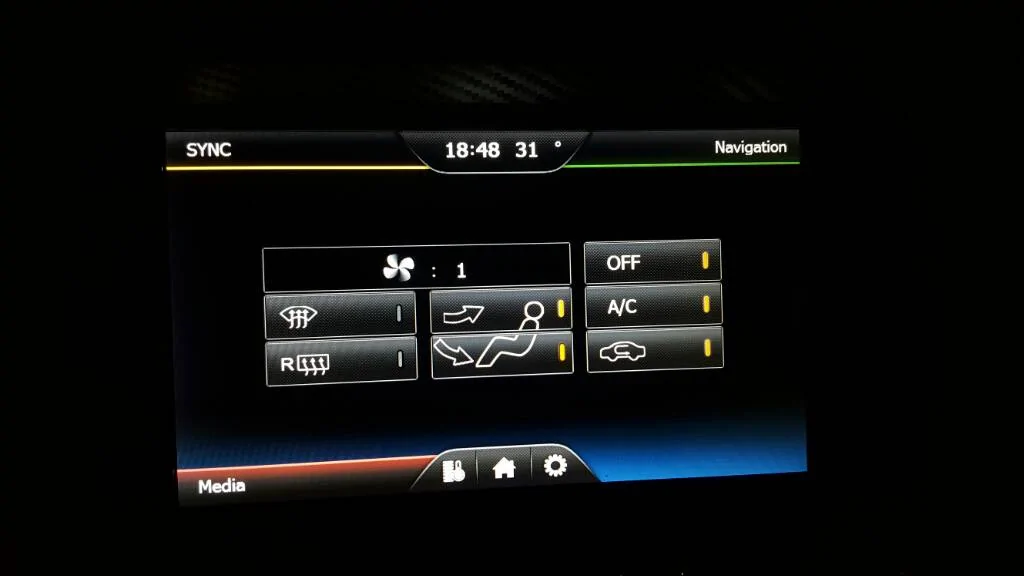
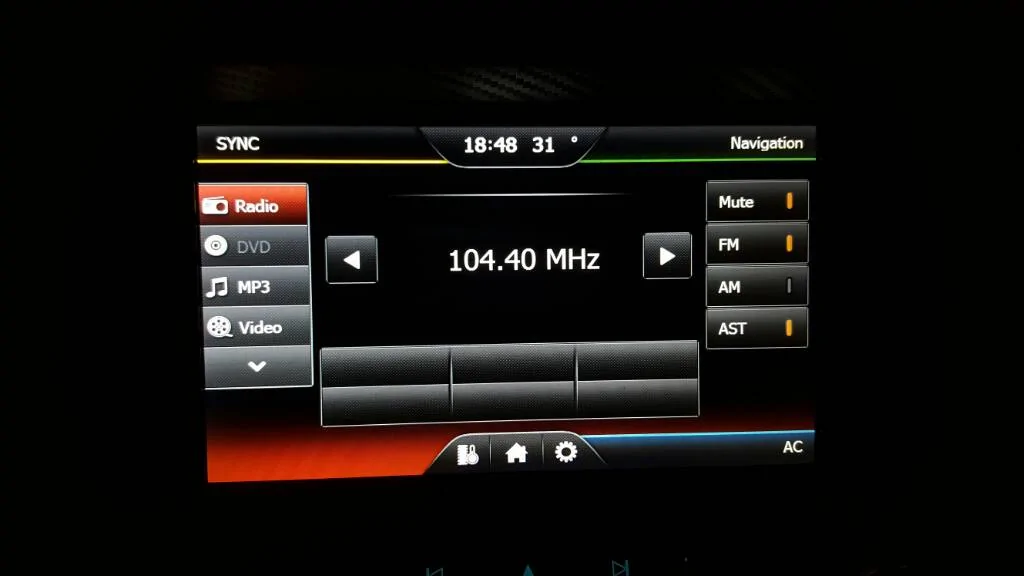
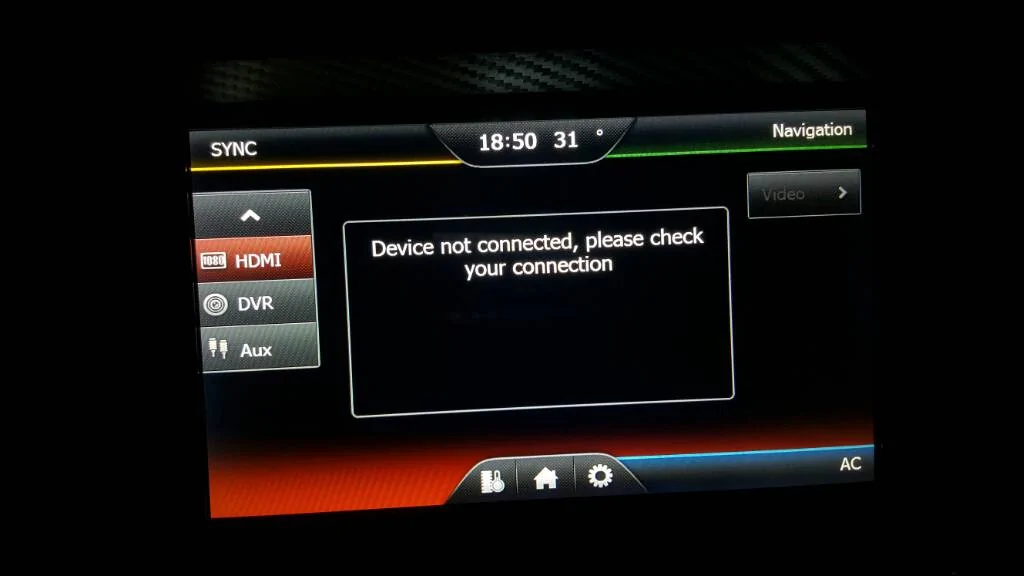
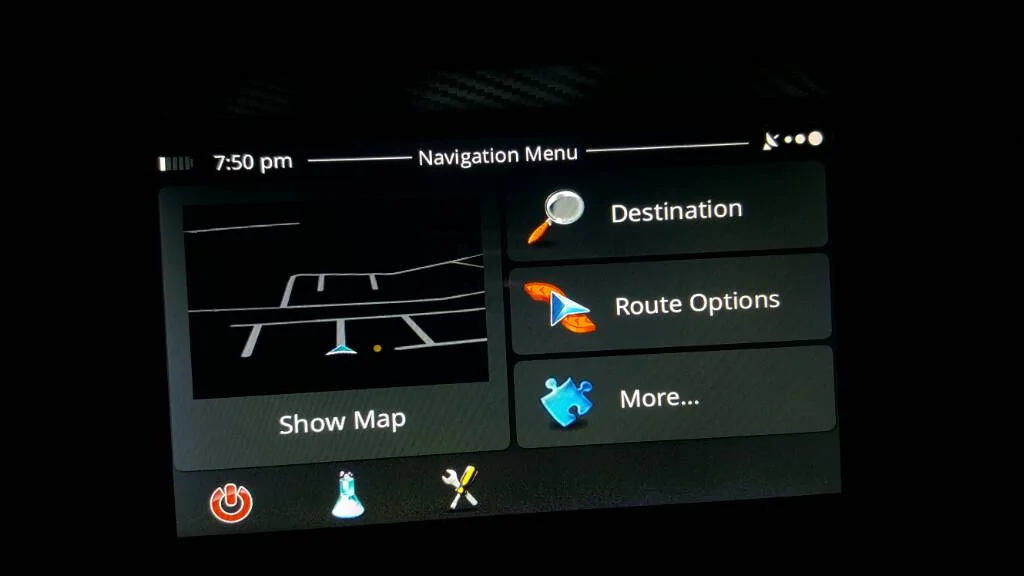
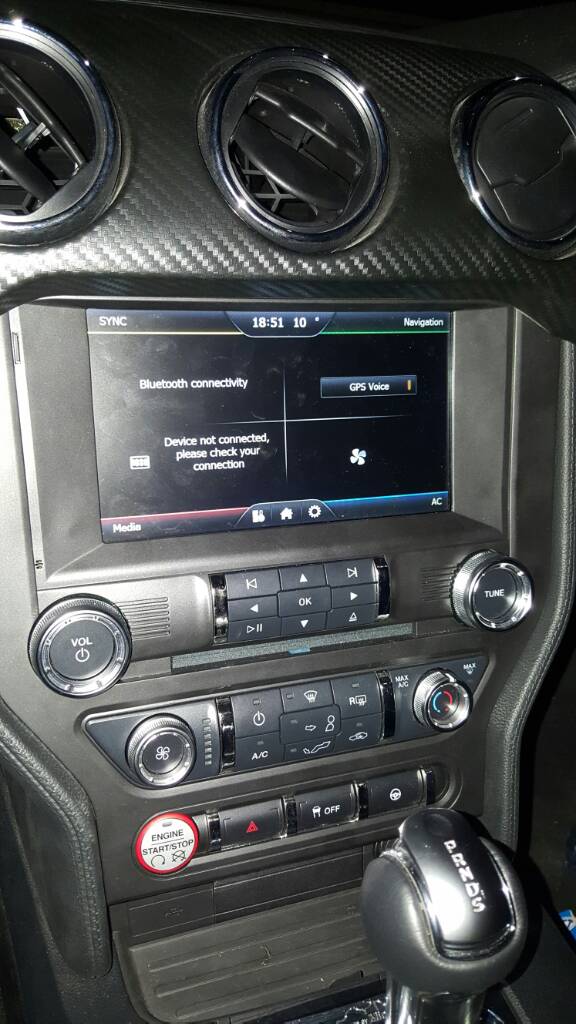
So everything in the unit works really well,


I like that it looks like the OEM Sync.
I can control the AC from the screen as well!

Problems:
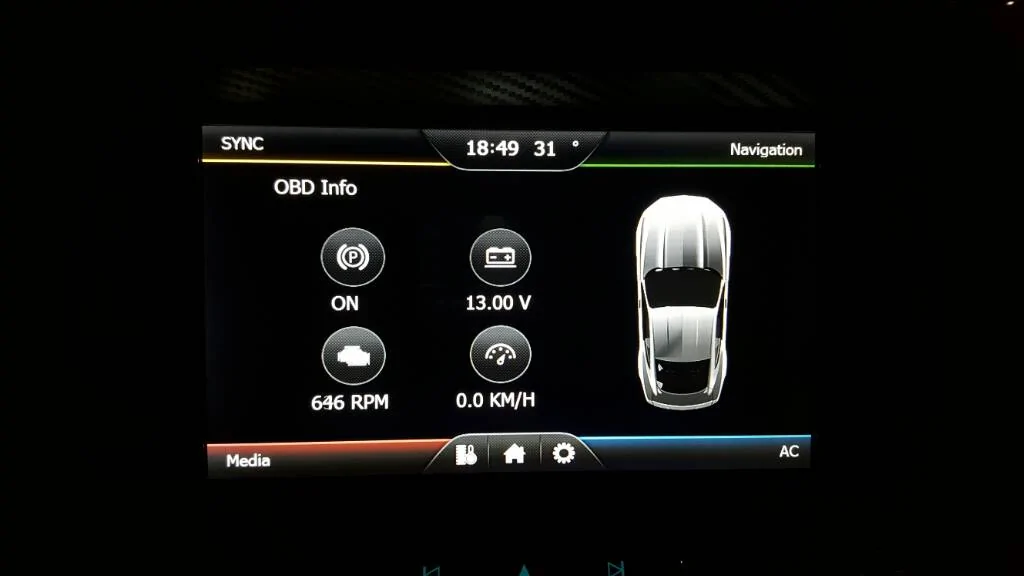
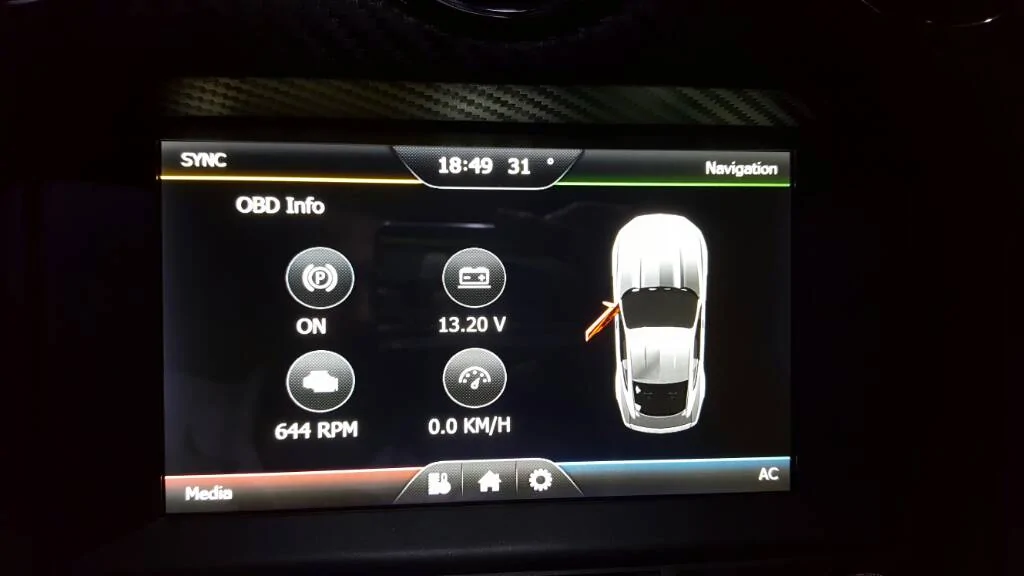
1. I can't figure out why my temp is incorrect, it was accurate on the old 4" screen.
2. I can't find a way to adjust the brightness of the screen (I don't really care).

Got it for around $550 with the installation.


uploadfromtaptalk1459268213884.webp
uploadfromtaptalk1459268223504.webp
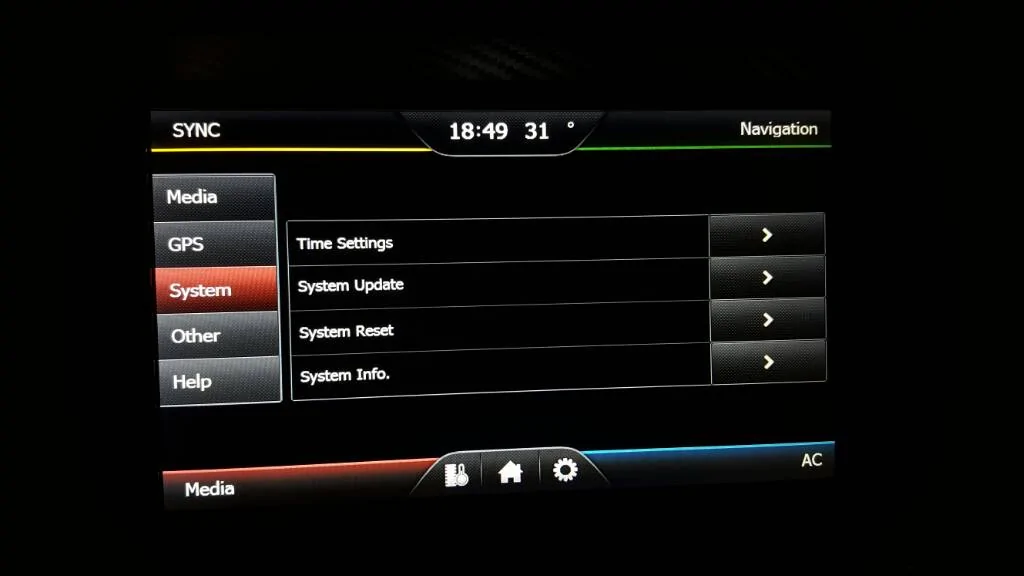
uploadfromtaptalk1459268232449.webp
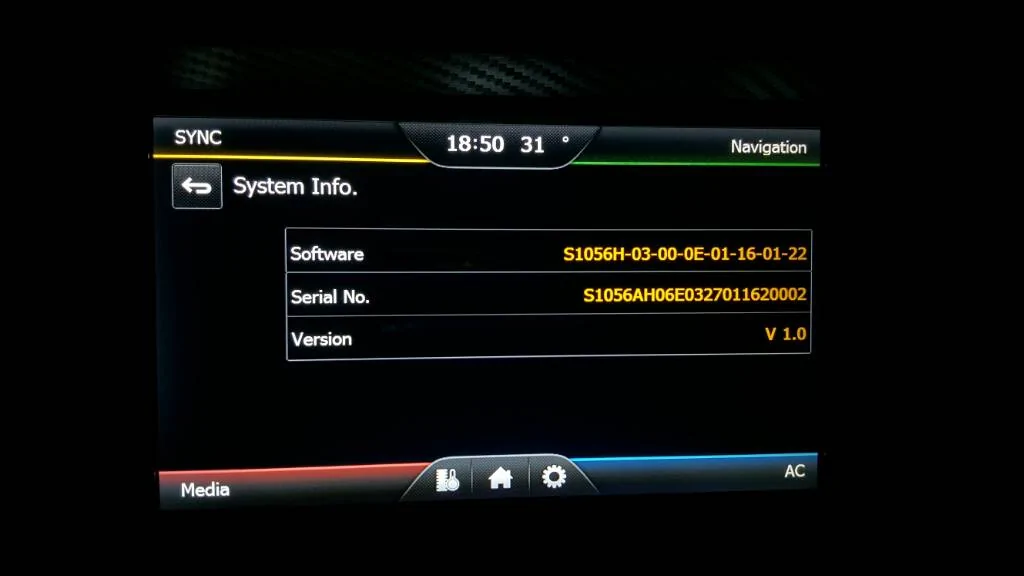
uploadfromtaptalk1459268374593.webp
uploadfromtaptalk1459268385149.webp
uploadfromtaptalk1459268391235.webp
uploadfromtaptalk1459268398740.webp
uploadfromtaptalk1459268405192.webp
uploadfromtaptalk1459268410504.webp
uploadfromtaptalk1459268416143.webp
uploadfromtaptalk1459268431522.jpg
I really like the one you have over the tomtop. I looked everywhere online and only ones I can find are tomtop and a 10" weird looking one.
 

Sponsored

Mrdomo

Well-Known Member
Joined
Mar 29, 2016
Threads
2
Messages
50
Reaction score
15
Location
Florida
Vehicle(s)
2015 Mustang Gt Coupe
So i contacted the Seller where i bought it the Unit (Tomtop/Kkmoom). I was told they are working on an update and it is currently in testing phase. How true this is... no idea.. but it doesn't hurt to believe hahaha
 

V8Venom

700 Club
Joined
Jan 27, 2015
Threads
91
Messages
1,964
Reaction score
1,175
Location
SoCal
First Name
Mike
Vehicle(s)
2020 Shelby GT500
Vehicle Showcase
2
I can't adjust the volume in the settings/navi setting. Voice is crackling when my NAV talks.
 

ProfessorKel

Well-Known Member
Joined
Mar 26, 2016
Threads
1
Messages
110
Reaction score
40
Location
Northern California
Vehicle(s)
Black Mustang GT - California Special
I can't adjust the volume in the settings/navi setting. Voice is crackling when my NAV talks.

I have the same issue. I recall a member on youtube (who is also a member on this forum) stating that you need an update to fix that issue.

I'm not sure how to acquire this, though!
 

ProfessorKel

Well-Known Member
Joined
Mar 26, 2016
Threads
1
Messages
110
Reaction score
40
Location
Northern California
Vehicle(s)
Black Mustang GT - California Special
The crackle could be because you have the volume in the settings set to high.
The volume I'm referring to is in the system settings not in the Navi settings.
So confusing trying to explain this...in the radio/system settings there is a area for Navigation settings. in that menu there is a volume setting. When I turned that all the way up it caused a crackle on mine.
hope that helps
you are absolutely right! Thanks, this navigation system just keeps getting better and better!
 

Sponsored

ProfessorKel

Well-Known Member
Joined
Mar 26, 2016
Threads
1
Messages
110
Reaction score
40
Location
Northern California
Vehicle(s)
Black Mustang GT - California Special
I can't adjust the volume in the settings/navi setting. Voice is crackling when my NAV talks.
"psoff" just gave me some advice and it solved the problem instantly!

The navigation volume has two settings: one from the HOME menu and the other from the ACTUAL navigation button.

The navigation volume from the HOME menu must be turned down (I only have it at 1 bar of volume). Click the "home" button then the "tools/settings" button to it's right (the one with pictures of cogs), from there click "setting", then "navi-setting".


The other volume from the actual navigation screen (i.e., when you actually press the navigation button) can now be adjusted to your liking. To test it out, change the voice of your navigation (from the same navigation setting pane) and you'll notice a more clean, crisp sound as each voice talks. Should work!
 

V8Venom

700 Club
Joined
Jan 27, 2015
Threads
91
Messages
1,964
Reaction score
1,175
Location
SoCal
First Name
Mike
Vehicle(s)
2020 Shelby GT500
Vehicle Showcase
2
"psoff" just gave me some advice and it solved the problem instantly!

The navigation volume has two settings: one from the HOME menu and the other from the ACTUAL navigation button.

The navigation volume from the HOME menu must be turned down (I only have it at 1 bar of volume). Click the "home" button then the "tools/settings" button to it's right (the one with pictures of cogs), from there click "setting", then "navi-setting".


The other volume from the actual navigation screen (i.e., when you actually press the navigation button) can now be adjusted to your liking. To test it out, change the voice of your navigation (from the same navigation setting pane) and you'll notice a more clean, crisp sound as each voice talks. Should work!
That's the volume I can't lower. It's all the way up and won't allow me to lower it.
 

ProfessorKel

Well-Known Member
Joined
Mar 26, 2016
Threads
1
Messages
110
Reaction score
40
Location
Northern California
Vehicle(s)
Black Mustang GT - California Special
That's the volume I can't lower. It's all the way up and won't allow me to lower it.
In that case, you might have to calibrate your touchscreen settings from the home page by clicking on the "i" symbol. I've heard some users say they needed to this before the system responded to their prompts.

If not, an entire system reset might be in order through the same button.
 

psoff

Well-Known Member
Joined
Apr 15, 2015
Threads
8
Messages
129
Reaction score
33
Location
Detroit
Vehicle(s)
2015 GT pp
Fantastic! If I'm not mistaken, my labels were strictly in Chinese :doh: lol

Regardless, thank you guys so much for the help! I'll be sure to revisit the wiring this weekend!
Did you ever get your rear camera working?


Top