Sponsored

Sync 3.4 problems - help needed!!

OP
OP

hindkjaer

Member
Joined
May 29, 2019
Threads
2
Messages
20
Reaction score
4
Location
denmark
First Name
Kurt
Vehicle(s)
Mustang gt 5.0
That's only for the Map update. Regular Sync updates are not VIN restricted.


Ford is not going to do this until they believe the update is the cause of the issues. Also if this is going to be done, best it be done at the dealer so that they can continue to troublshoot if needed.

Kurt, until a proper diagnosis is made just leave your SYNC system alone. Trying to redo it might cause additional issues making it even harder to find the actual issue.

Now of course it could be the SYNC update but no one on this forum has reported the issues you have.
One more comment on this. I am not updating anything. The car is sitting at a Ford dealer at the moment and they are doing all the work. I am just trying to get input on how to move forward and hopefully recommandations Ford and I did not think of. It seems like only I have experienced these issues so far. But thank you all
Sponsored

 
Last edited:

Bikeman315

Well-Known Member
Joined
Apr 12, 2015
Threads
581
Messages
16,183
Reaction score
21,909
Location
Myrtle Beach, SC
First Name
Ira
Vehicle(s)
2019 Mustang GT/CS, 2021 Volvo XC60
Maybe. I have a exfat formatet USB ready. I used it to update the nav maps but that also gave an issue so it seems like the update did not complete. I should have driven the car for some hours - I think it took about 3 hours to install latest nav maps
Yes, the map update it a pain and it does take awhile. If you did the update before the 3.4 one the info screen will only show map version 1.18 even though it most likely is 1.19. This was a Sync 3.3 problem that was solved in 3.4. To have your map version correctly read 1.19 you have to reload all over again. I did and everything now shows properly.

Not sure how your map update works but mind started fine and after minutes I got a message (do not remember what it said). I ignored the message and let the update continue. 30 minutes later another message. Again ignored it. and then finally 30 minutes after that, success. It stopped updating and I knew it was done. Took a little over 1 1/2 hours.
 
OP
OP

hindkjaer

Member
Joined
May 29, 2019
Threads
2
Messages
20
Reaction score
4
Location
denmark
First Name
Kurt
Vehicle(s)
Mustang gt 5.0
Yes, the map update it a pain and it does take awhile. If you did the update before the 3.4 one the info screen will only show map version 1.18 even though it most likely is 1.19. This was a Sync 3.3 problem that was solved in 3.4. To have your map version correctly read 1.19 you have to reload all over again. I did and everything now shows properly.

Not sure how your map update works but mind started fine and after minutes I got a message (do not remember what it said). I ignored the message and let the update continue. 30 minutes later another message. Again ignored it. and then finally 30 minutes after that, success. It stopped updating and I knew it was done. Took a little over 1 1/2 hours.
Thanks Bikeman315. I updated the map after 3.4 update. The map update lost battery power more than once during the install. Thats my second concern to get it properly installed since I mainly use Google maps via my iPhone
 

Zooks527

Well-Known Member
Joined
Aug 24, 2018
Threads
67
Messages
1,727
Reaction score
1,395
Location
02048
Vehicle(s)
2019 KB GT, 401A, 6MT, PP1, S&S, MR, AE, B&O / 2018 Jeep Grand Cherokee Summit
Ellaborate on g.pig - how do you mean?
In addition to being small furry animals often kept as pets, guinea pigs have been used as biological test animals for a few hundred years, and as a result "guinea pig" has also become an English colloquialism meaning "experimental test subject".

Google says that they're called "marsvin" in Danish.
 
OP
OP

hindkjaer

Member
Joined
May 29, 2019
Threads
2
Messages
20
Reaction score
4
Location
denmark
First Name
Kurt
Vehicle(s)
Mustang gt 5.0
After reading the forum links in this thread it seems like new things should be investigated more:

1) a faulty battery lacking full power could cause a malfunction In system check
2) sensors in wind screen and behind front bumper could be dirty
3) connections not perfectly joined together or a faulty computer box that corresponds with sensors
4) fuses are not sitting perfectly
 

Sponsored

OP
OP

hindkjaer

Member
Joined
May 29, 2019
Threads
2
Messages
20
Reaction score
4
Location
denmark
First Name
Kurt
Vehicle(s)
Mustang gt 5.0
In addition to being small furry animals often kept as pets, guinea pigs have been used as biological test animals for a few hundred years, and as a result "guinea pig" has also become an English colloquialism meaning "experimental test subject".

Google says that they're called "marsvin" in Danish.
Ha ha thats funny
 

Rapid Red

Well-Known Member
Joined
Nov 4, 2019
Threads
45
Messages
5,049
Reaction score
4,095
Location
Woodstock GA
First Name
Greg
Vehicle(s)
GT PP2 RaceRed Roush> Steeda> preformance
Vehicle Showcase
2
OK, why is everyone just assuming the new issues are due to the SYNC update. The timing sucks for sure but I wouldn't be to fast to jump on the 3.4 bandwagon. It could be just be a coincidence and these issues are not related.

By the way when did you change your lights.

One last thing. Do you do a SYNC 3 master reset and did you pull the battery cable and let it sit for awhile?
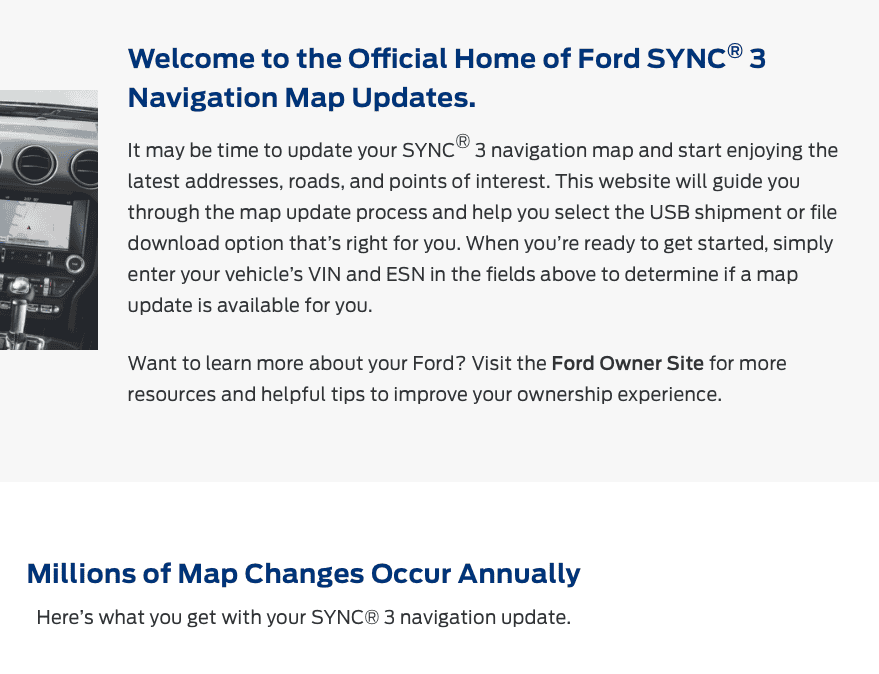
Here educated yourselves
Screen Shot 2020-10-26 at 3.23.18 PM.png
 

m3incorp

Well-Known Member
Joined
Feb 6, 2020
Threads
22
Messages
4,602
Reaction score
3,125
Location
Georgia/Colorado
First Name
James
Vehicle(s)
2019 Mustang GT Premium with Roush Phase 2, 2023 Audi A5
I'm going to take a wild guess and say battery/power issue.
 

Sponsored
OP
OP

hindkjaer

Member
Joined
May 29, 2019
Threads
2
Messages
20
Reaction score
4
Location
denmark
First Name
Kurt
Vehicle(s)
Mustang gt 5.0
Just an update. Awaiting Ford USA to help out with the technical software issues and that could take a week or two before any progress.
 

Emilbadal

Well-Known Member
Joined
Apr 14, 2017
Threads
18
Messages
425
Reaction score
173
Location
Socal
First Name
Emil
Vehicle(s)
2016 V6 Auto DIB
Since your car is sitting at the dealership, ask them to reinstall the sync3.4 properly again with the maps. You mentioned that you lost power during map updates, that’s enough to corrupt files. For future reference, you can run your engine while updating sync3. Just make sure you’re parked outside(well ventilated area).

The errors that you mentioned though have nothing to do with Sync module as far as I know. Could be a coincidence.
 
OP
OP

hindkjaer

Member
Joined
May 29, 2019
Threads
2
Messages
20
Reaction score
4
Location
denmark
First Name
Kurt
Vehicle(s)
Mustang gt 5.0
FOLLOW UP - CAUSE FOUND AND CASE CLOSED

Finally after months of trying different things Ford has found the cause for my sync 3.4 problems and I wanted to let you guys know.

Since I also at the same time had a fairly worn down clutch but still fully drivable car the clutch produced an error code to the canbus system which let to other sensor related problems going on and off. Installing a new clutch and flywheel and updating to sync 3.4.20282 did the trick and I expect there will be now more errors since I have driven the Stang 7 times now with no issues at all. The fix was not an obvious one even for the Ford shop.
 
Last edited:

ORRadtech

Well-Known Member
Joined
Sep 12, 2019
Threads
25
Messages
4,049
Reaction score
3,987
Location
Atlanta, Georgia
First Name
Dave
Vehicle(s)
18 Mustang EcoBoost convertible, 14 Ford Fusion SE
First, I'm glad your car is fixed.

I just reread this whole thread and I believe that it's possible that you never had a Sync issue at all.

The issues with the clutch were causing errors, which seem reasonable in hindsight, and your question about the Sync system prejudiced everyone's thoughts. Instead of trying to find the cause of the codes/errors we were diverted to thinking the Sync was the problem when it was simply reporting actual anomalies.

I am curious how a '19 low milage car could have worn the clutch/flywheel far enough to be throwing codes?
 

Bikeman315

Well-Known Member
Joined
Apr 12, 2015
Threads
581
Messages
16,183
Reaction score
21,909
Location
Myrtle Beach, SC
First Name
Ira
Vehicle(s)
2019 Mustang GT/CS, 2021 Volvo XC60
First, I'm glad your car is fixed.

I just reread this whole thread and I believe that it's possible that you never had a Sync issue at all.

The issues with the clutch were causing errors, which seem reasonable in hindsight, and your question about the Sync system prejudiced everyone's thoughts. Instead of trying to find the cause of the codes/errors we were diverted to thinking the Sync was the problem when it was simply reporting actual anomalies.

I am curious how a '19 low milage car could have worn the clutch/flywheel far enough to be throwing codes?
+1. Glad it’s all fixed Kurt. Funny Dave, that’s what I thought back on my first post. But I agree that not only wasn’t it an update issue but not a Sync issue at all.
Sponsored


Top