Aaleck
Well-Known Member
- Joined
- Jan 5, 2015
- Threads
- 6
- Messages
- 151
- Reaction score
- 110
- Location
- Traverse City, MI
- First Name
- Nick
- Vehicle(s)
- 2015 Mustang GT, PP, Premium, Manual
- Thread starter
- #1
Hi everyone,
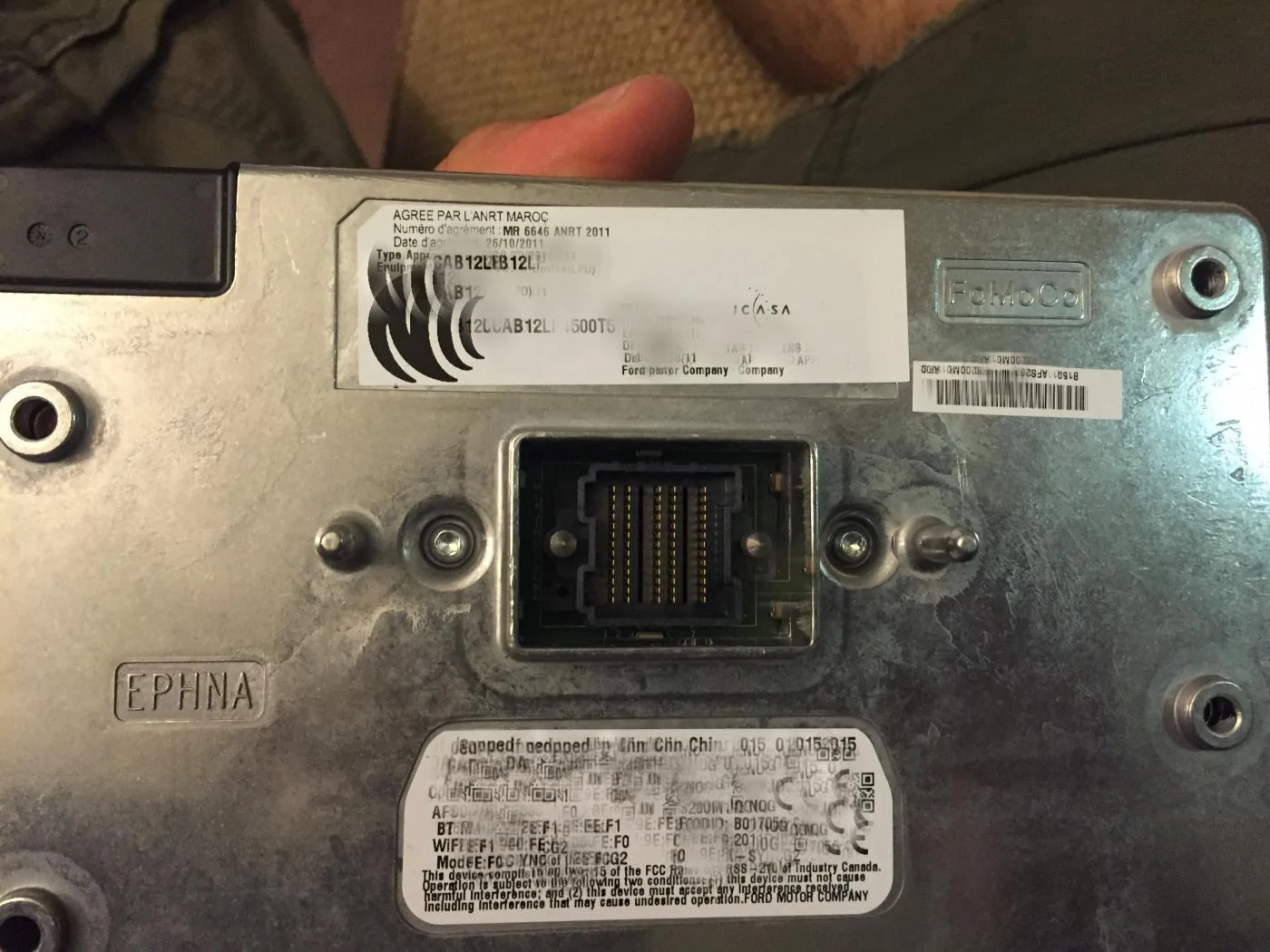
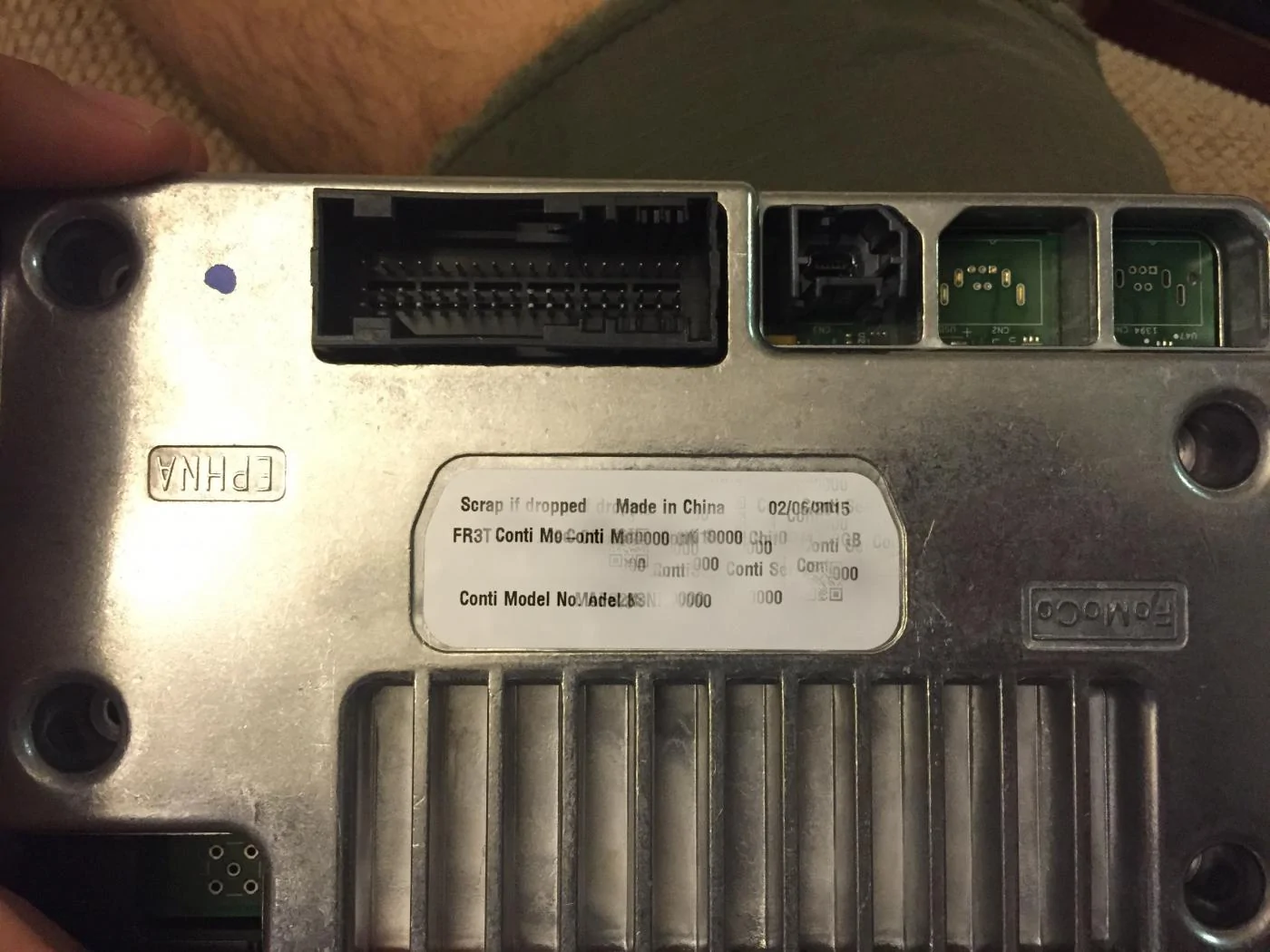
I just wanted to write up a little piece on my experience with adding "factory" navigation to MFT on my 15 Mustang. What it really boils down to is the APIM (Accessory Protocol Interface Module). There are a few different options that you can do to accomplish this but in the end I chose to go with Jason from www.fordpimods.com since it was the easiest and most convenient route.
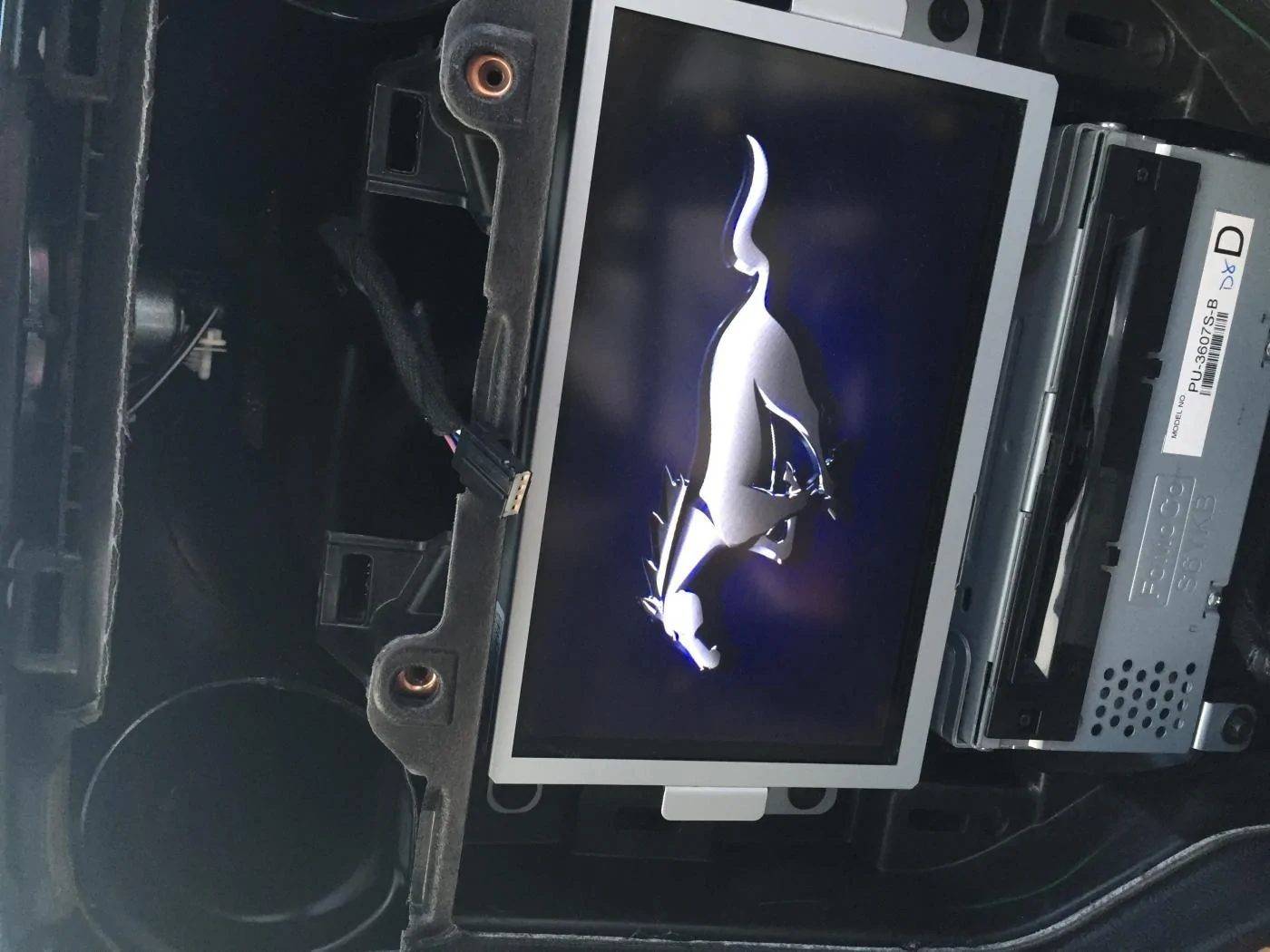
Out the door with shipping and an A6 navigational SD card (which holds the maps, etc) it was less than $600. The process is really straight forward. You take apart a part of your dash and remove the 8” screen and remove the APIM module that’s screwed to the back of it and mail it to Jason and he’ll do it work (all software – no hardware changes) and send it back right away. I shipped mine out and got it back with USPS in under a week.
After you get it back you install it back in your car you will notice that it will have the standard Ford blue oval start up that replaced the pony logo; Jason will also include a USB flash drive which you will need to install the 911 assist feature and also a file to reinstall the pony logo. This process is straight forward also. It’s just a matter of inserting the flash drive, going to the install application option and it takes care of everything for you there.
After this has been completed and you put your dash back together you’ll have navigation exactly like how it came from the factory. Normal updates and resetting the unit will not remove the navigation but if you take it in to Ford and they update it or anything there you could run into having to send your unit back to get it fixed up; I believe he will do it at little to no charge (besides shipping) but I’m not 100% sure on that one.
So if you’re looking for an easy way to get navigation this is what I would recommend. I’d be happy to answer any questions for anyone of if you wish you could email Jason at [email protected] and he’ll set you up; very nice guy!
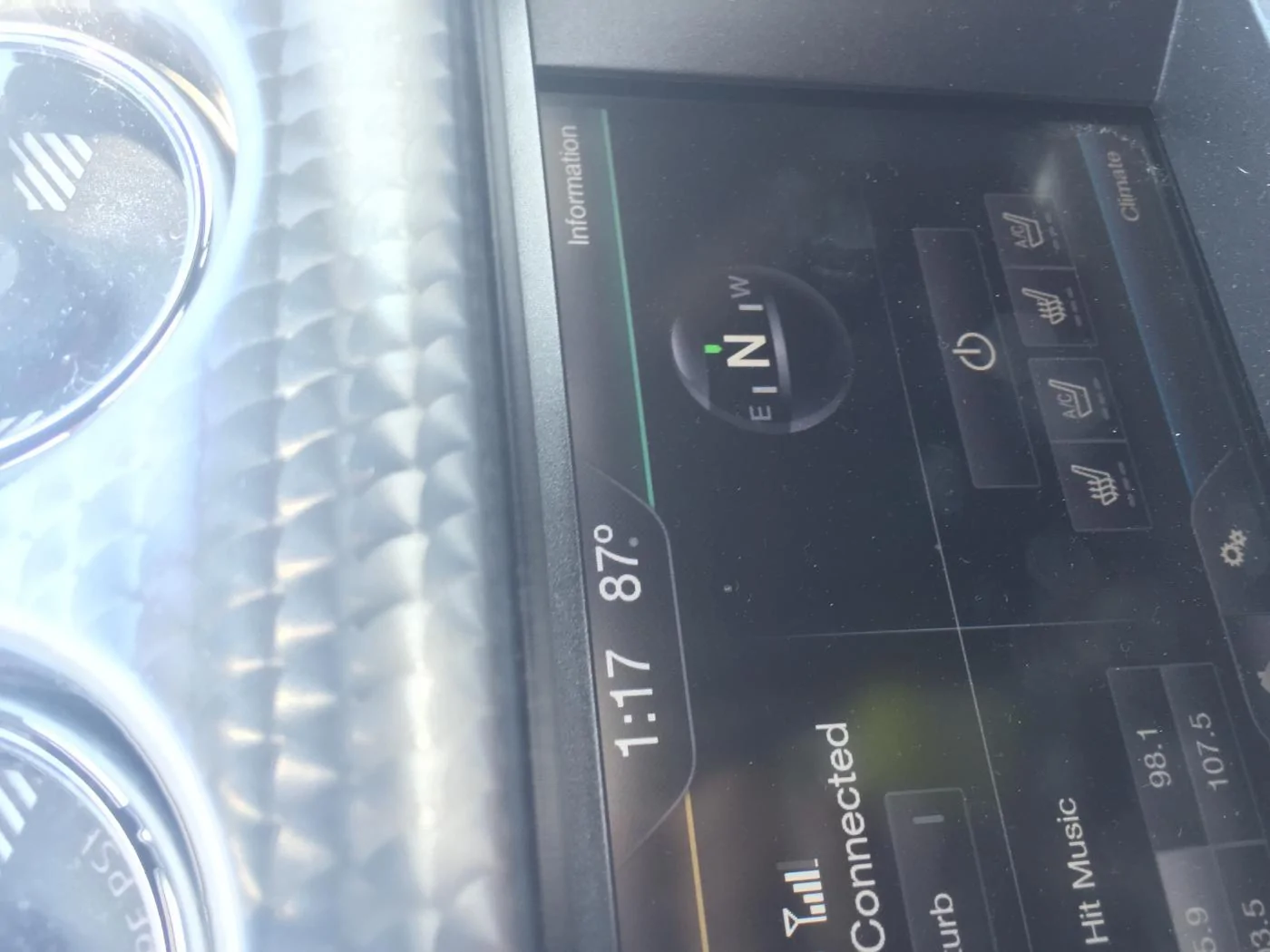
(I included some photos; I will add a "after" picture tonight once I take one)

I just wanted to write up a little piece on my experience with adding "factory" navigation to MFT on my 15 Mustang. What it really boils down to is the APIM (Accessory Protocol Interface Module). There are a few different options that you can do to accomplish this but in the end I chose to go with Jason from www.fordpimods.com since it was the easiest and most convenient route.
Out the door with shipping and an A6 navigational SD card (which holds the maps, etc) it was less than $600. The process is really straight forward. You take apart a part of your dash and remove the 8” screen and remove the APIM module that’s screwed to the back of it and mail it to Jason and he’ll do it work (all software – no hardware changes) and send it back right away. I shipped mine out and got it back with USPS in under a week.
After you get it back you install it back in your car you will notice that it will have the standard Ford blue oval start up that replaced the pony logo; Jason will also include a USB flash drive which you will need to install the 911 assist feature and also a file to reinstall the pony logo. This process is straight forward also. It’s just a matter of inserting the flash drive, going to the install application option and it takes care of everything for you there.
After this has been completed and you put your dash back together you’ll have navigation exactly like how it came from the factory. Normal updates and resetting the unit will not remove the navigation but if you take it in to Ford and they update it or anything there you could run into having to send your unit back to get it fixed up; I believe he will do it at little to no charge (besides shipping) but I’m not 100% sure on that one.
So if you’re looking for an easy way to get navigation this is what I would recommend. I’d be happy to answer any questions for anyone of if you wish you could email Jason at [email protected] and he’ll set you up; very nice guy!
(I included some photos; I will add a "after" picture tonight once I take one)
Sponsored