GForensic
Well-Known Member
- Joined
- Mar 19, 2014
- Threads
- 66
- Messages
- 402
- Reaction score
- 134
- Location
- South Carolina
- Vehicle(s)
- Future Mach 1/GT500 Owner
It is very easy. Take multiple shots, you MUST remember to:
Set manual mode
Remove auto ISO
Set WB
Set shutter
and set aperture.
First, you want to shoot a base image, a photo with yourself not in it as you will use it as your main layer in PS.
Your series will be slightly underexposed to really make your highlights and shadows pop with the flash.
Do not change any of these settings while creating that one photo or things will get hard to blend together.
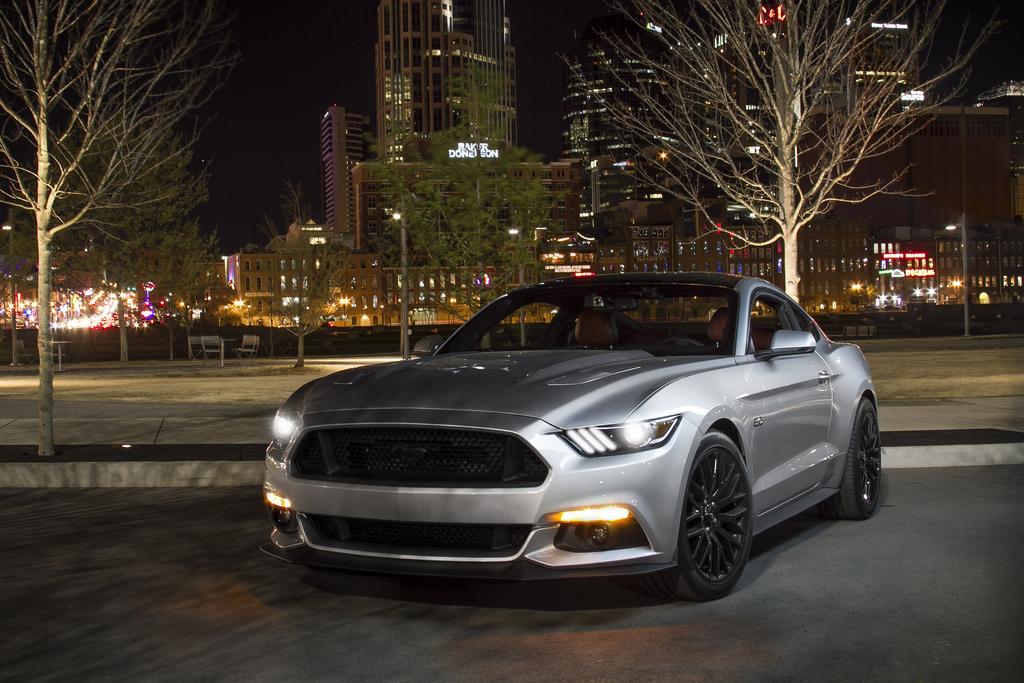
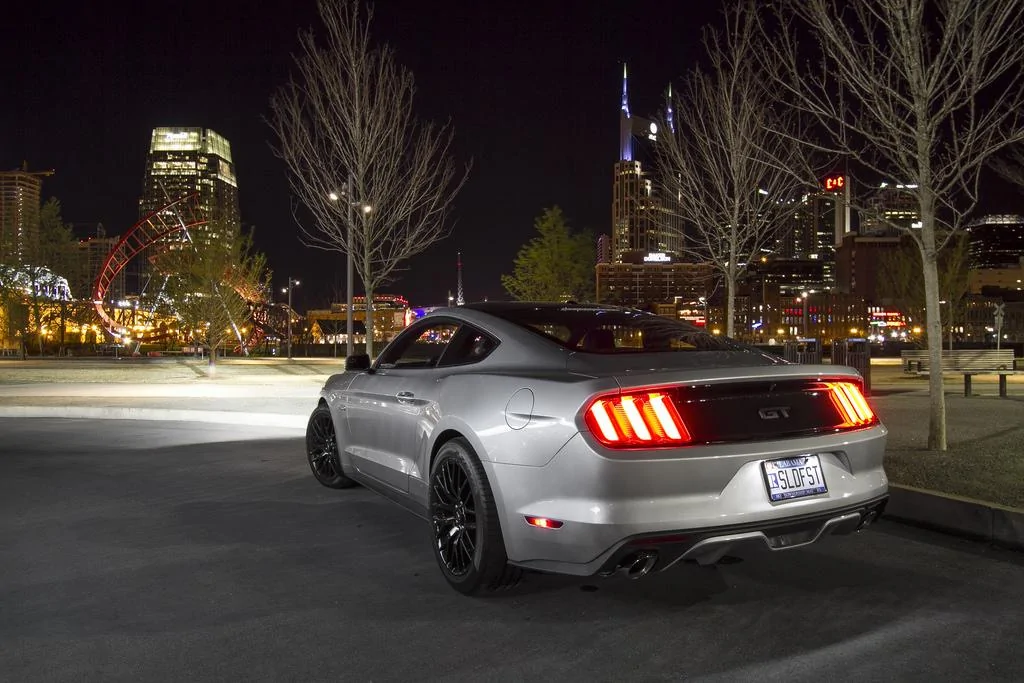
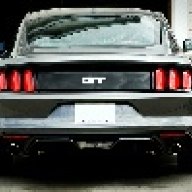
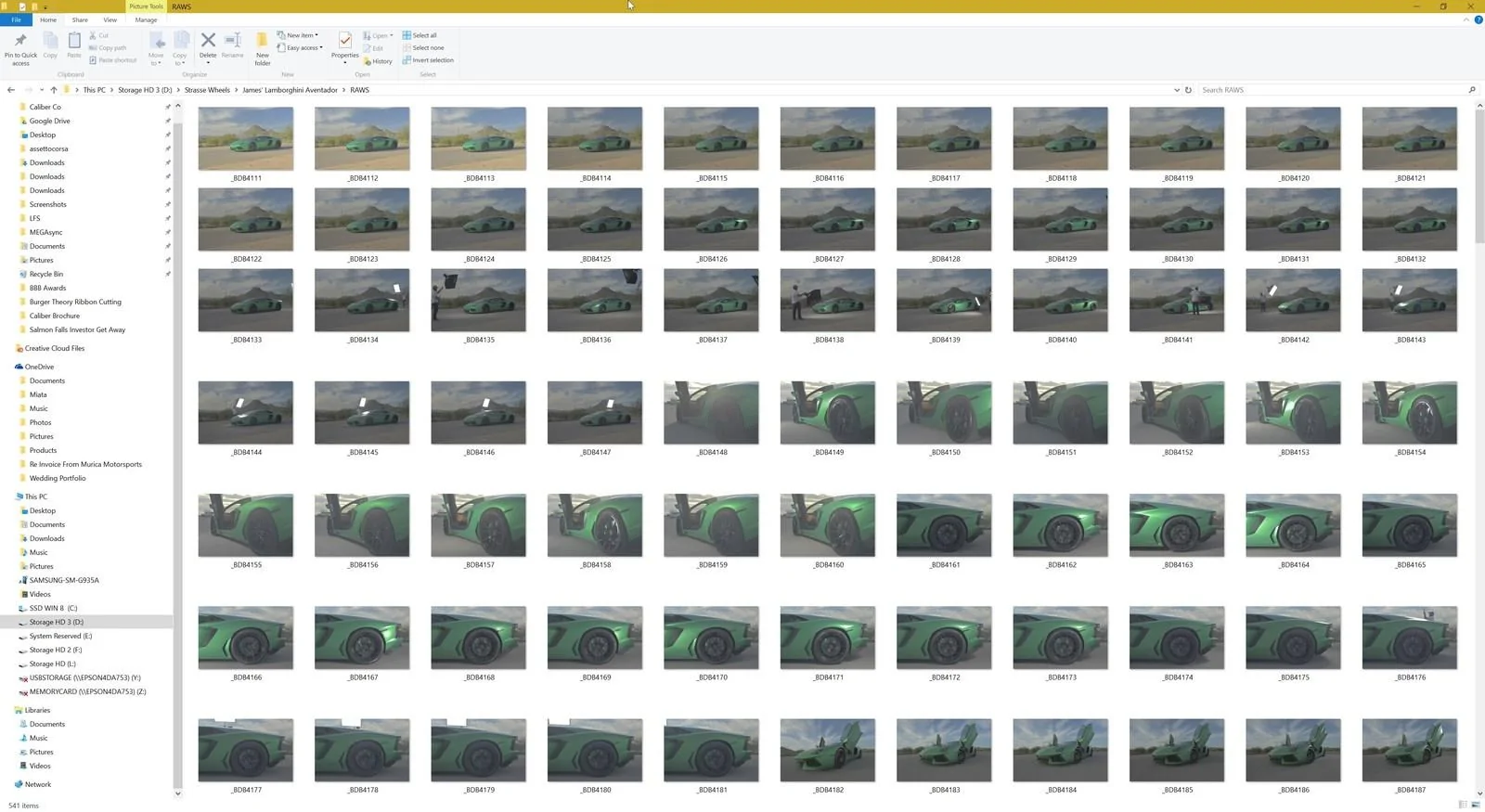
You'll end up with this:

Afterwards, take all of those images into LR, apply a preset, make some brush adjustments and then open them "as a layer" in PS. Select all your layers, auto align them and then disable all the layers besides your "base image". Start by enabling each layer and creating a layer mask on top of that layer to delete yourself and other objects out from the "flash layer" that you will be working on.
Charles,
Thank you very much for taking the time to show me. Much appreciated!! Checking out more and more of your work on flickr. Very Cool!!!

Sponsored