Sponsored

The Photography Hangout Thread

CrummyArchitect

Well-Known Member
Joined
May 18, 2015
Threads
21
Messages
119
Reaction score
56
Location
Missouri
First Name
Joey
Vehicle(s)
2015 Mustang GT Premium, PP, 401A, "MGNETO"
I've been following this thread since it started, and admiring so many great shots, thought I'd contribute. I'm no photographer by any means. I started this hobby just about a year ago (picked up a DSLR from my sister-in-law who is a photographer and was upgrading cameras, on Easter last year actually) she sold me her D3200 w/ 18-55 lens for $250. I thought this was a sweet deal, especially for a starter. A few months later I eventually picked up a 35 prime lens and have been using it exclusively. I'm pretty good with Photoshop & Lightroom as I use those for work, but the whole 'taking a picture' and playing with camera settings, are things I'm still working on. I can take constructive criticism, and will take any advice/tips if anyone in this thread feels like voicing their thoughts. Taking pictures at night/low light situations, and painting with light are all things I want to work on and get good at.

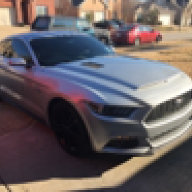
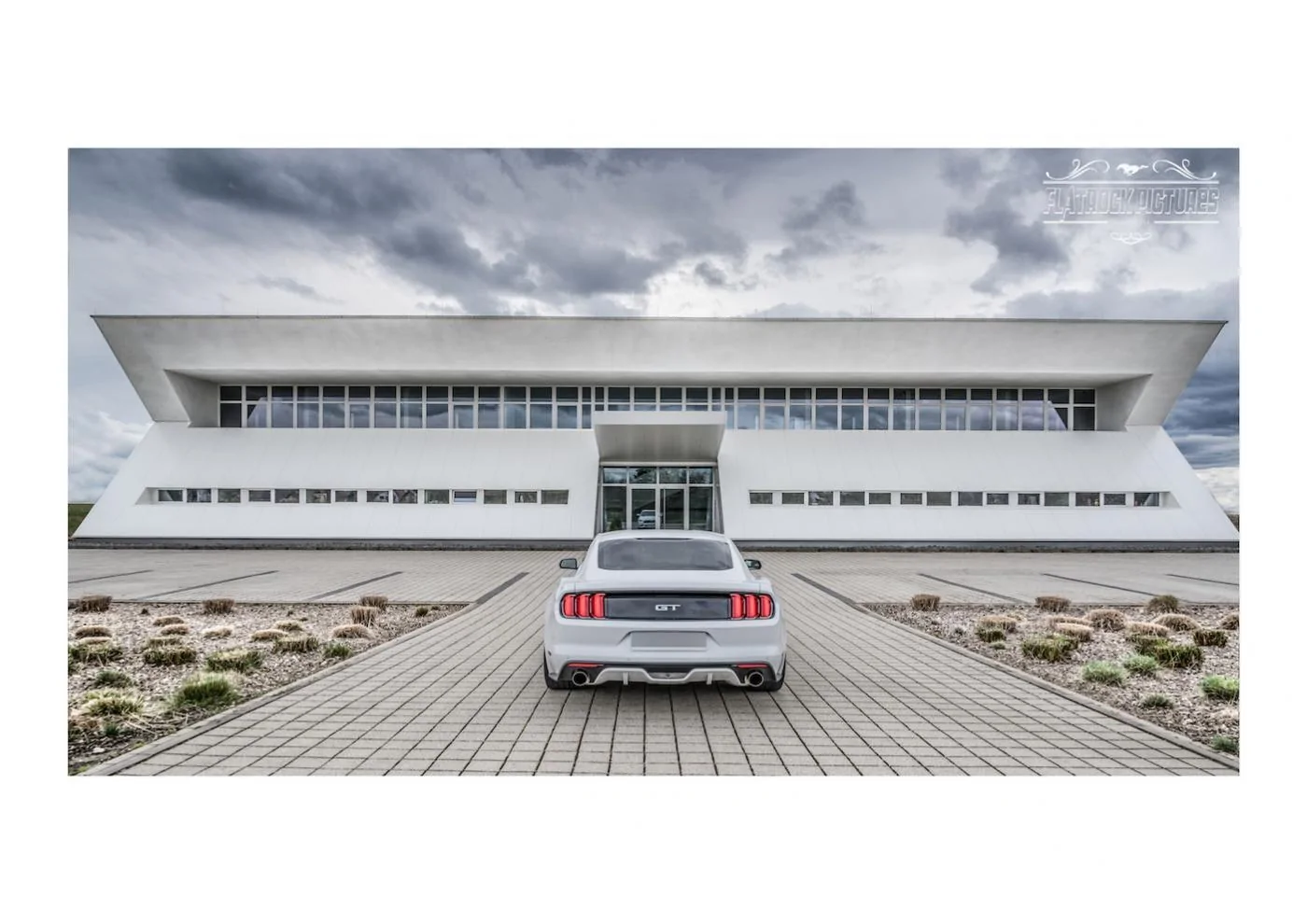
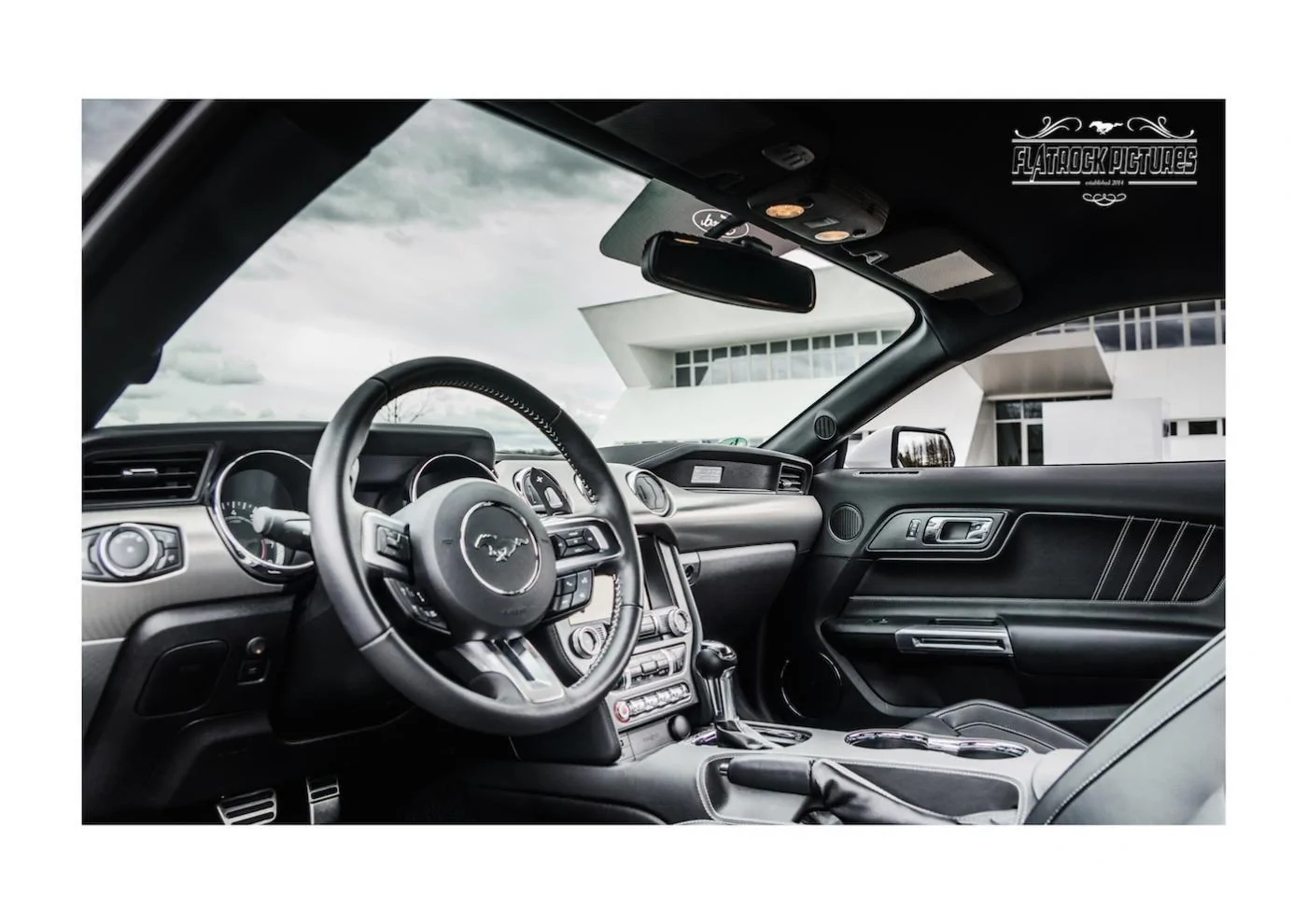
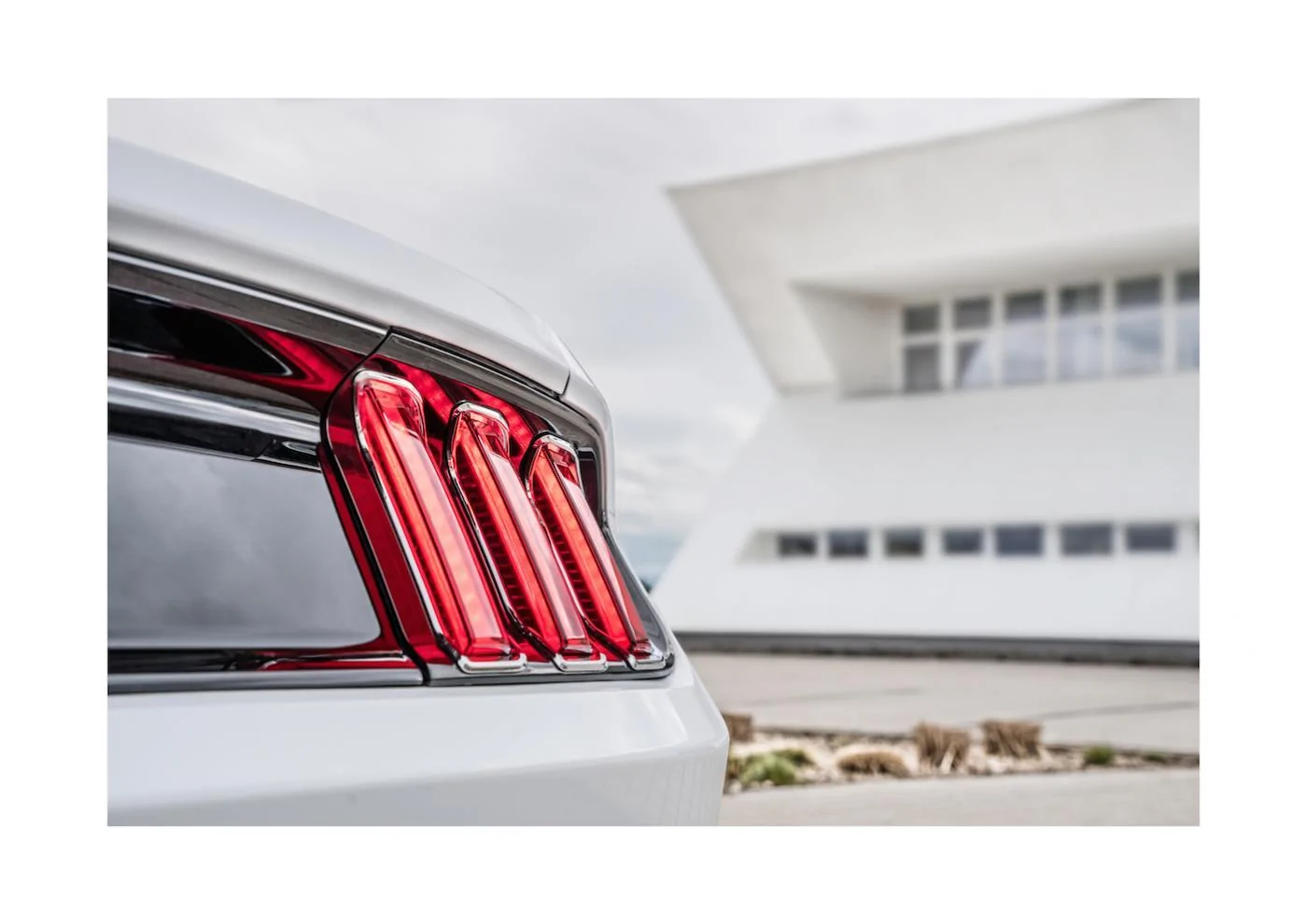
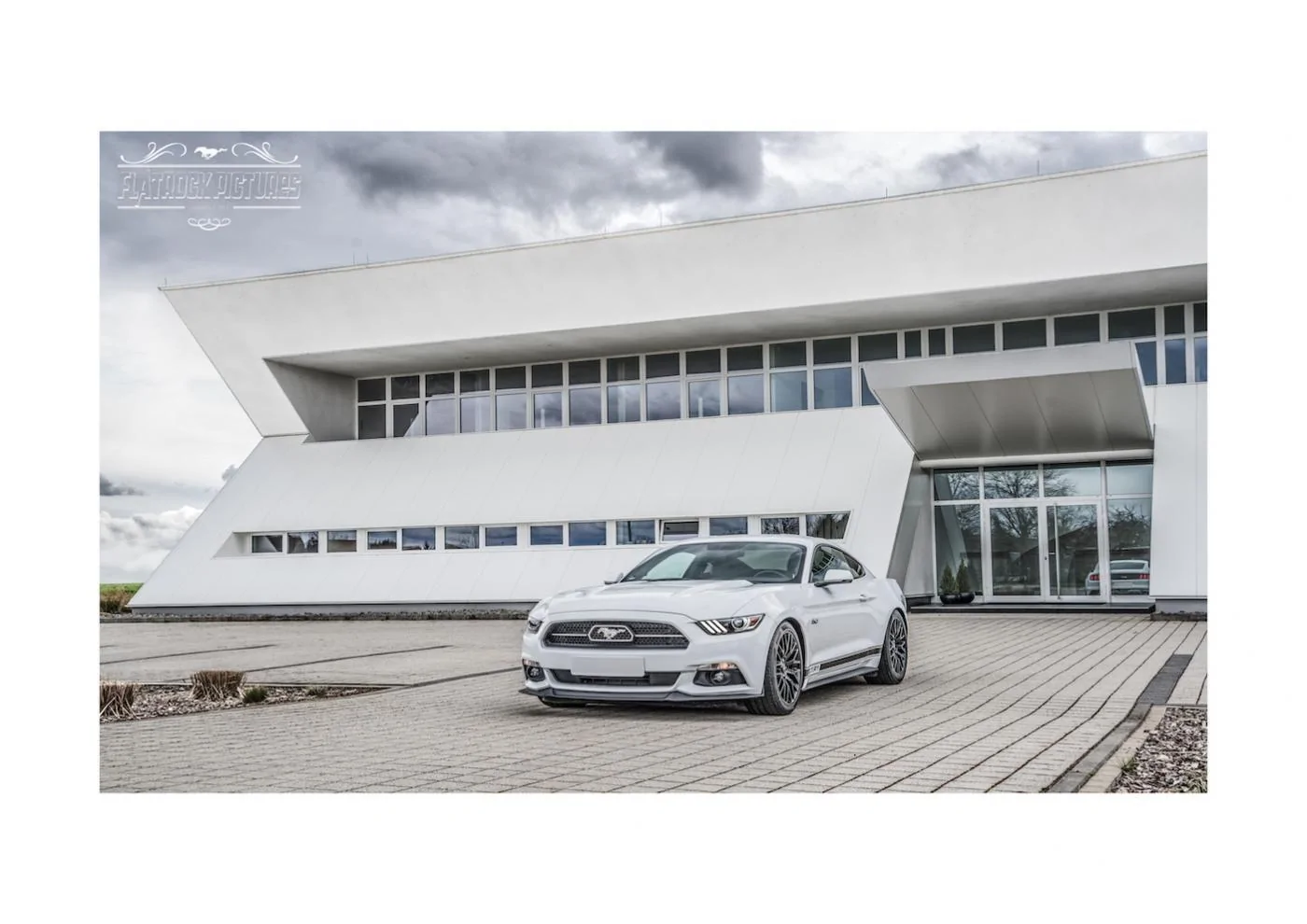
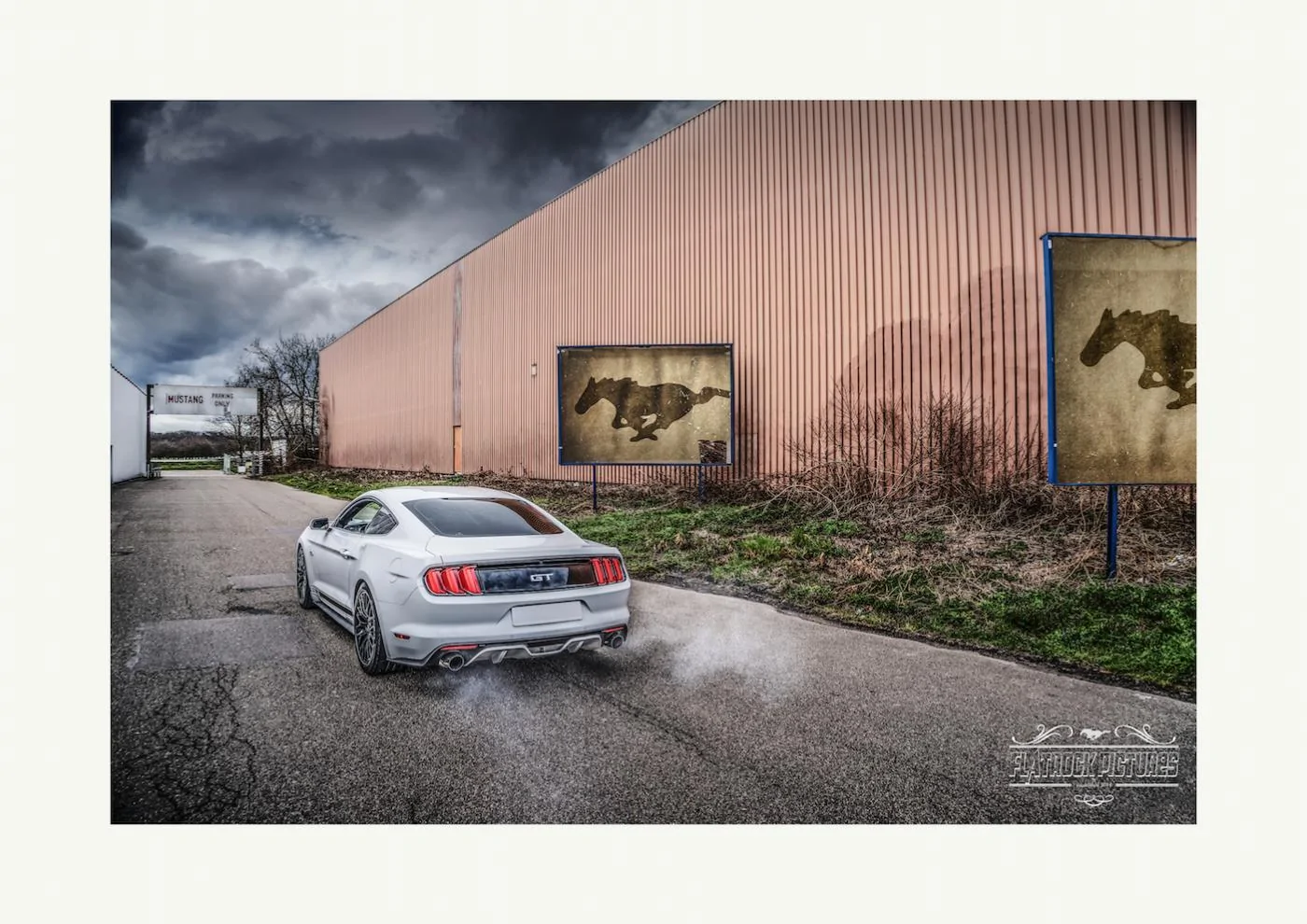
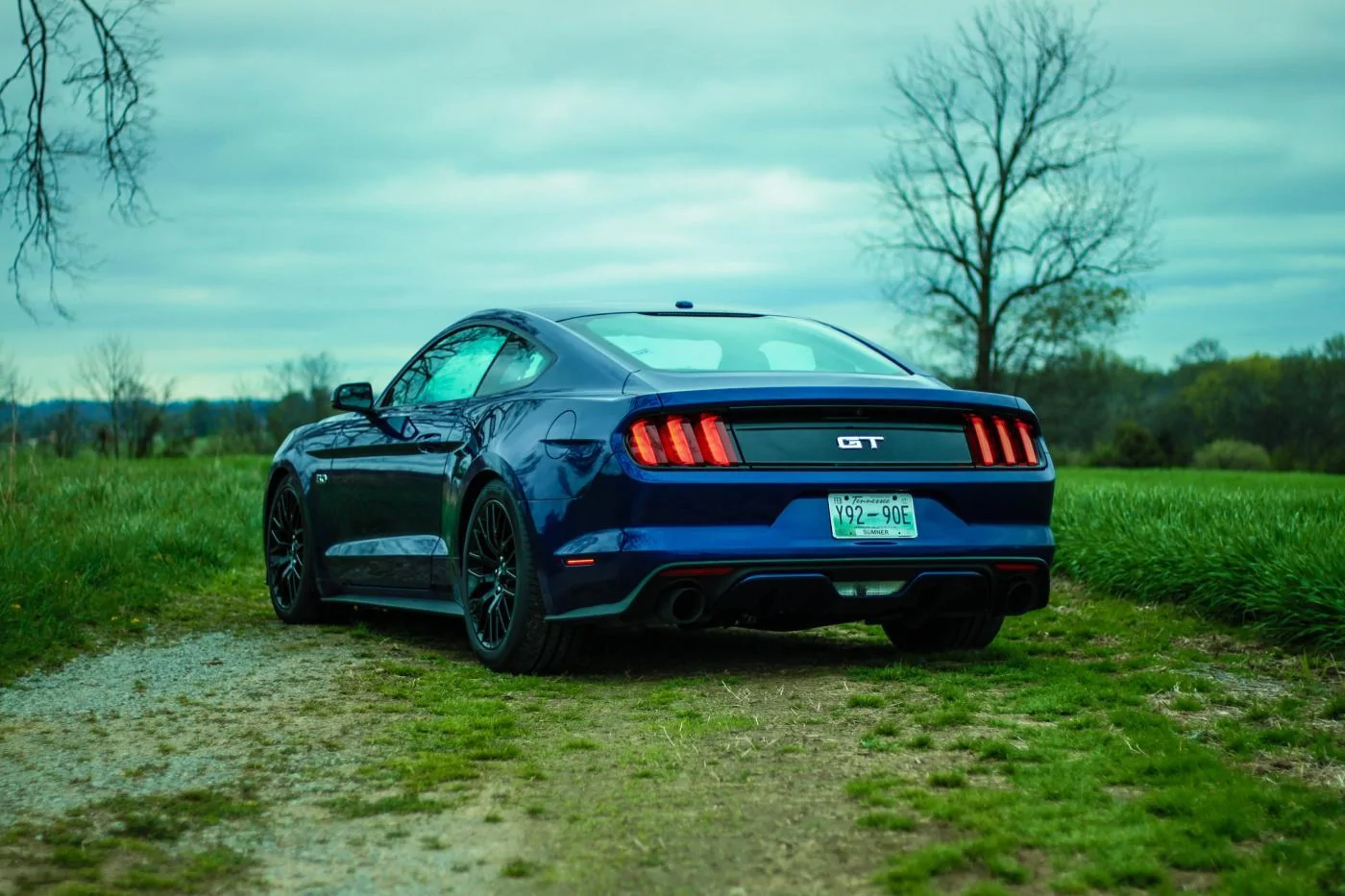
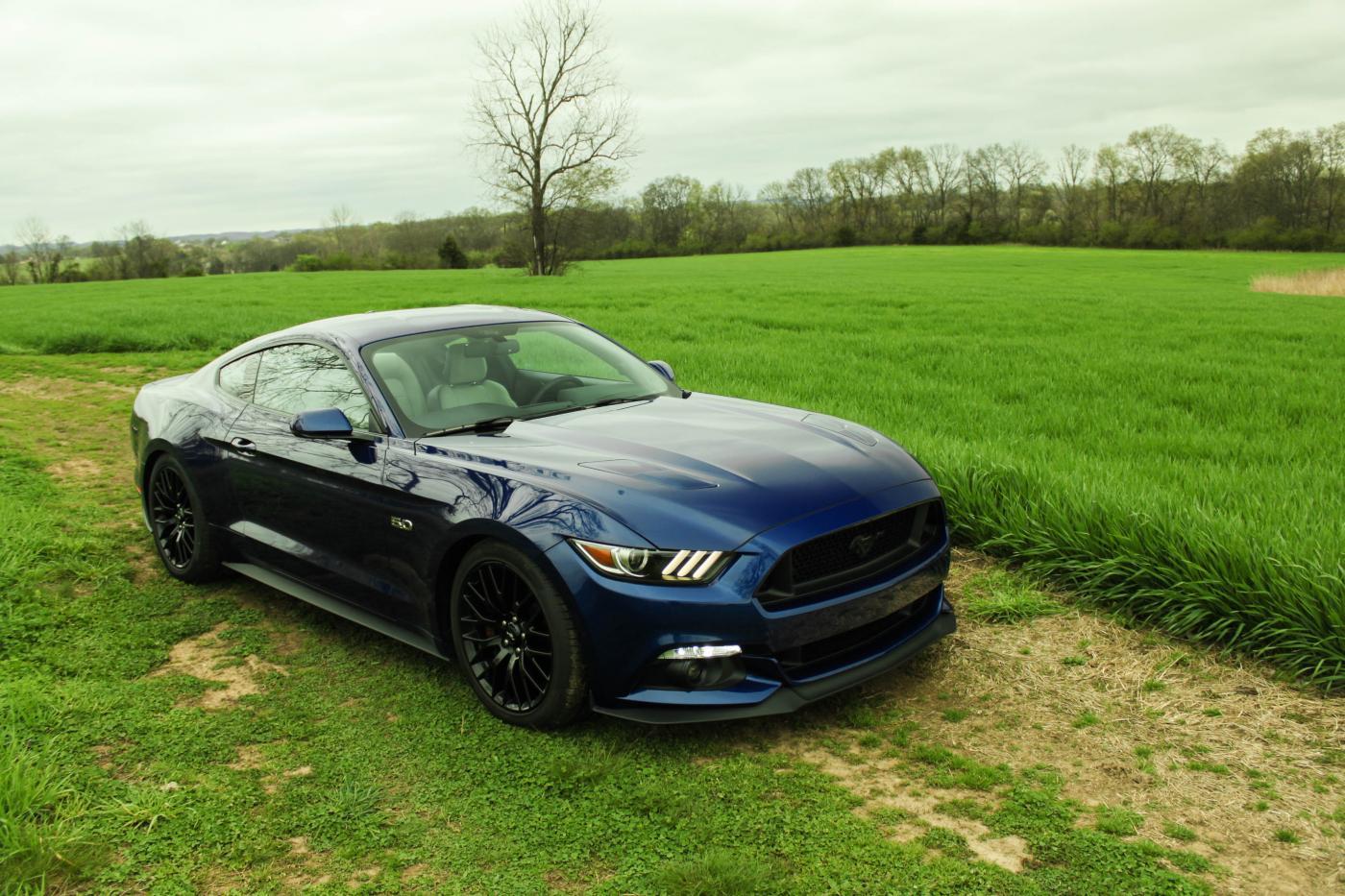
Below are 4 shots I managed to salvage from latest expedition which I took 40 pics.


Sponsored

 

Project Whitemare

GTFO Squad
Joined
Nov 12, 2014
Threads
43
Messages
1,307
Reaction score
1,011
Location
Bay Area
Website
www.instagram.com
First Name
Nick
Vehicle(s)
2015 Mustang GT/PP


Project Whitemare

GTFO Squad
Joined
Nov 12, 2014
Threads
43
Messages
1,307
Reaction score
1,011
Location
Bay Area
Website
www.instagram.com
First Name
Nick
Vehicle(s)
2015 Mustang GT/PP


smdandb2

ManBearPig
Joined
Oct 14, 2014
Threads
24
Messages
726
Reaction score
405
Location
Uranus
Vehicle(s)
2017 Toyota Corolla SE
Not super stoked on these. I was kind of in a rush to get something shot so I could test out my monitor now that I have a color calibrator.


Sponsored

OP
OP
CompO5.sl0w

CompO5.sl0w

GTFO_0021
Joined
Sep 11, 2015
Threads
21
Messages
1,237
Reaction score
685
Location
Martinsburg, WV
First Name
Trevor
Vehicle(s)
2016 Mustang GT/PP / 2015 Jeep Rubicon
Quick question for y'all. So I've been playing around with the aperture setting a lot to blur the background of shots. The one thing I'm having trouble with is, whenever I go back to edit the shots, I either under set or over set it to where the subject I'm taking a picture of is blurred on part of it, or the background is barely blurred at all. It's almost impossible to see on the display where the blur is coming in at, so how do you guys know where to set the aperture based on your subject? Is it just memory and skill to just know where every setting is going to blur?

Such Gorgeous pics in here! Just found this thread. Love it!
We all know you got some sweet ones to contribute!:thumbsup:
 

Khyber

it's a hard parked life
Joined
Nov 28, 2014
Threads
141
Messages
7,615
Reaction score
3,581
Location
Lexington/Myrtle Beach, SC
First Name
Landon
Vehicle(s)
2015 GT PP CO
it has alot to do with practice and just knowing where to put it. Fortunately for me I always gotta get the background and everything when filming and shooting real estate so I never have to worry about it.

A lot of people you see now and days make the background a separate layer and blur the crap out of it so the whole car is still in focus. sooooo much shop in today's world, barely anything is true and honest lol.
 

Sponsored

Grimace427

Well-Known Member
Joined
Dec 6, 2013
Threads
14
Messages
6,467
Reaction score
1,702
Location
NoVA
Vehicle(s)
2011 Mustang 5.0
Quick question for y'all. So I've been playing around with the aperture setting a lot to blur the background of shots. The one thing I'm having trouble with is, whenever I go back to edit the shots, I either under set or over set it to where the subject I'm taking a picture of is blurred on part of it, or the background is barely blurred at all. It's almost impossible to see on the display where the blur is coming in at, so how do you guys know where to set the aperture based on your subject? Is it just memory and skill to just know where every setting is going to blur?


That has a lot to do with your depth of field and what lens you are using. A lens with a wide aperture like a 1.8 or a 1.4 can make for a paper-thin depth of field. This is great for blurring the background but since your car is rather large this can mean parts of it are also blurred while only a sliver of it is in focus. When this happens you need to close down the aperture a tad until you can get your entire subject in focus.

If you are having trouble visualizing this you can easily set up a frame with your maximum aperture then take multiple shots while closing down the aperture. Take one shot at f1.8(for example), then the next shot at 2.2, then 2.8, then 3.5 and so on.

In the case of a lens that isn't quite that fast but can zoom, back up as far as you can and zoom in on your subject as this will yield a similar result(experts can explain the differences on compression and distortion as I only have a basic understanding of that). A basic 55-200 f4-5.6 kit lens can also yield background blur, aka bokeh, when zoomed all the way in.
 
Last edited:

GoBlues38

Well-Known Member
Joined
Mar 30, 2015
Threads
42
Messages
1,243
Reaction score
439
Location
St. Louis, MO
First Name
Scott
Vehicle(s)
2015 Mustang GT, Premium, 3.55, 20" Foundry, 6 Spd
New to this but appreciate any feedback :) Had my first play around with Lightroom this evening after signing up for the monthly Adobe Creative Cloud subscription thing. Looking forward to learning how to use it properly but considering I was randomly clicking on things, I thought this shot looked ok...
Pull the highlights down and you will gain definition in the sky.
 

GoBlues38

Well-Known Member
Joined
Mar 30, 2015
Threads
42
Messages
1,243
Reaction score
439
Location
St. Louis, MO
First Name
Scott
Vehicle(s)
2015 Mustang GT, Premium, 3.55, 20" Foundry, 6 Spd
Quick question for y'all. So I've been playing around with the aperture setting a lot to blur the background of shots. The one thing I'm having trouble with is, whenever I go back to edit the shots, I either under set or over set it to where the subject I'm taking a picture of is blurred on part of it, or the background is barely blurred at all. It's almost impossible to see on the display where the blur is coming in at, so how do you guys know where to set the aperture based on your subject? Is it just memory and skill to just know where every setting is going to blur?


We all know you got some sweet ones to contribute!:thumbsup:

You get used to it. Aperture, Lens focal Length, and distance to your subject determine what your Bokeh will look like. With a 50mm 1.4, at less then 10ft away from your subject, you have maybe 1 inch in a plane from the sensor that will be "in focus". But 50mm 1.4 at 50ft, there will be 25 feet of a subject in focus.

Download an app call "TrueDoF-intro" it is free. You can plug in you lens focal length, aperture, and subject distance, and it will give you an idea of what and where in your picture will be in focus.

You have to keep in mind, everything that determines the bokeh, is all at right angles from your sensor in your camera. You have to start looking at your subjects in the 2d plane to understand how and when things begin to blur out.
 

smdandb2

ManBearPig
Joined
Oct 14, 2014
Threads
24
Messages
726
Reaction score
405
Location
Uranus
Vehicle(s)
2017 Toyota Corolla SE
If you are having trouble visualizing this you can easily set up a frame with your maximum aperture then take multiple shots while closing down the aperture. Take one shot at f1.8(for example), then the next shot at 2.2, then 2.8, then 3.5 and so on.
That's my answer. Even when using the DOF preview button you really can't tell in the viewfinder.

Often I will fire off a few shots and then zoom in on them and see where I sit. If the car is still blurry, I'll close the aperture a bit until its all in focus.
 

Nathanbrummer@SCS

Well-Known Member
Gold Sponsor
Joined
Apr 11, 2015
Threads
14
Messages
952
Reaction score
1,135
Location
602
Vehicle(s)
2015 silver GT
Quick question for y'all. So I've been playing around with the aperture setting a lot to blur the background of shots. The one thing I'm having trouble with is, whenever I go back to edit the shots, I either under set or over set it to where the subject I'm taking a picture of is blurred on part of it, or the background is barely blurred at all. It's almost impossible to see on the display where the blur is coming in at, so how do you guys know where to set the aperture based on your subject? Is it just memory and skill to just know where every setting is going to blur?
To be honest, I almost always shoot cars at the lowest f stop. Here are a few things to keep in mind when shooting with a lower number fstop (ie <=2.8). The closer you are to your subject vs the background the more it will exaggerate the Depth of Field. For example, if you hold your finger in front of your lens and focus on it, it will completely blur your background, versus if you take a picture of someone across the rooms finger. Then the back ground will be almost completely in focus. If your park a car right next to a brick wall and take a photo you will have a a harder time getting the wall to blur than if you park the card 40 ft. away from the wall (while keeping the same distance between you and the car) and then take the photo. Same principal as the finger example.

As Grimace427 mentioned Lens focal length also plays into this. The wider the lens the less DOF you will have. If you shoot something with the same framing composition with a 200mm lens vs a 24mm lens you will get more bokeh with the 200.

As you mentioned though, a lot of it has to so with experience, and experimentation. Hope this helps.
Sponsored


Top