deven2015GT
Well-Known Member
Boss mode... thanks, buddy.Here you go.
Sponsored

Boss mode... thanks, buddy.Here you go.

Easiest way is Microsoft Paint.OK I'm sure this has been covered but I was too busy looking at pics to read all the posts so here goes.....what is the easiest way to resize pics to use, and is there a way to get multiple pics into your system and have them scroll every so often?? Thanks
You can upload multiple pictures to your MFT system... trust me. I have about 10 loaded right now and I can swap between them at anytime. You can only use a nonsecurity protected USB though to upload. Your smartphones will NOT work.OK I'm sure this has been covered but I was too busy looking at pics to read all the posts so here goes.....what is the easiest way to resize pics to use, and is there a way to get multiple pics into your system and have them scroll every so often?? Thanks




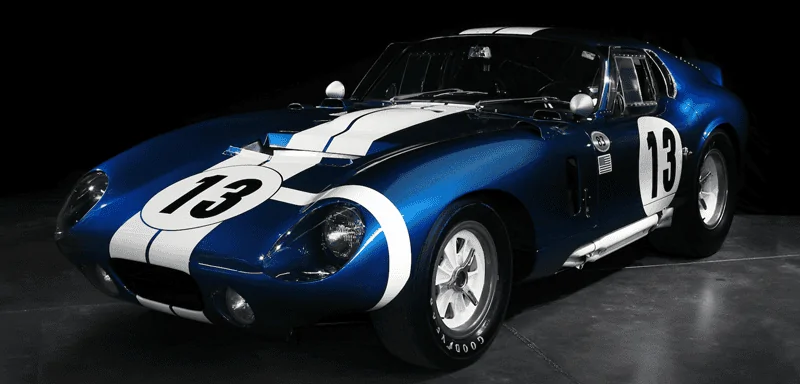
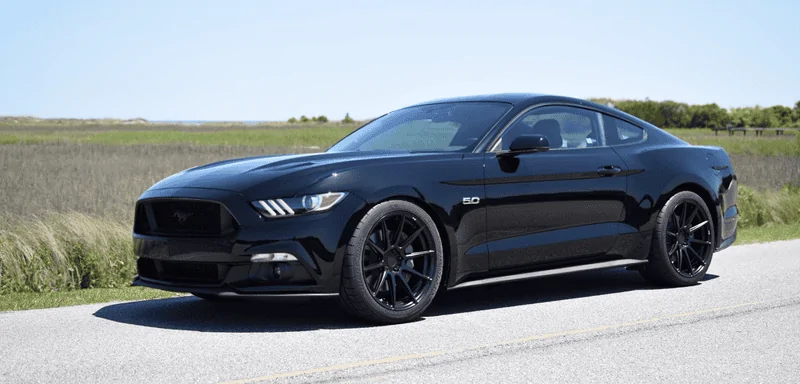
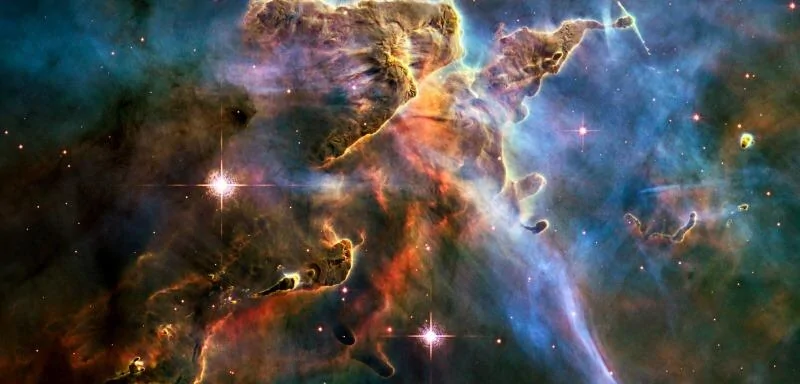
Nice. Do you have any MFT wallpapers of the "Pillars of Creation"?Here are a few that I like.

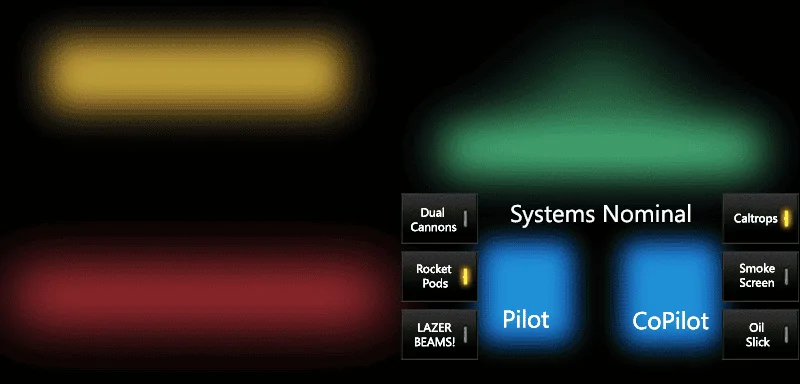
Here's the buttons fixed and the lettering for the seats moved.Can someone please modify this one to accommodate the heated/cooled seats and also make the Rocket Pods and Caltrops virtual buttons appear "disabled" (gray instead of yellow) like the other buttons? Thank you!
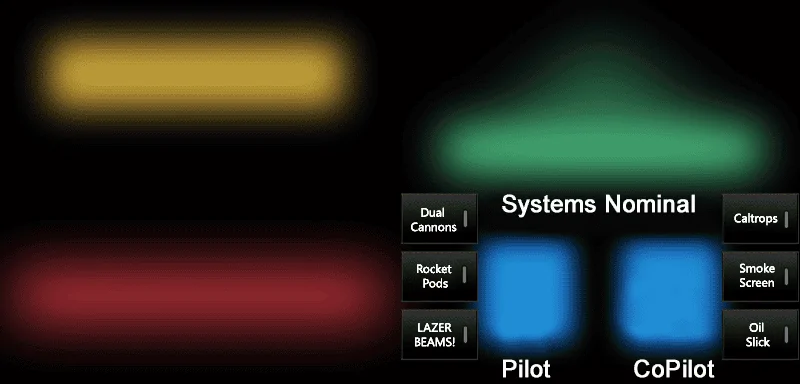
Thanks, Dr.! The text lines up perfectly, but the heat/cool "buttons" still overlay the bottom two fake buttons on each side. Would it be possible to make the six fake buttons a little less wide?Here's the buttons fixed and the lettering for the seats moved.
I think I see where you're going. Can you take a pic of your screen with this wallpaper and post it so we can see how much to move?Thanks, Dr.! The text lines up perfectly, but the heat/cool "buttons" still overlay the bottom two fake buttons on each side. Would it be possible to make the six fake buttons a little less wide?

 :
: