Sponsored

Upgrading my router. Which one is best?

shogun32

Well-Known Member
Joined
Feb 8, 2019
Threads
92
Messages
16,223
Reaction score
14,019
Location
Northern VA
First Name
Matt
Vehicle(s)
'19 GT/PP, '23 GB Mach1, '12 Audi S5 (v8+6mt)
Vehicle Showcase
2
this is all we linksys users get. the Netgear though has an entire QoS where everything is categorized on its own.
try a 'real' firmware then. consumer firmware is generally crap. Take a hole-saw to the plastic case above the cpu and wire in a small fan. Or drill a series of 1/4" holes in the plastic above and below (or sides) so if it's relying on passive cooling you get more of a chimney effect for circulation.

RF transmitters generate a healthy amount of heat and many of these devices have craptastic cooling.
Sponsored


 

hlfbkd420

Well-Known Member
Joined
Feb 13, 2019
Threads
14
Messages
2,249
Reaction score
2,405
Location
SW 'Merica
First Name
Bilbo Hicks
Vehicle(s)
2015 KIA Sorento SXL
Upgrade your service. I have 4 at home... GB connection with a 3 year old Nighthawk. Flawless. Always. Everything in my house is wireless and I never have a problem.

I have 3 computers myself. There are 3 tv's, 6 gaming consoles, 3 computers, and 4 cell phones connected otherwise.
 

The Demon

Well-Known Member
Joined
Mar 3, 2021
Threads
167
Messages
3,529
Reaction score
5,947
Location
FL
First Name
Brett
Vehicle(s)
2022 Mach 1 N5809
Vehicle Showcase
1
what do you mean switch? you mean something you physcically plug a wire into? not possible, we have 5 smart tv's in different bedrooms, every one of them have Apple TV's hooked up as well, thats 10 connections already.

I ripped out all the outside wiring in all the walls/outside of house too. it looked cleaner and going wireless meant we could have doors closed and such, all my tv's are floating, with no wires hanging from them. even the power wires are ran through the walls.

I didn't really plan it out when I did all this, I chose looks first over functionality, but thats because I didn't realize you could actually exceed limits on amounts of devices, hell even my scales are wifi, and watches, and clocks, its crazy. one room mate, I swear he has 7 phones by himself.

the crazy part is, even at the 100-200mbps speeds, we've never had lag, and no lag currently. its just the new Eero 6 pro it couldn't handle devices going on and off, and causing a lag spike and ruining the ps5 CoD zombie rounds! cant be having that.
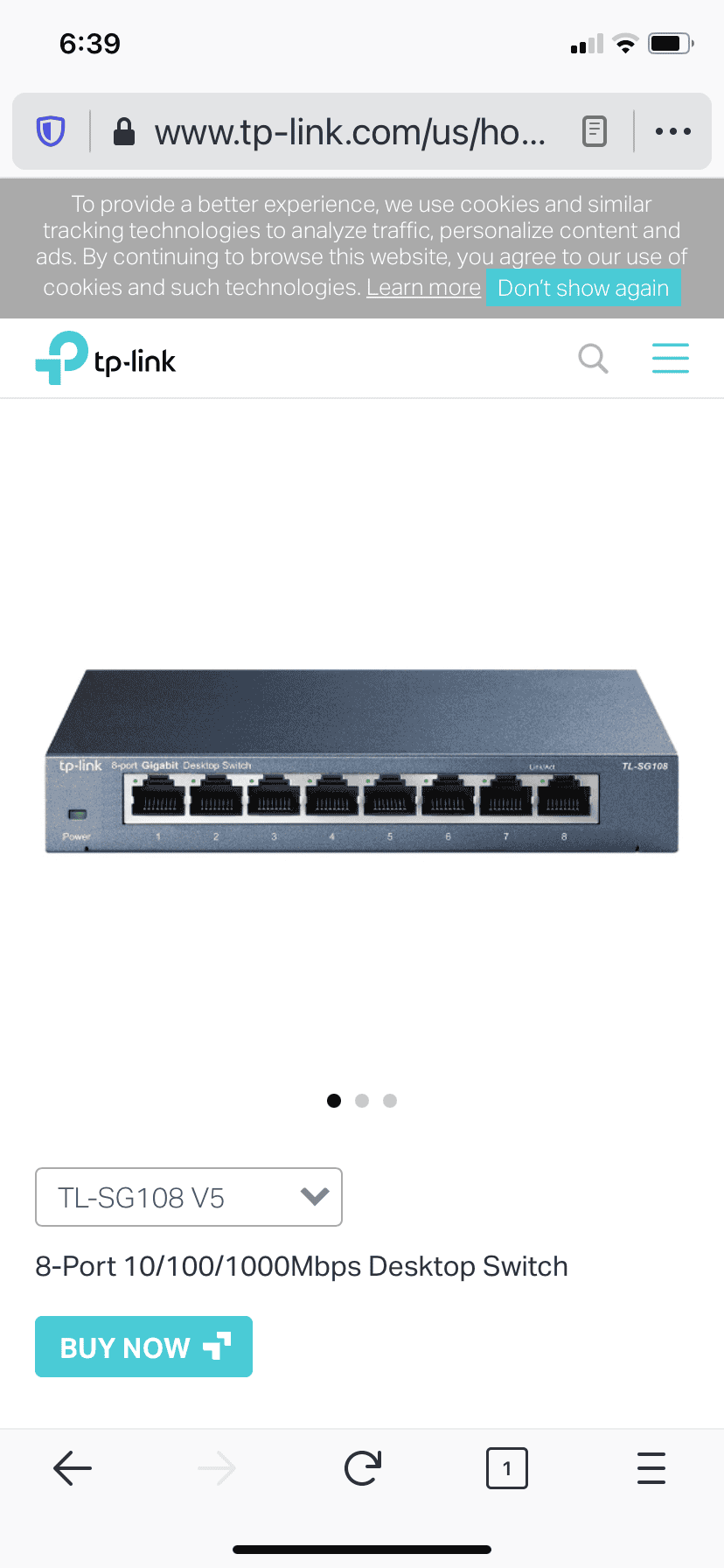
This is all I mean. Relax. I’m not an IT guy but I know you don’t need to buy a router all the time when they’re free. A router from any provider is good enough for everybody. Use your band with wisely. It’s called the switch.

D316CCFE-8307-44E7-8257-65418B448D04.png
 
OP
OP
FreePenguin

FreePenguin

Well-Known Member
Joined
Sep 29, 2019
Threads
81
Messages
5,354
Reaction score
3,704
Location
Ohio
First Name
Donald
Vehicle(s)
17 mustang
Vehicle Showcase
1
Upgrade your service. I have 4 at home... GB connection with a 3 year old Nighthawk. Flawless. Always. Everything in my house is wireless and I never have a problem.

I have 3 computers myself. There are 3 tv's, 6 gaming consoles, 3 computers, and 4 cell phones connected otherwise.

lol my router is 5 years old. with 3-4x more devices than you. It handles the speed well, we Never use the full speed offered, its just too many devices on the old dual core router.

we have tons of smart tv's tons of fire sticks, tons of Apple TV's, we all have apple watches, all have apple phones, laptops, desktops, ps5' and ps4 and xbox one downstairs. my roomie I swear has 7 phones, I have a iPhone, gf iPhone, some iPads room mate Samsung. scales, treadmills, full Sonos sound system, apple home pods, and home pod minis, Nintendo switches, printer, nest thermostat, couple other random gadgets. I think thats most of it though. Keep in mind, there are 4 of us here, all in 20's and we all have wifi devices/tv's in every single room in house.

It keeps growing in list though.
 
OP
OP
FreePenguin

FreePenguin

Well-Known Member
Joined
Sep 29, 2019
Threads
81
Messages
5,354
Reaction score
3,704
Location
Ohio
First Name
Donald
Vehicle(s)
17 mustang
Vehicle Showcase
1
This is all I mean. Relax. I’m not an IT guy but I know you don’t need to buy a router all the time when they’re free. A router from any provider is good enough for everybody. Use your band with wisely. It’s called the switch.

D316CCFE-8307-44E7-8257-65418B448D04.png
but there's no way for me to put the devices connected to that gadget, as there's no wires from any of the devices around the house to that. The ONLY thing I could wire to that, is a iMac that I am about to buy, I am putting it in the same room like 5 feet from the router soon. it'll be my new office.

how do you guys go about running those wires around the house? through the attic down the walls etc? curious. I have 20 inches of cellulose and really wouldn't want to disturb it again after blowing it all in.
 

Sponsored

The Demon

Well-Known Member
Joined
Mar 3, 2021
Threads
167
Messages
3,529
Reaction score
5,947
Location
FL
First Name
Brett
Vehicle(s)
2022 Mach 1 N5809
Vehicle Showcase
1
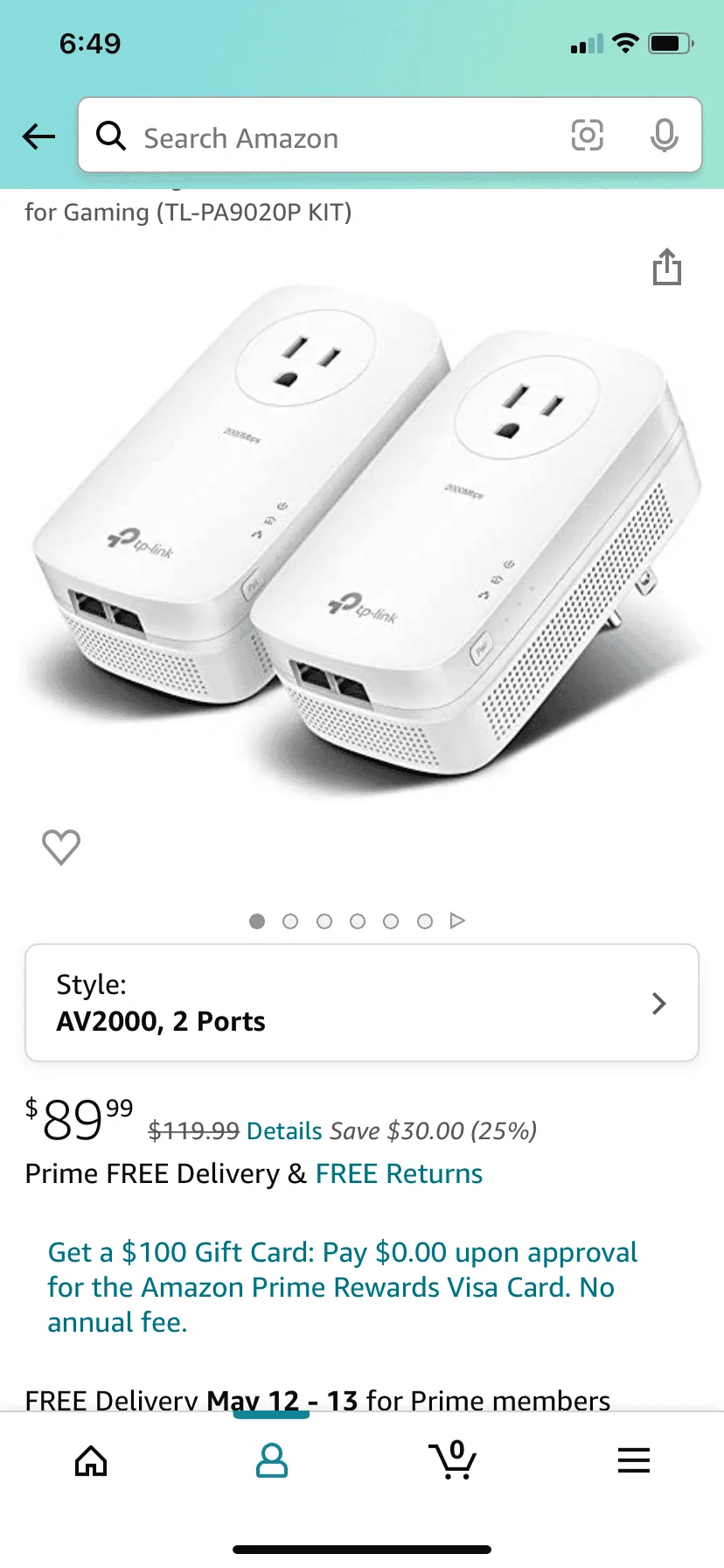
Get yourself a powerline and you plug in the ethernet into it from your router into it. Then you plug the rest of them around your house and it works like an extender. you get the same speed all around your house using the wiring in your house. You can plug-in as many as you want but when you do the speed goes down. You all want one for Wi-Fi and one for line. I have five in my house on all floors.

19201FBB-D415-43F6-BEED-B922BCFF20CC.webp
 

The Demon

Well-Known Member
Joined
Mar 3, 2021
Threads
167
Messages
3,529
Reaction score
5,947
Location
FL
First Name
Brett
Vehicle(s)
2022 Mach 1 N5809
Vehicle Showcase
1
Powerlines rock because you don’t have to do all that wiring. It works with the electrical outlets in your house. Easy Peezy, killer speed.
 
OP
OP
FreePenguin

FreePenguin

Well-Known Member
Joined
Sep 29, 2019
Threads
81
Messages
5,354
Reaction score
3,704
Location
Ohio
First Name
Donald
Vehicle(s)
17 mustang
Vehicle Showcase
1
Get yourself a powerline and you plug in the ethernet into it from your router into it. Then you plug the rest of them around your house and it works like an extender. you get the same speed all around your house using the wiring in your house. You can plug-in as many as you want but when you do the speed goes down. You all want one for Wi-Fi and one for line. I have five in my house on all floors.

19201FBB-D415-43F6-BEED-B922BCFF20CC.webp

I want to clarify, my router reaches every corner and further into my yard and street of house. it isn't the "range" its the device amount, too many devices, recently its been kicking off a random person here and there to make room for other devices. No real rhyme or reason. I believe we easily exceeded this guys brain. that was why I was looking @ those routers, that claim up to 60 + devices. They are all quad core 1.8ghz processors, while my current router is a 1.5ghz dual core. but also 5 years old.

but im going to try to hook up both routers and run them as piggy system as separate bands to help unload my main router.

I bought one of those wall extensions for my gf's cousins, I gave them my old ps4, and the wifi wasn't good enough, so I bought them one of those plug in extenders, and bam worked beautifully

its funny though the WRT3200ACM, on all the forums is hated by most people, stating its awful/unstable. but never had an issue myself
 

Soulja4187

Well-Known Member
Joined
Apr 1, 2020
Threads
52
Messages
1,633
Reaction score
900
Location
Greenacres, FL
First Name
David
Vehicle(s)
2021 Mustang GT Premium & 2025 Explorer ST
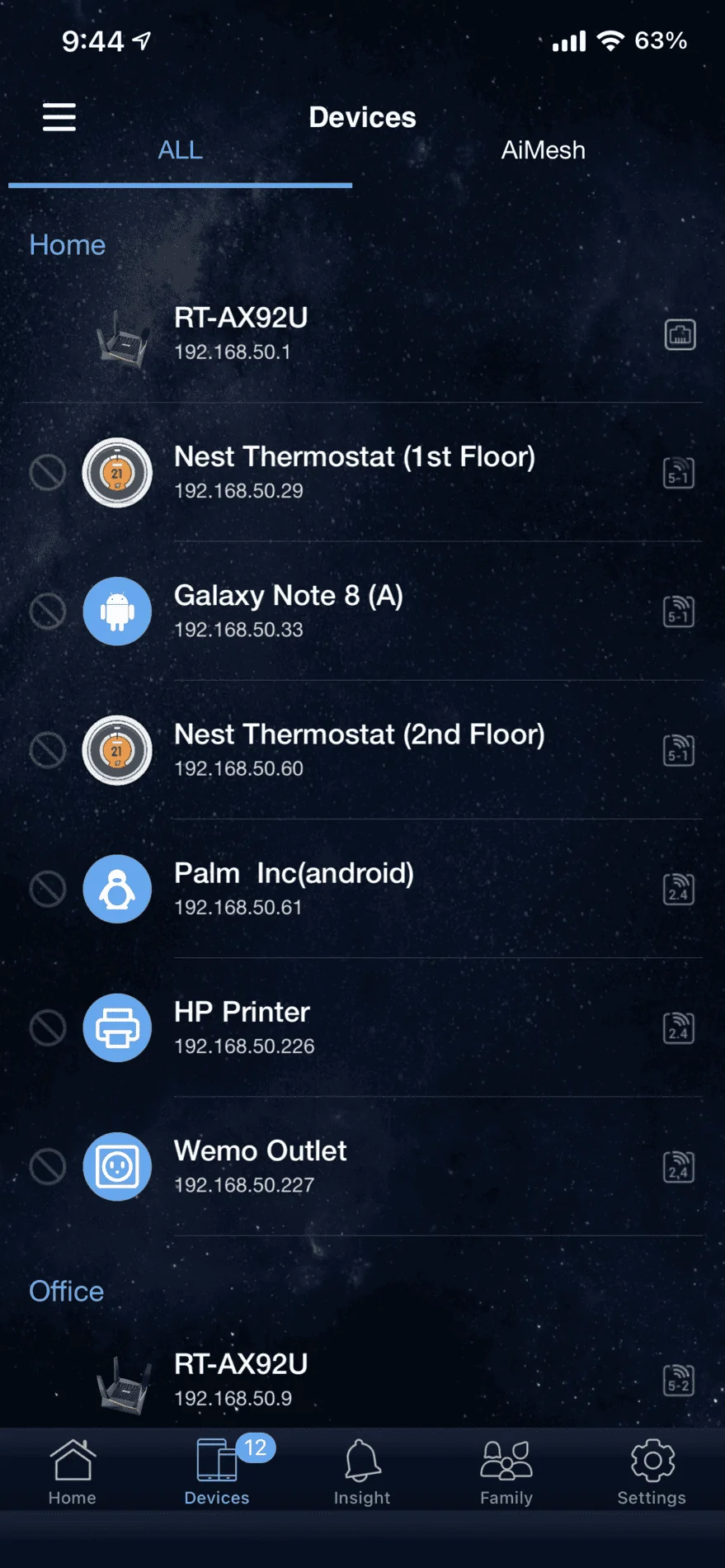
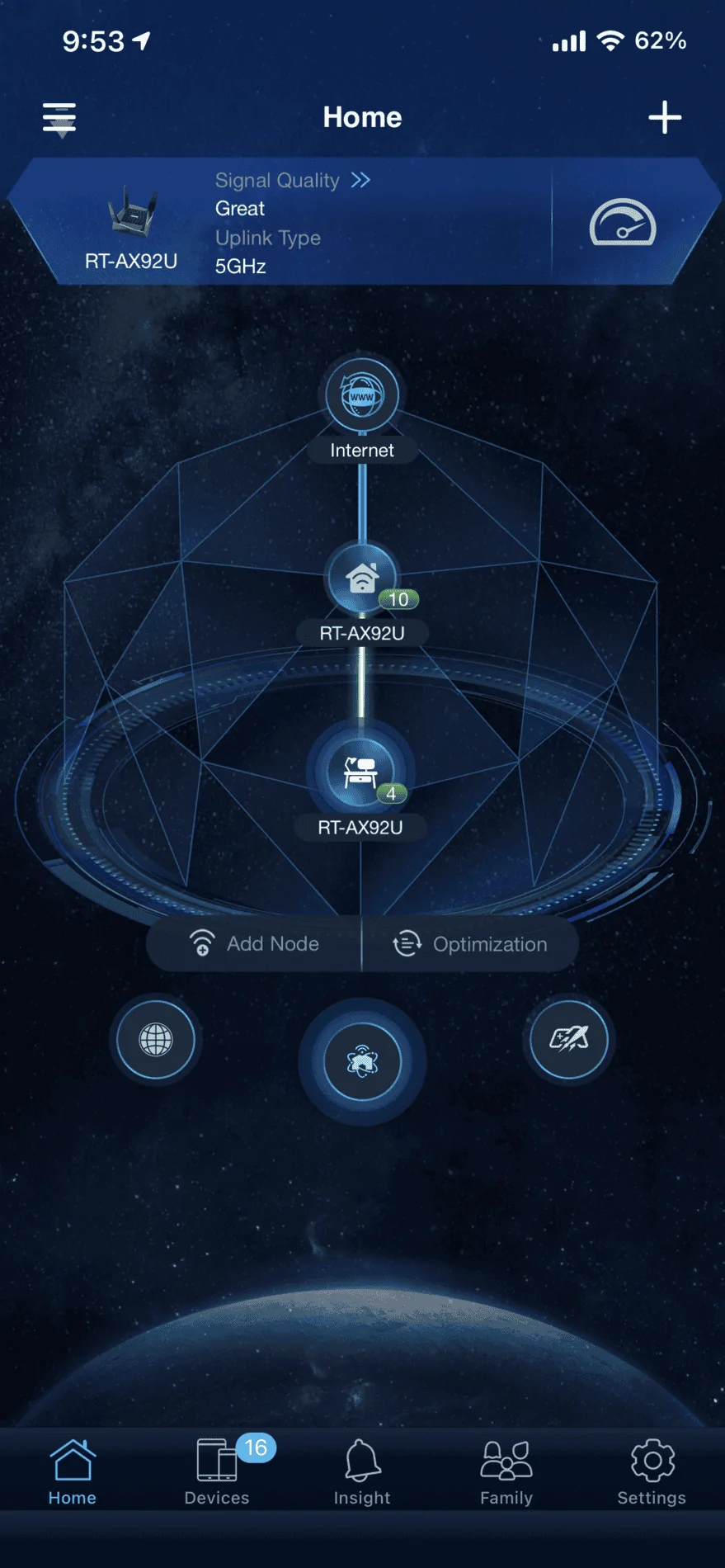
I recommend the ASUS AX6100 WiFi 6 Gaming Mesh Router (RT-AX92U 2 Pack) - Tri-Band Gigabit Wireless Internet Router, Gaming & Streaming, AiMesh Compatible, Included Lifetime Internet Security, Adaptive QoS

I have a 3600sf home and there are no dead spots and I get full speed no matter whereI’m at. It’s an Imesh system so you get 2 routers and they both share the same network name so everything that’s under can communicate with each other

https://www.amazon.com/dp/B07RBBX5ZW/ref=cm_sw_r_cp_api_glt_fabc_Y3WJZP3N3YPSK7SS3T8A

BFAC61AE-F3C3-4D17-A53D-25E6B7F8E852.webp


EE705DB2-21D4-4957-B613-E1102EE4023F.webp
 

Sponsored

JohnnyGT

Well-Known Member
Joined
Oct 24, 2020
Threads
5
Messages
1,319
Reaction score
3,318
Location
NoVA
First Name
John
Vehicle(s)
'20 Mustang GT, '17 Expedition, '04 LS430

shogun32

Well-Known Member
Joined
Feb 8, 2019
Threads
92
Messages
16,223
Reaction score
14,019
Location
Northern VA
First Name
Matt
Vehicle(s)
'19 GT/PP, '23 GB Mach1, '12 Audi S5 (v8+6mt)
Vehicle Showcase
2
its funny though the WRT3200ACM, on all the forums is hated by most people, stating its awful/unstable. but never had an issue myself
then buying a second should be cheap. It's the enemy you know. Stick with what works.
 
OP
OP
FreePenguin

FreePenguin

Well-Known Member
Joined
Sep 29, 2019
Threads
81
Messages
5,354
Reaction score
3,704
Location
Ohio
First Name
Donald
Vehicle(s)
17 mustang
Vehicle Showcase
1

JohnnyGT

Well-Known Member
Joined
Oct 24, 2020
Threads
5
Messages
1,319
Reaction score
3,318
Location
NoVA
First Name
John
Vehicle(s)
'20 Mustang GT, '17 Expedition, '04 LS430
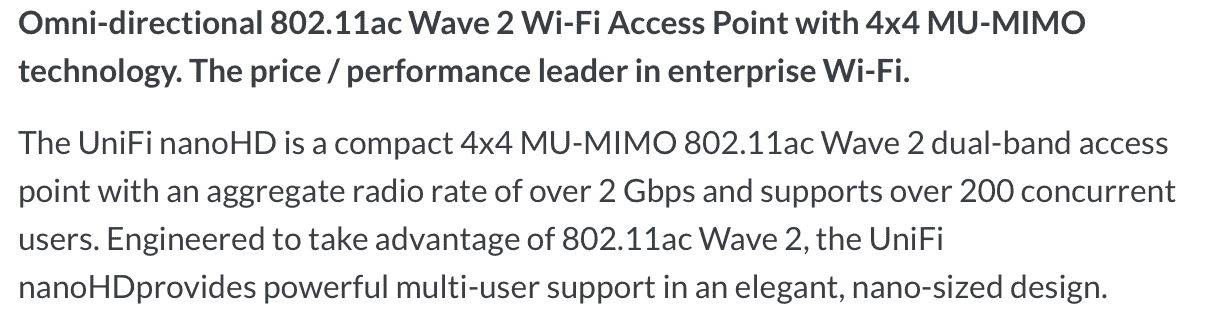
That is surprisingly cheap option in comparison to other things. those 3 things would really handle up to 200 devices??? that blows my mind
Screen Shot 2021-05-06 at 9.59.53 PM.png
It's meant for small to mid size businesses. Perfect for a higher end (overkill) home setup.
Sponsored


Top