Grimace427
Well-Known Member
Beautiful!
Sponsored

It's been a few years since I have shot in the mode but from what I remember when you're in the mode you can only adjust the aperture, not the exposure. The exposure is set by the camera? I just remember getting either severely underexposed or overexposed images. I prefer to shoot full manual.The whole purpose of aperture priority is for when you wish to control the depth of field in a shot. If what you're looking for in the shot doesn't involve monkeying with the DOF, then perhaps another mode is more appropriate, but if you're looking to get some separation between the subject, then aperture priority is a perfectly acceptable mode to use. As for exposure, it's always good to keep an eye on the exposure meter and maybe even chimp a little, and either change the metering mode or dial in some exposure compensation as needed.
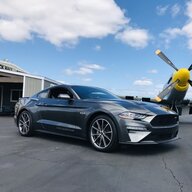
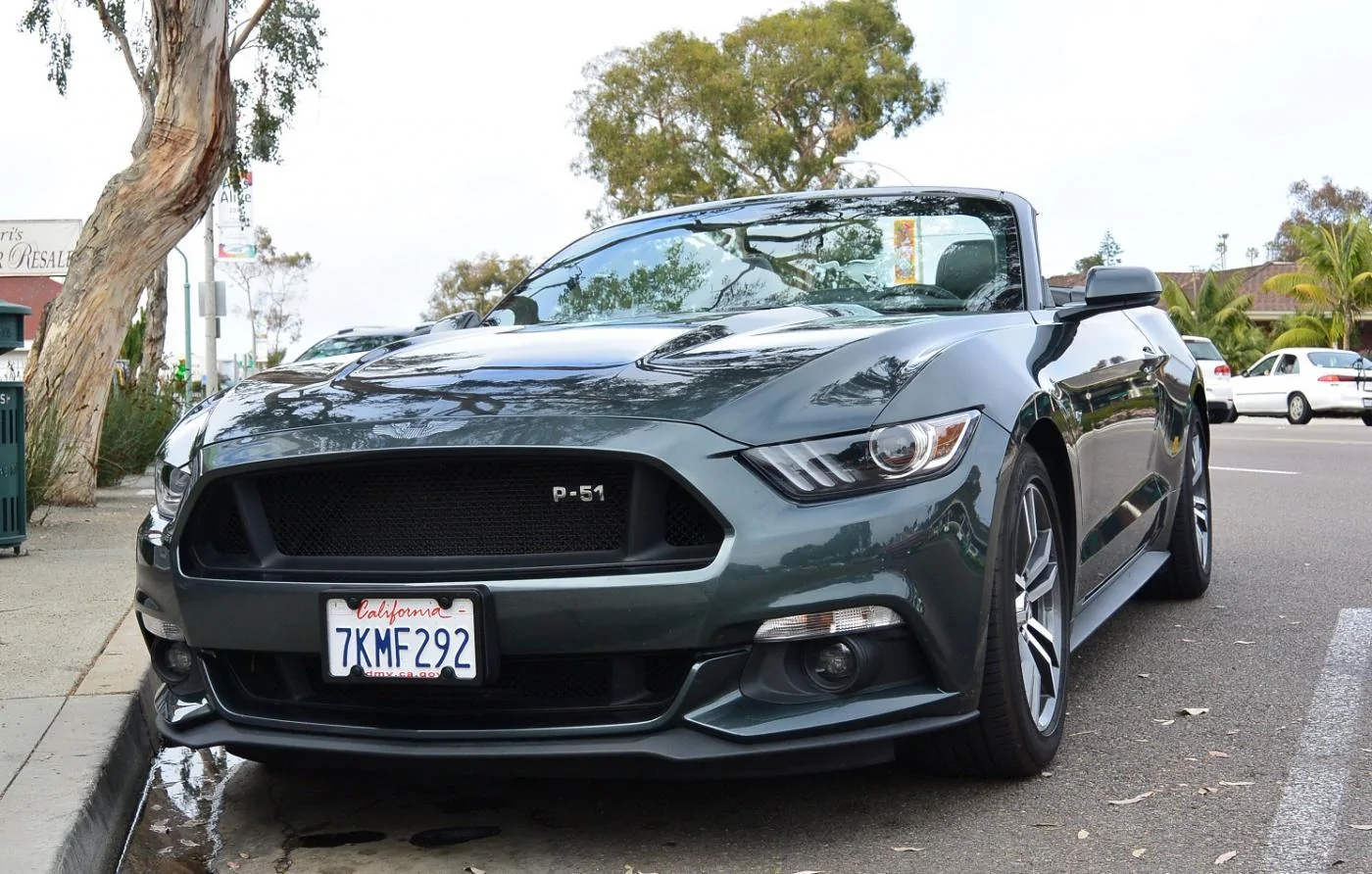
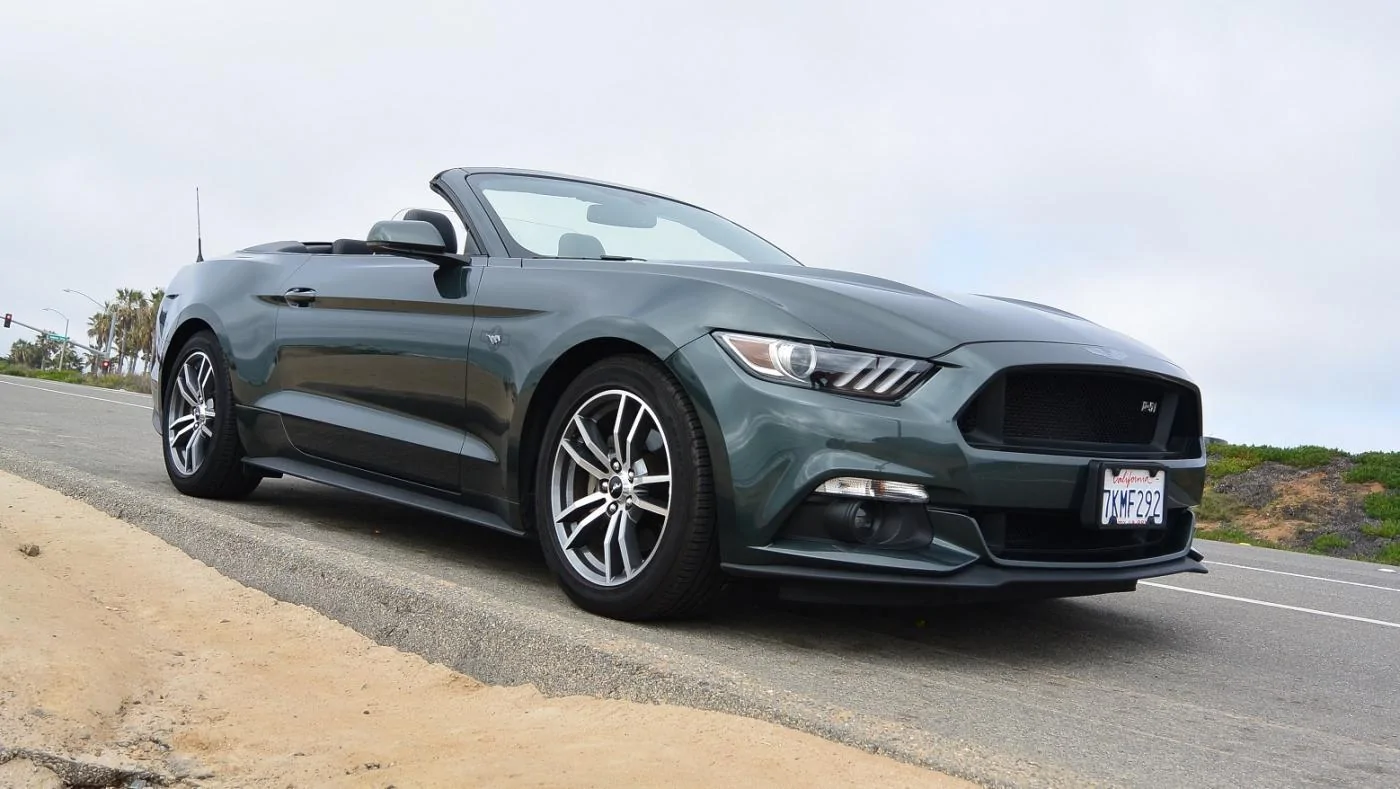
You know how I feel about your work :love:There's some great work in here. Here's couple recent shots.
It's been a few years since I have shot in the mode but from what I remember when you're in the mode you can only adjust the aperture, not the exposure. The exposure is set by the camera? I just remember getting either severely underexposed or overexposed images. I prefer to shoot full manual.
The issue with shutter speed is the biggest problem with aperture priority. I often shoot in that mode, but only when the light is good enough to ensure that the shutter speed stays up, and I also avoid it for things that are moving fast. Most of the time I shoot in "semi-manual" mode where, like you said, I let the camera adjust the ISO, but I have control over shutter and aperture.You set exposure via exposure compensation. Usually it sets at 0.0 for what the camera assumes is correct exposure. If you feel it is over/under then you can set the compensation higher or lower.
Also, since the camera corrects the exposure via shutter speed and ISO(after you set the aperture), you can set minimums and maximums for those as well. You can also turn off Auto-ISO so that the camera only adjusts shutter speed.
I prefer manual over aperture priority because the camera can only adjust the shutter speed based on light and not apparent motion(AFAIK) and I find it often chooses too-slow a shutter speed and thus I get blurry photos. I can bump ISO and turn off Auto-ISO but I'd rather set the shutter and let the camera choose ISO(within limits to reduce grain).
There's some great work in here. Here's couple recent shots.

Same principal would apply with digital. You could do it in separate frames, and then layer in photoshop. If you change the blend modes they will show though. Or, you can use selective masks in the desired area. This photo is an example of that concept. There is one base layer, and then about 10 shots that have a single speed light (flash) moved around to create the lighting effects. The photos are then layered on top of each other and blended to the desired effect.Back in the days when I was in highschool my favorite thing to do was play/paint with light at night time.
There was a 25 asa color film and I would throw a polarizer on my camera and stop down the shutter.
Then I could get like 5+ minute exposures to be able to grab color gels to put over a light source and fill areas with flash or handheld light.
Meanwhile the landscape in the back is filling under natural light and the stars are doing their star track thing.
I have no idea how to do that with a digital camera but would like to one day try again.

This photo is an example of that concept. There is one base layer, and then about 10 shots that have a single speed light (flash) moved around to create the lighting effects. The photos are then layered on top of each other and blended to the desired effect.
https://flic.kr/p/DDFZbg


The photos above were also done with light painting. You can see the streaks a little in some of the panels. I used about 3-5 photos set to a blend mode and masked out the streaks around the car as well as some in the panels.Back in the days when I was in highschool my favorite thing to do was play/paint with light at night time.
There was a 25 asa color film and I would throw a polarizer on my camera and stop down the shutter.
Then I could get like 5+ minute exposures to be able to grab color gels to put over a light source and fill areas with flash or handheld light.
Meanwhile the landscape in the back is filling under natural light and the stars are doing their star track thing.
I have no idea how to do that with a digital camera but would like to one day try again.