Sponsored

IN STOCK!!! New Sync3 theme navigation from Moddiction!

Status
Not open for further replies.

isoto

Well-Known Member
Joined
Jan 10, 2016
Threads
6
Messages
159
Reaction score
11
Location
Kansas City
Vehicle(s)
2015 Mustang V6
Thats where the guy says he get light bleed and he put black tape over it
I have seen no sign of light bleeding I know it's not fully dark for 2 more hours for me but I don't think these units do or at least mine
Sponsored


2016Stang5.0

Member
Joined
Jun 5, 2016
Threads
1
Messages
20
Reaction score
2
Location
York SC
Vehicle(s)
2016 GT Base PP Oxford White 6-speed manual
How do you remove the cig lighter
 

Sponsored

Arsh

Member
Joined
Jun 7, 2016
Threads
3
Messages
17
Reaction score
1
Location
Canada
Vehicle(s)
DIB Base 2016 Mustang
I installed mine today but arrow keypads doesn't work . Only the eject button works . Is that done purposely or am I not connecting something . And traction control doesn't work as :/ other than that . Everything works perfect
 
OP
OP
Moddiction

Moddiction

Well-Known Member
Joined
Oct 20, 2015
Threads
82
Messages
1,806
Reaction score
341
Location
Mooresville, NC
Vehicle(s)
2016 Mustang GT PP
If traction control isn't working the rubber buttons in the unit are not aligned properly causing the button not to work. You will have to open it up and re align the rubber button part.
 
OP
OP
Moddiction

Moddiction

Well-Known Member
Joined
Oct 20, 2015
Threads
82
Messages
1,806
Reaction score
341
Location
Mooresville, NC
Vehicle(s)
2016 Mustang GT PP
What is the arrow keypad you are talking about?
 

2016Stang5.0

Member
Joined
Jun 5, 2016
Threads
1
Messages
20
Reaction score
2
Location
York SC
Vehicle(s)
2016 GT Base PP Oxford White 6-speed manual
I put black tape anyway hell it can't hurt. Just don't wont to have to take back apart later.
 

Sponsored

2016Stang5.0

Member
Joined
Jun 5, 2016
Threads
1
Messages
20
Reaction score
2
Location
York SC
Vehicle(s)
2016 GT Base PP Oxford White 6-speed manual
All put back together now. Time to have a few OMB Coppers and wait for the sun to come up to finish install.:cheers:
 

Rabid74

Well-Known Member
Joined
Feb 7, 2016
Threads
9
Messages
194
Reaction score
30
Location
South Florida
First Name
Arnold
Vehicle(s)
2015 DIB Premium PP Mustang GT
Ok so I set the navigation to skip the preview now there is no way to exit the navigation screen unless I hit the m button on the steering wheel. And there is no way to get back to that menu to change it back. Is there a master rest ?
 
OP
OP
Moddiction

Moddiction

Well-Known Member
Joined
Oct 20, 2015
Threads
82
Messages
1,806
Reaction score
341
Location
Mooresville, NC
Vehicle(s)
2016 Mustang GT PP
I'll have to look into the navigation setting you put on and see what's going on. You can reset the whole system in the settings menu. You can see if that fixes the nav issue.

I can take a look tomorrow and see if I can figure that out.
 

Rabid74

Well-Known Member
Joined
Feb 7, 2016
Threads
9
Messages
194
Reaction score
30
Location
South Florida
First Name
Arnold
Vehicle(s)
2015 DIB Premium PP Mustang GT
I hit the rest in the menu and the system restarted but it still does the same thing it. If I hit the navigation button it loads strait to the map and then I can't exit unless I use the m and I can't get to the menu to change it back
 

EddieGT

Well-Known Member
Joined
Jan 17, 2016
Threads
0
Messages
408
Reaction score
89
Location
San Diego, CA
First Name
Eddie
Vehicle(s)
2016 Mustang GT, 2012 Challenger SRT8, 67 Fastback
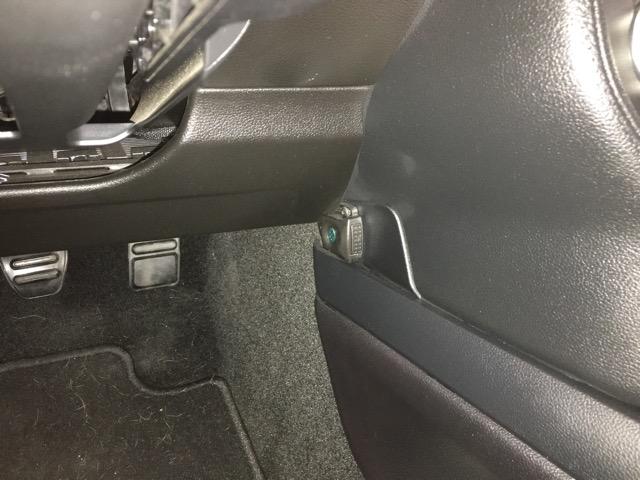
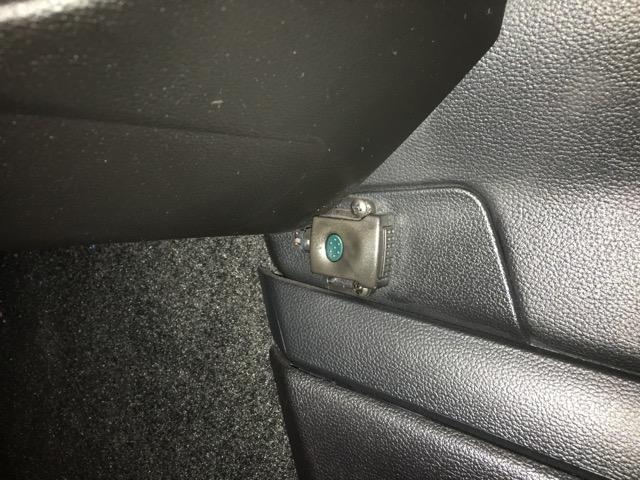
Those are only on models shipped to the Peoples Republic of California. Governor Moonbeam is watching your every move my friend.:lol:

seriously dude, WFT?:cool:

I don't have one
No fucking clue. I'll ask the dealer.
Sponsored

 
Status
Not open for further replies.


Top