

NovaSayan
Active Member
- Thread starter
- #1
Hello friends,
Today hasn't been the best day. I wanted to finally update my Mustang's infotainment to 3.4 using the USB method. I downloaded the software off Ford's website after inputting my VIN, and went off of their instructions. I placed the USB into the car, and it then said it was downloading an update. The screen said to remove the USB and went black. It has not worked properly since.
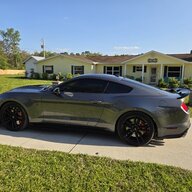
A little bit of context regarding my vehicle, it is a base 2021 GT. I bought a Sync 3 system 2 years ago, used Forscan to program it, and gained all the features of Sync 3. I forgot the exact year of the system, but it might be 2020 or 2019 if I remember correctly. I used Forscan to turn the start-up animation into the Ford GT "GT Performance" start-up screen, as well as adjusted the theme to be a dark color. I remember reading that Sync 3.4 does not have access to these, but I also remember reading it was okay to update your Sync 3, you would just lose access to the Splash Screen and Theme.
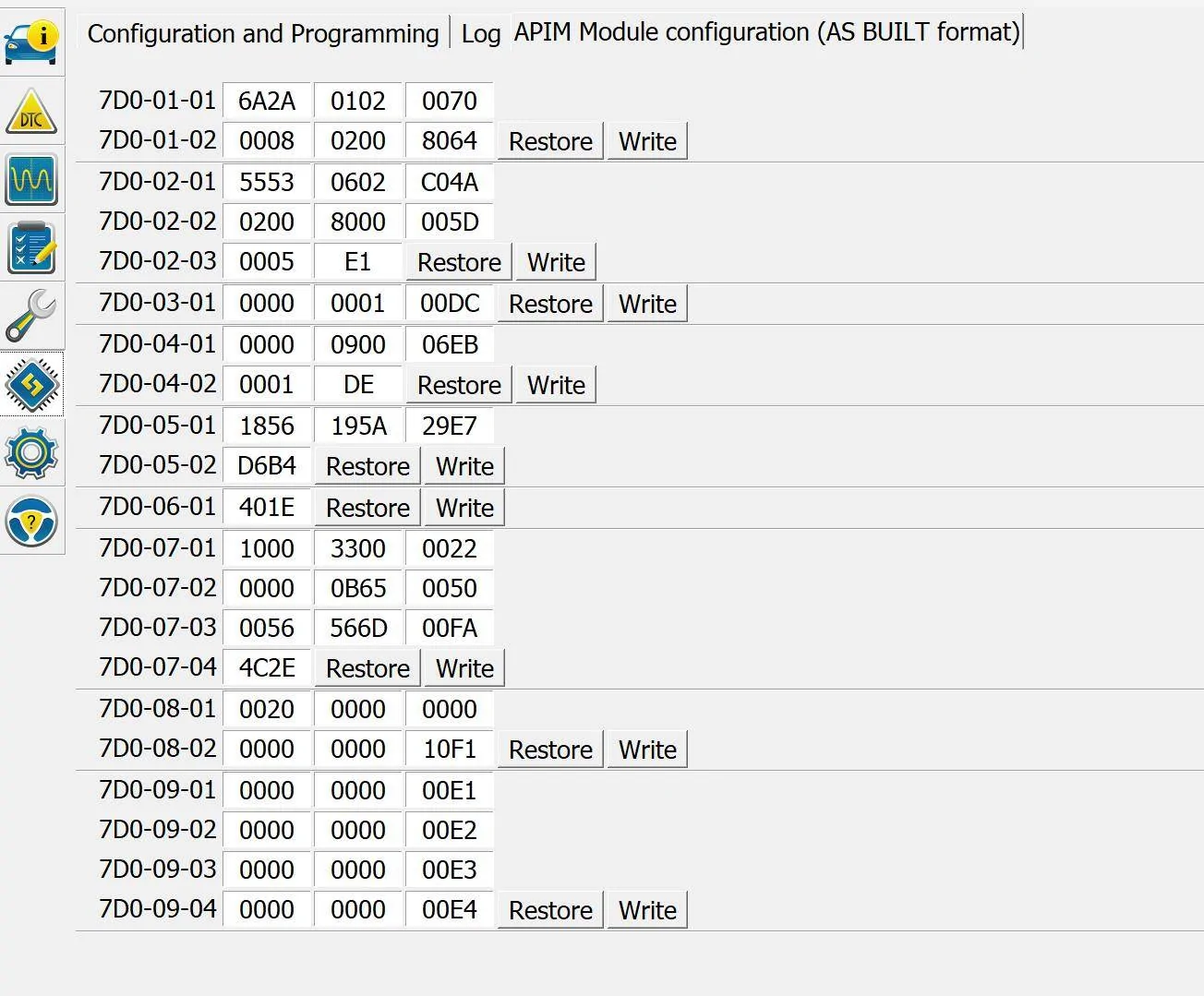
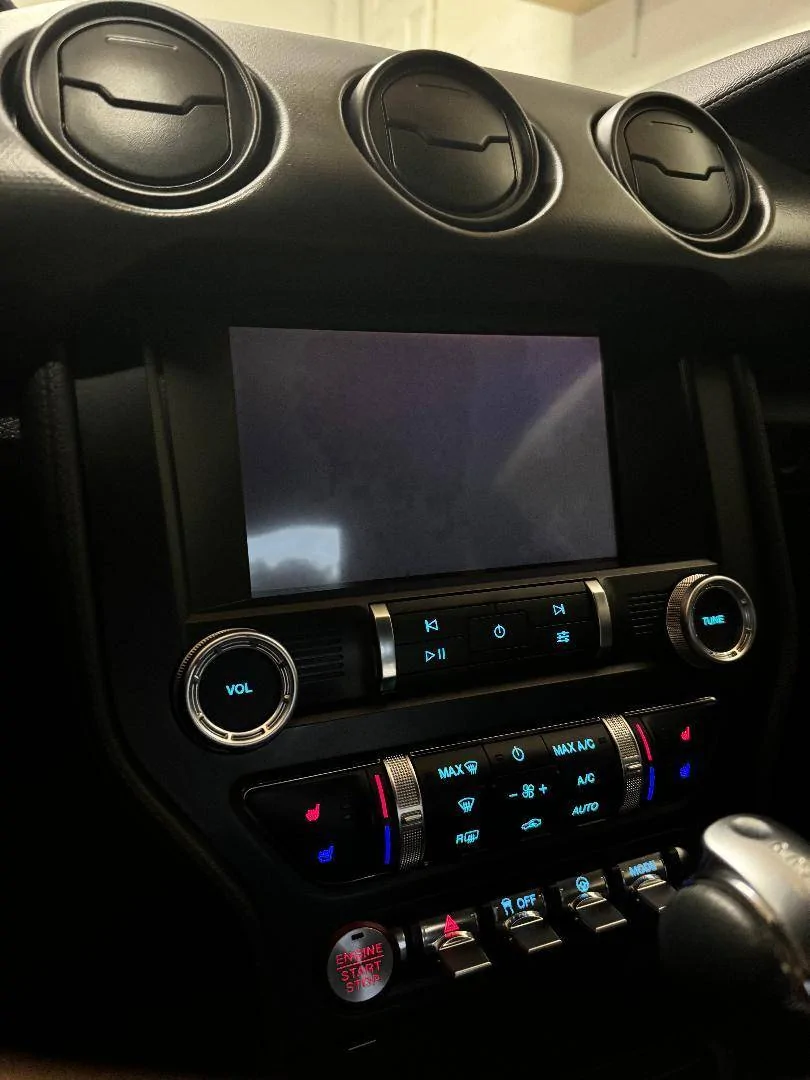
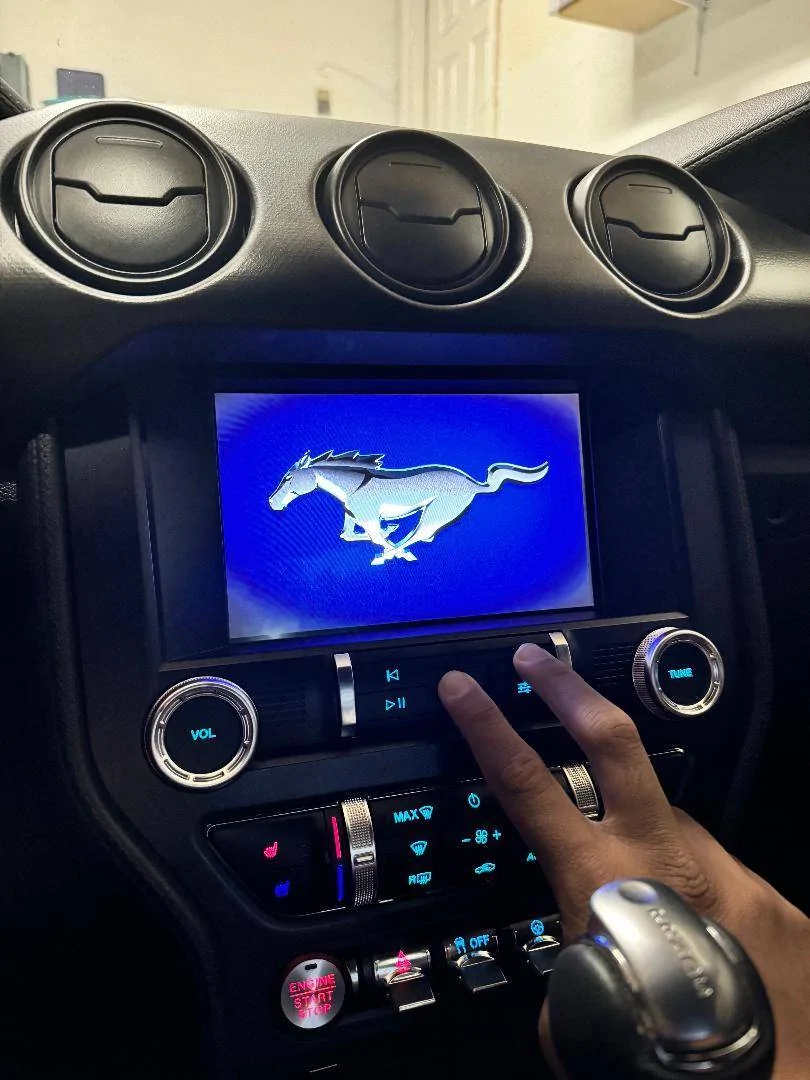
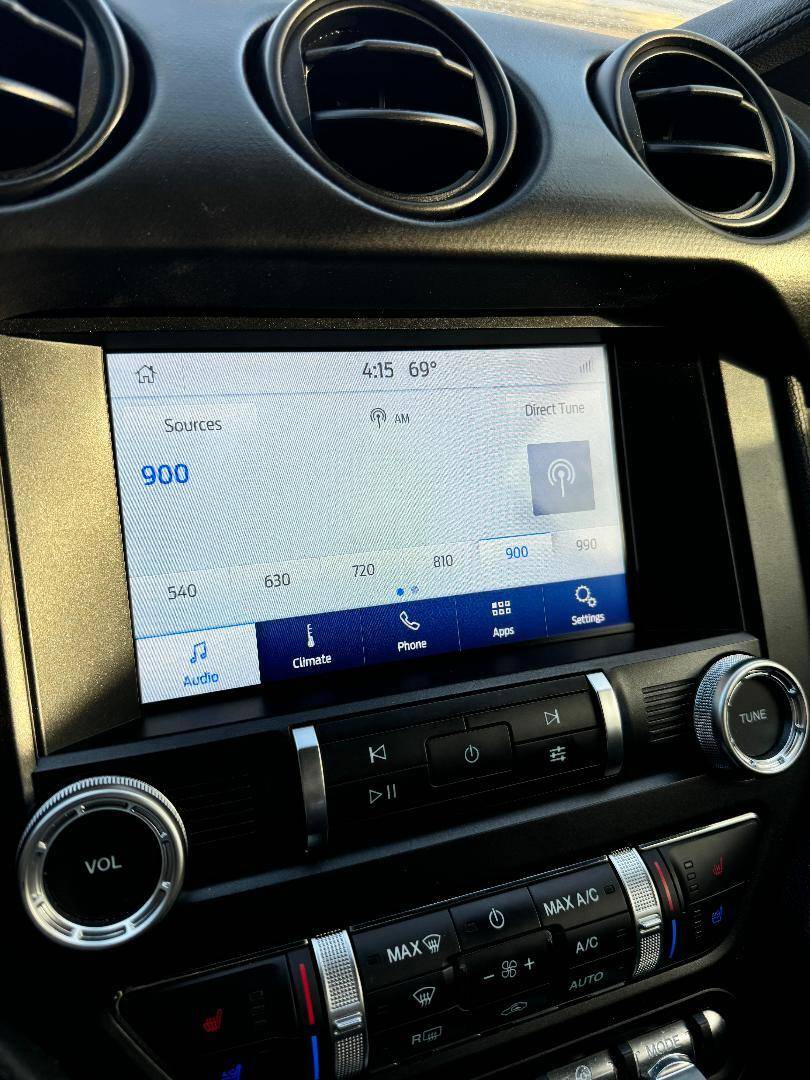
The screen now displays some interesting characteristics. It is a completely black screen but I can tell it is still being backlit. When using the stereo power button and forward skip to do a hard reset to the system, the Ford logo would show, disappear, and then the screen would be black again. The reverse camera still works. The radio also works when I increase the sound. I went back to Forscan to readjust 7D0-02-01, setting it to the Mustang Splash screen to see if that would change anything. The only thing that changed was that when I did the hard reset, it now showed the normal Mustang splash screen. I also adjusted 7D0-03-01 since that was what had the Ford GT Theme, I believe I now set it to the normal Sync 3 theme for 8-inch screens. Nothing has changed, unfortunately.
If anyone can help me resolve these issues I would be grateful. I could take it to a dealer but I'm sure I would be charged, so I'm trying to reach out for advice before that. Thanks in advance!


Today hasn't been the best day. I wanted to finally update my Mustang's infotainment to 3.4 using the USB method. I downloaded the software off Ford's website after inputting my VIN, and went off of their instructions. I placed the USB into the car, and it then said it was downloading an update. The screen said to remove the USB and went black. It has not worked properly since.
A little bit of context regarding my vehicle, it is a base 2021 GT. I bought a Sync 3 system 2 years ago, used Forscan to program it, and gained all the features of Sync 3. I forgot the exact year of the system, but it might be 2020 or 2019 if I remember correctly. I used Forscan to turn the start-up animation into the Ford GT "GT Performance" start-up screen, as well as adjusted the theme to be a dark color. I remember reading that Sync 3.4 does not have access to these, but I also remember reading it was okay to update your Sync 3, you would just lose access to the Splash Screen and Theme.
The screen now displays some interesting characteristics. It is a completely black screen but I can tell it is still being backlit. When using the stereo power button and forward skip to do a hard reset to the system, the Ford logo would show, disappear, and then the screen would be black again. The reverse camera still works. The radio also works when I increase the sound. I went back to Forscan to readjust 7D0-02-01, setting it to the Mustang Splash screen to see if that would change anything. The only thing that changed was that when I did the hard reset, it now showed the normal Mustang splash screen. I also adjusted 7D0-03-01 since that was what had the Ford GT Theme, I believe I now set it to the normal Sync 3 theme for 8-inch screens. Nothing has changed, unfortunately.
If anyone can help me resolve these issues I would be grateful. I could take it to a dealer but I'm sure I would be charged, so I'm trying to reach out for advice before that. Thanks in advance!
Sponsored


 .
. 